What Is the WhatsApp Business API? Setup, Meta Approval and Fees (2026–2027)
What the WhatsApp Business API is, how it differs from the app, how setup and Meta approval work and how fees are calculated, with a 7-step setup and checklist.
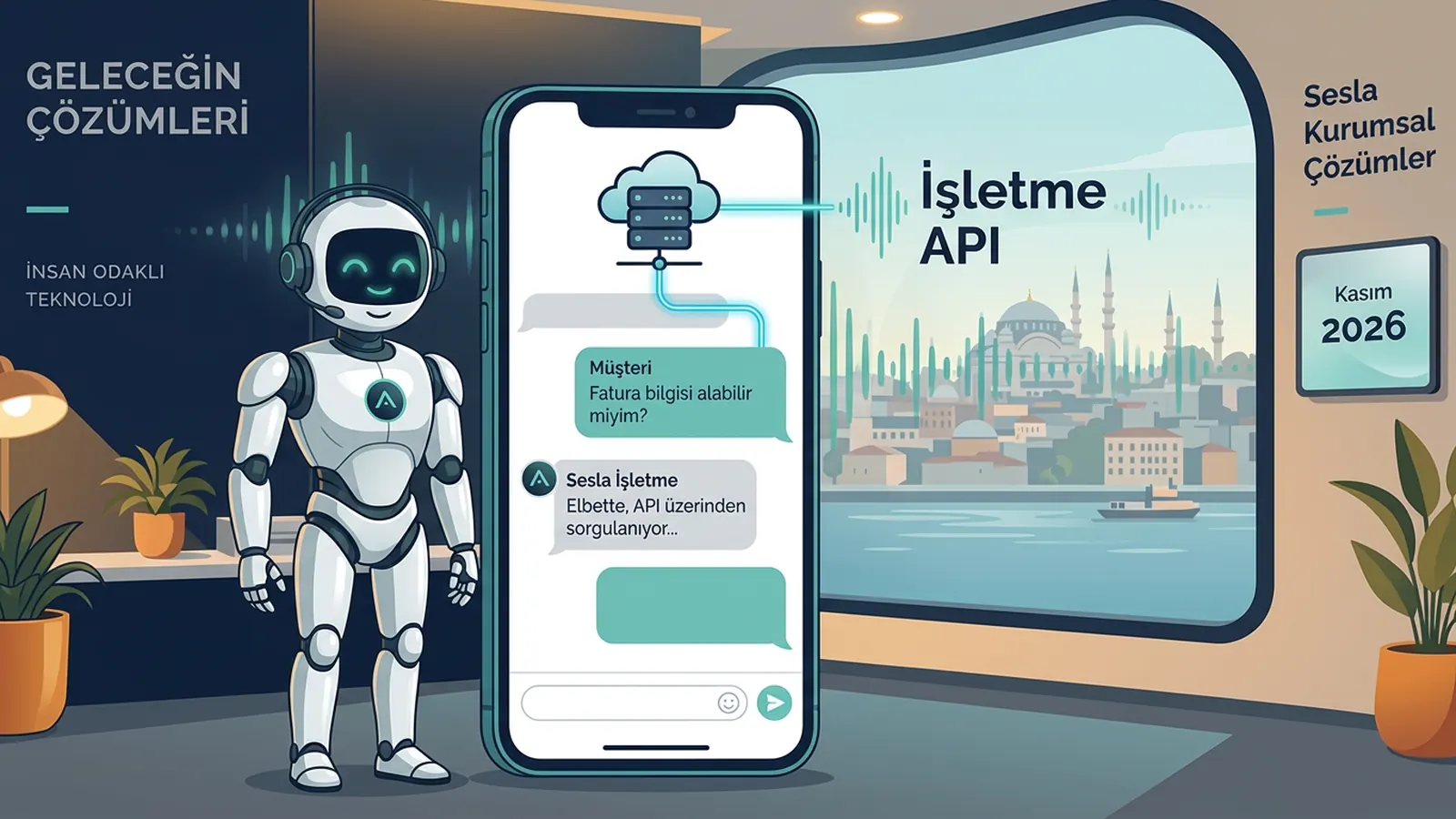
The WhatsApp Business API is the official infrastructure that lets businesses use WhatsApp through software, CRMs and AI assistants instead of an app on a single phone. Meta now offers it under the name "WhatsApp Business Platform", but the most common name is still WhatsApp Business API. When message traffic grows, when several people need to write from the same number or when messages should be answered automatically 24/7, the app is no longer enough and the API comes into play. In 2026–2027, here is what a business considering the API needs to know: what the API is, how it works, how it differs from the app, how setup and Meta approval proceed, how fees are calculated and what to watch out for.
Who is this guide for? Most people searching "what is the WhatsApp Business API" are business owners or marketing/operations managers already using the WhatsApp Business app and hitting its limits. Their questions are technical and administrative: the difference between the API and the app, setup steps, Meta approval, how fees are calculated and what happens to the existing number. We have a separate guide on what an AI assistant can do on WhatsApp; this article focuses on the infrastructure itself.
What is the WhatsApp Business API?
The WhatsApp Business API is an official interface that frees your business number from a phone app and connects it to software. Messages arrive not in an app on a phone but in connected systems via this interface, so your team, your CRM or an AI call centre solution can chat from the same number simultaneously. Sesla, on Türkiye’s most advanced AI call center infrastructure, manages WhatsApp messages through this official infrastructure with the same knowledge base as phone and other channels.
The API has no screen of its own. You need an interface: a shared team inbox, a CRM or an AI assistant that answers messages automatically. That is why businesses usually use the API not directly but through Meta’s partners or software that has integrated the API into its product.
- Official infrastructure: provided by Meta and subject to Meta’s business messaging policies.
- Multiple users: many agents and tools can work on the same number.
- Automation: automatic replies, AI assistants, routing rules.
- Template messages: Meta-approved templates for writing to customers outside the 24-hour window.
- Integration: CRM, booking system, order platform and calendar connections.
- Scale: as message volume grows, Meta’s messaging limits can increase step by step.
WhatsApp Business Platform, Cloud API and "API" terms
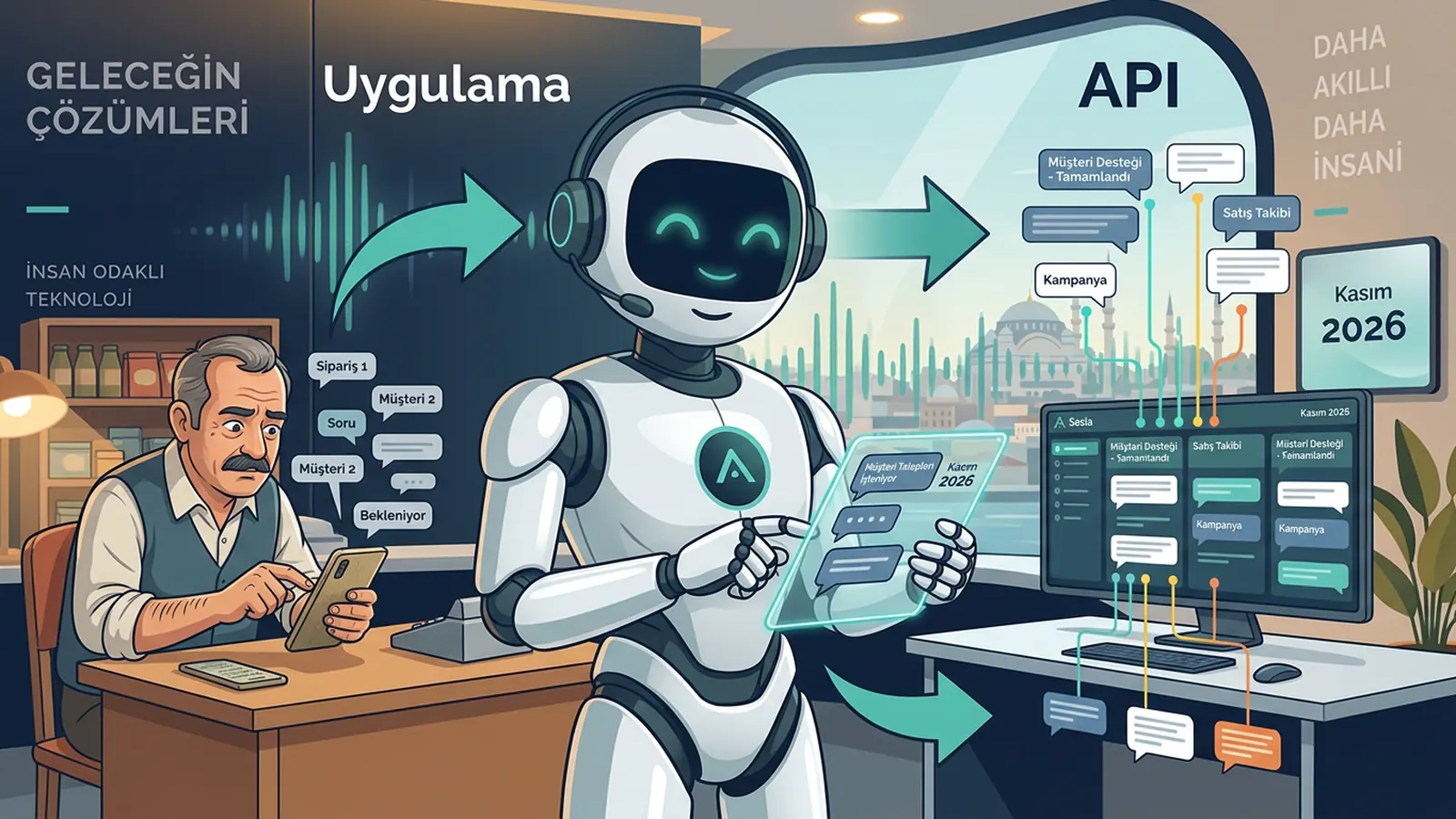
The terms can seem confusing. WhatsApp Business Platform is the general name of Meta’s business messaging product. Cloud API is the version of this platform hosted on Meta’s own servers and is widely used for new setups today. In everyday language all of these are simply called "WhatsApp API". What matters for a business is that the solution it uses is connected to Meta’s official infrastructure.
How does the WhatsApp Business API work?
The WhatsApp Business API passes the customer’s message from Meta’s infrastructure to the connected software and sends the software’s reply back to the customer. Three rules are decisive: who started the conversation, the 24-hour customer service window and approved templates. A message’s journey looks like this:
- 1. The customer writes: a message, photo or voice note arrives at your business number.
- 2. The infrastructure forwards it: Meta passes the message to the software your number is connected to (inbox, CRM or AI assistant).
- 3. The window opens: for 24 hours after the customer’s last message the business can reply with free-form text.
- 4. A reply is produced: an agent or AI assistant answers from the knowledge base and, if needed, creates an appointment or request.
- 5. If the window closes: after 24 hours the business can only write with Meta-approved template messages.
- 6. Records and reports: conversations are recorded and tracked in the team and management dashboard.
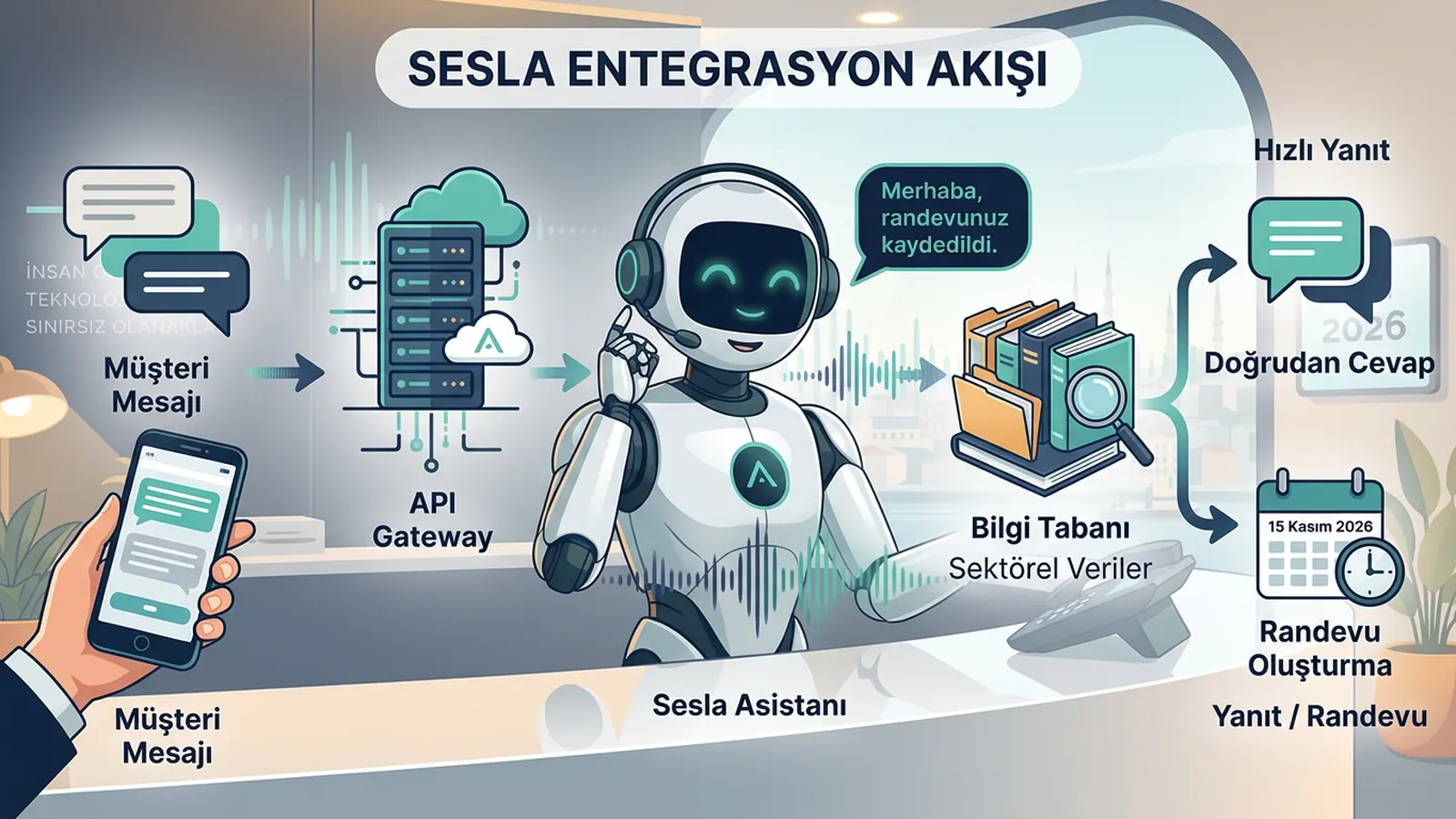
The 24-hour rule is the most misunderstood part of the API. It limits spam by preventing businesses from sending free-form messages to customers whenever they like. When the customer writes, the conversation opens naturally; if the business wants to make the first move, it writes with a pre-approved template and the customer’s consent. That is why templates for follow-ups, reminders and notifications must be planned from the start.
WhatsApp app, WhatsApp Business app and WhatsApp Business API compared
For small, low-volume businesses the WhatsApp Business app is often enough; when multiple users, automation and integration are needed, the API comes in. The table compares the three options by criterion.
| Criterion | Personal WhatsApp | WhatsApp Business app | WhatsApp Business API |
|---|---|---|---|
| Target | Personal communication | Small business | Growing and corporate business |
| Number of users | One person | Limited linked devices | Many agents and tools |
| Interface | Phone app | Phone/desktop app | Connected software or dashboard |
| Automation | None | Quick replies, greeting message | Full automation, AI assistant |
| Integration | None | Limited | CRM, calendar, order systems |
| Template messages | None | None | Meta-approved templates |
| Cost | Free | App is free | Meta message fees + software fee |
| Verification | Not required | Optional profile | Meta business verification |
In short: the app is ideal for a quick start but tied to one screen; the API requires setup and rules but offers scale, automation and integration in return. We cover the difference between rule-based chatbots and AI assistants in detail in our WhatsApp AI assistant guide.
When should you move to the API?
- When several people need to chat from the same number.
- When messages should also be answered after hours and at weekends.
- When appointment, order or request details must be recorded in a system automatically.
- When consented reminders and notifications will be sent to customers.
- When you want the same knowledge base as phone, Instagram and website chat.
How is the WhatsApp Business API used across industries?
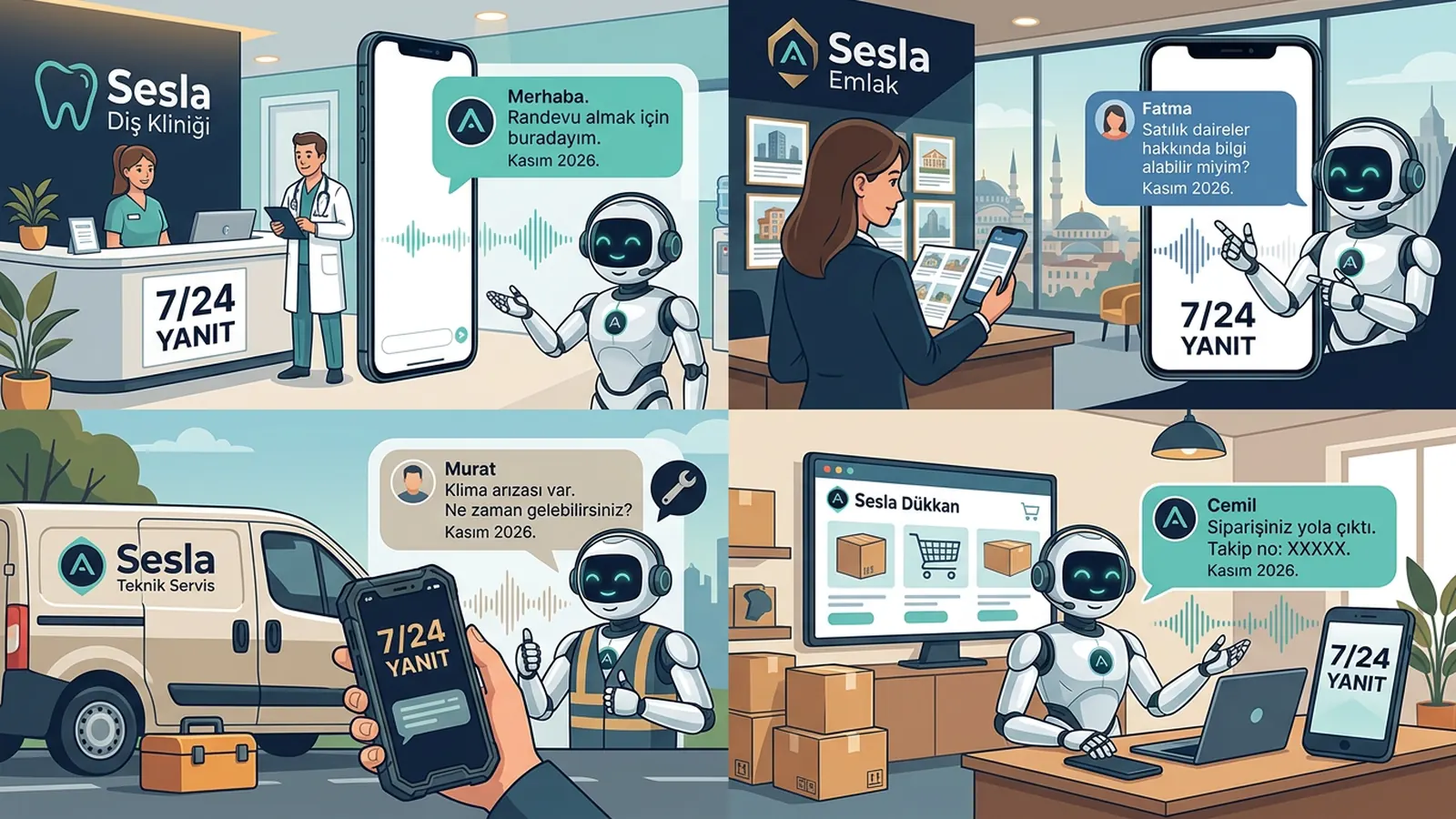
The API makes the biggest difference in industries with high message volume where fast replies directly affect sales. Below is one concrete scenario per industry.
Clinics and medical tourism
Questions from home and abroad arrive in different languages and at different hours. The assistant collects initial details in the patient’s language, passes on requests for photos or documents and suggests an appointment, leaving medical assessment to the team. The pre-appointment reminder goes out with an approved template. Our medical tourism page describes this flow in detail.
Real estate offices
"Is it still for sale?" messages from listing sites are frequent. The assistant collects which listing is being asked about, the budget and a suitable viewing time and passes a summary to the agent. Our real estate page includes example flows.
Technical service
The customer reports a fault with a photo. The assistant records the device type, address and a suitable visit window, creates the service appointment and schedules a reminder with an approved template before the visit. Our technical service page covers this scenario.
E-commerce
Order status, returns and stock questions repeat. When the API is connected to the order system, the assistant can answer with accurate status information, while order and shipping notifications are sent with consented templates. Details on our e-commerce page.
Restaurants and service businesses
Reservation, menu and opening-hours questions peak in the evening. The assistant takes the reservation request, notes the party size and time and hands over to the team if necessary.
A realistic chat: a dental clinic appointment via the API
The example below is a chat between a patient writing to a dental clinic’s WhatsApp line in the evening and the Sesla assistant connected via the API. Clinic and personal names are examples.
- Patient: "Hello, can I get a price for an implant?"
- Assistant: "Hello, welcome to Gülüş Dental Clinic. I’m the clinic’s AI assistant. The implant fee is set by the dentist after an examination and imaging; I can arrange an examination time for you. Have you had a panoramic X-ray before?"
- Patient: "I had one last year, shall I send a photo?"
- Assistant: "Yes, you can send it; I’ll add it as a note for our dentist’s preliminary review. Thursday 10:00 and Friday 16:30 are available for an examination. Which do you prefer?"
- Patient: "Friday 16:30."
- Assistant: "May I have your first and last name?"
- Patient: "Ayşe Yılmaz."
- Assistant: "Ms Yılmaz, I’ve created your examination request for Friday 16:30. You’ll receive a reminder at this number before the appointment. I’ve passed your X-ray photo and question to our dentist. Anything else?"
- Patient: "No, thank you."
- Assistant: "You’re welcome, Ms Yılmaz. Have a good evening."
Three API features work together here: because the customer wrote, the 24-hour window is open and the assistant replies with free-form text; photo attachments are linked to the conversation; and the appointment reminder is sent with a Meta-approved template, since the window may have closed by then. The assistant does not invent prices or give medical opinions; it collects information and starts the process.
WhatsApp API setup and Meta approval: 7 steps
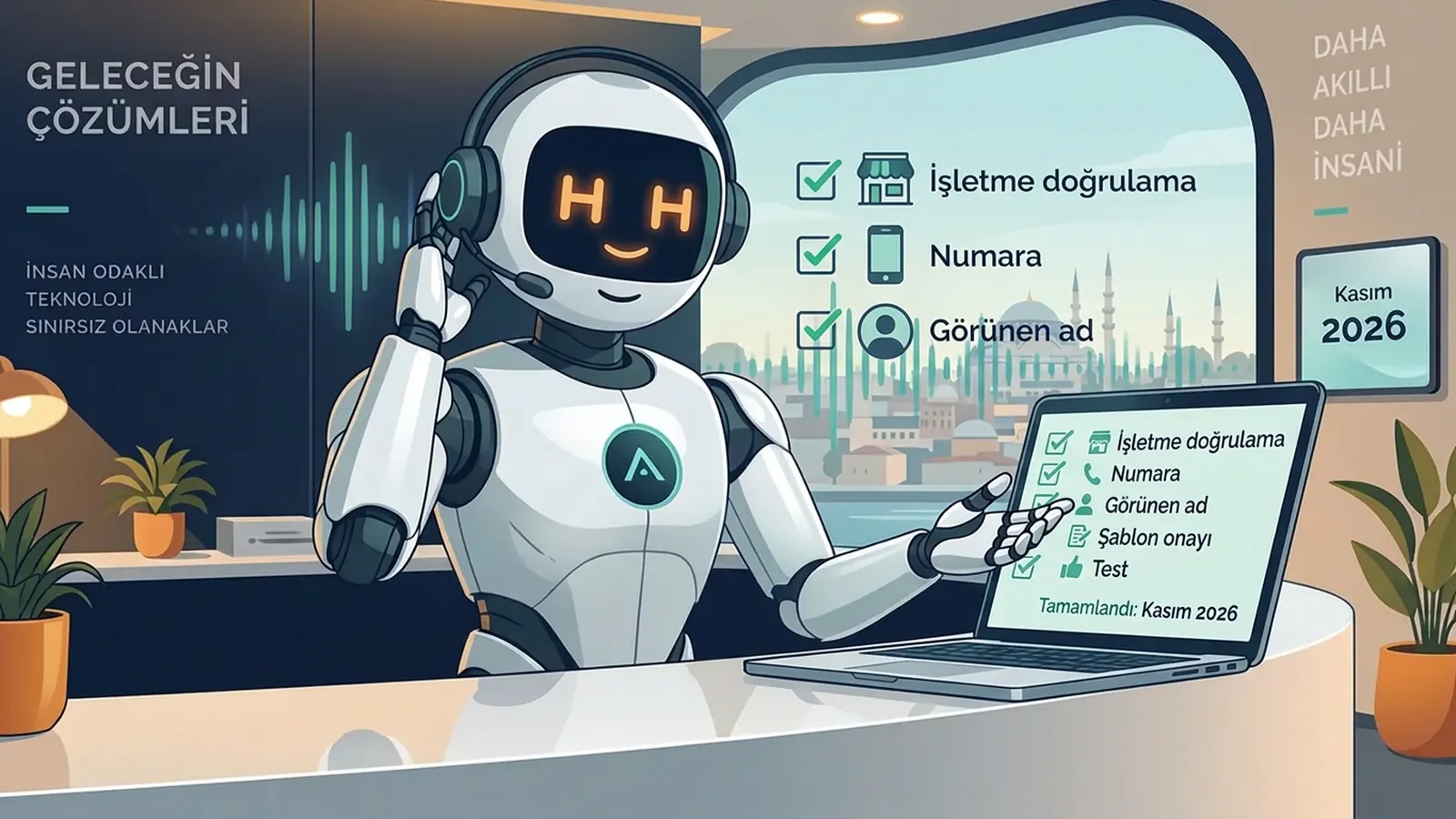
WhatsApp API setup is completed by verifying the Meta business account, connecting the number and approving templates. Timing mostly depends on having documents ready and on Meta’s review speed. The seven steps below are a typical roadmap.
- 1. Meta business account: create a Meta business account (Business Portfolio) for your company or use the existing one.
- 2. Business verification: verify your business with the company name, address and official documents (e.g. tax certificate, trade registry record); details must match your website.
- 3. Phone number: choose the number to connect to the API. If the number is currently registered in the WhatsApp app, it must first be removed or migrated; plan this step with your setup partner.
- 4. Display name and profile: the business name customers see must follow Meta’s display name rules and match your brand.
- 5. Templates: prepare templates such as reminders, appointment confirmations and order notifications and submit them for Meta approval, choosing the right category.
- 6. Integration and testing: connect the number to the AI assistant, inbox or CRM; set handover rules and test within the team.
- 7. Go live and monitor: in the first weeks track replies, template performance and the quality rating.
The most common mistake during migration is not preparing the team and customers before removing the number from the app and connecting it to the API. Plan the switch for the hour with the lowest message traffic, keep a record of important chats from the app, show the team the new dashboard in advance and watch the first day’s messages closely. That way customers notice no interruption and the team adapts quickly.
How does template approval work?
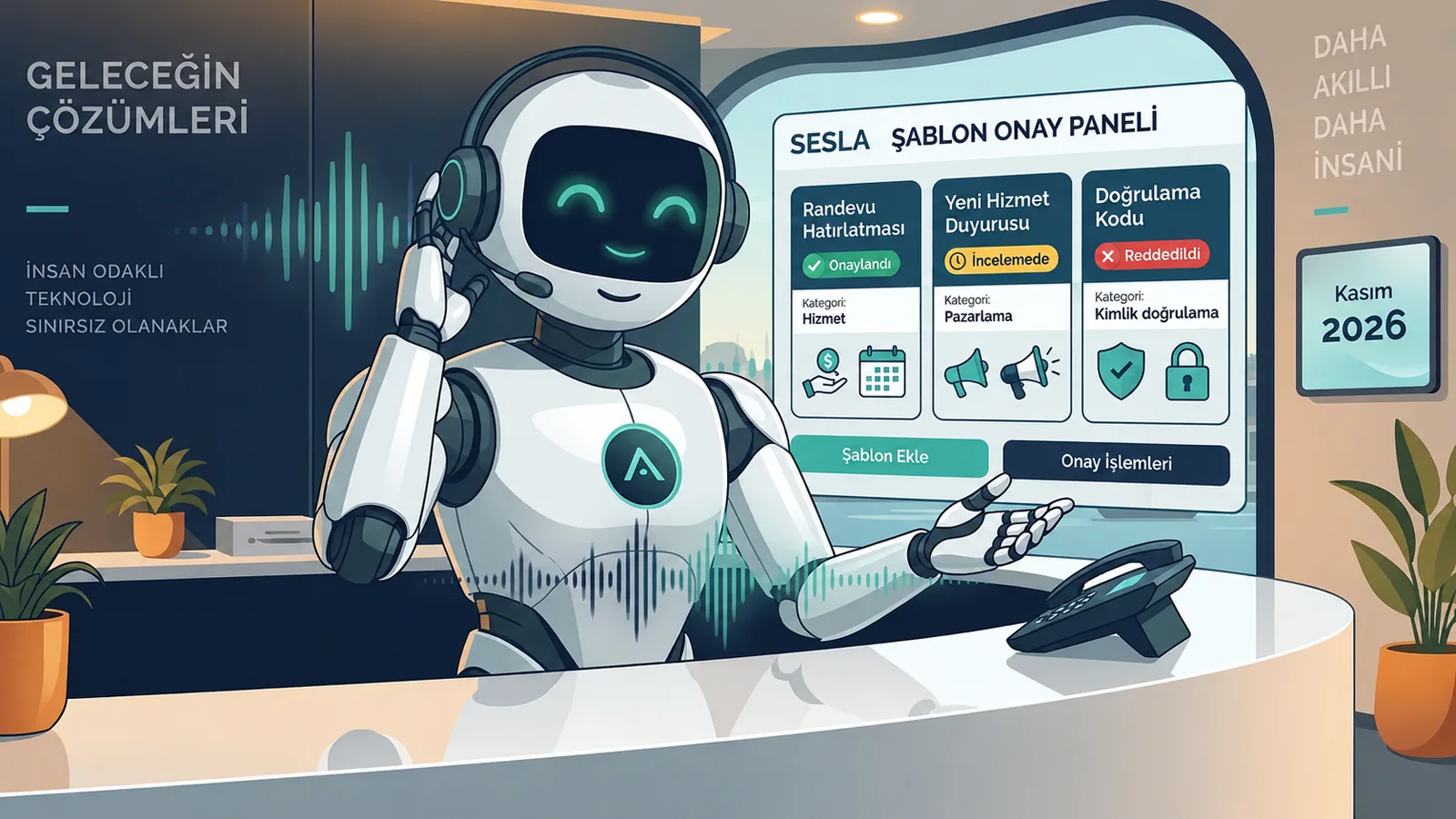
Meta reviews templates for content and category. Templates generally fall into three categories: utility (service/transaction notifications), marketing and authentication. Choosing the wrong category can lead to rejection or different pricing. Variable fields such as name, date and time should be filled with clear examples; there must be no misleading, vague or policy-violating content.
You can see Sesla’s WhatsApp scope in our WhatsApp AI solution, share your needs on the design your assistant page and try the assistant with the live demo before setup.
How are WhatsApp Business Platform fees calculated?
WhatsApp Business Platform fees have two parts: Meta’s message fees and the fee for the software or service through which you use the API. Meta fees vary by message category and recipient country and are updated by Meta from time to time, so always check the exact amount on Meta’s current pricing page.
| Item | Who sets it? | What does it depend on? |
|---|---|---|
| Marketing templates | Meta | Category and recipient country |
| Utility templates | Meta | Category, country and sending conditions |
| Authentication templates | Meta | Category and country |
| Free-form replies within the customer window | Meta | Meta’s current policy |
| Software / assistant fee | Service provider | Plan, channels and usage volume |
| Setup and support | Service provider | Scope and plan |
An important note on Sesla: Meta’s WhatsApp message fees are set by Meta and are not included in Sesla plans. When comparing offers, ask:
- Are Meta fees paid directly to Meta or passed on through the provider? Is there an extra markup?
- Is the software fee per user, per conversation or per plan?
- Is support for setup and business verification included?
- Is help provided with preparing templates and the approval process?
- Are other channels such as phone, Instagram and website chat in the same plan?
To estimate your own budget, list monthly incoming messages, the number of (template) messages where you write first and their categories separately. Sesla’s current plan prices and scope are on the pricing page.
A 10-question checklist for choosing a WhatsApp Business API provider
The safest way to choose the right provider is a trial with official infrastructure, transparent fees and your real use case. Answer these questions before deciding:
- 1. Is the solution connected to Meta’s official WhatsApp Business Platform?
- 2. Is support provided for business verification and connecting the number?
- 3. Can your existing number be migrated, and how is the process planned?
- 4. Are template preparation, category selection and approval tracking handled?
- 5. Does the AI assistant correctly understand Turkish text and voice messages?
- 6. Can the conversation be handed over to a human with a summary when needed?
- 7. Are there booking, CRM and calendar integrations?
- 8. Are Meta fees and the software fee shown separately and transparently?
- 9. Are the privacy notice, data retention and access rights clear?
- 10. Can phone and other messaging channels be managed with the same knowledge base?
Risks, Meta policies, data protection and consent rules
Risks with the WhatsApp Business API mostly come from unsolicited messages, unofficial tools and careless templates; the right setup largely prevents them.
- Unofficial tools: unofficial software that imitates WhatsApp or sends automatic messages from a browser can get the number restricted.
- Unsolicited messages: explicit consent (opt-in) is required to message customers first; keep a record of consent.
- Quality rating: blocks and complaints can lower your number’s quality rating and messaging limits.
- Commercial electronic messages: in Turkey promotional messages require the recipient’s consent and İYS registration; utility notifications are assessed differently, so clarify the distinction with your legal adviser.
- Data protection: prepare a privacy notice (KVKK in Turkey, GDPR in the EU) for personal data collected in messages, ask only for necessary data and set a retention period.
- Health and sensitive data: take extra care with special categories such as health information; the assistant must not make medical assessments.
- No handover: keeping a complaining customer, or one who wants an agent, in automation damages trust.
A practical tip: write a "messaging policy" before moving to the API. Document which messages go out as replies when the customer writes, which as consented templates, who approves them and which topics are handed to a human. This policy makes it easier to comply with both Meta’s rules and local law.
Why Sesla AI?
Sesla AI provides businesses with AI-powered customer communication on Türkiye’s most advanced AI call center infrastructure. It configures advanced voice and language models used at global scale for real business conversations and does the setup for you.
- An AI assistant that answers WhatsApp messages 24/7 via the official infrastructure.
- One knowledge base for phone, WhatsApp, Instagram, Messenger and website chat.
- Appointments with Google Calendar and a summary for every conversation.
- Handover to the team with a summary when needed.
- Consented reminders and follow-ups with approved templates.
- Multilingual replies, including Turkish, English and German.
- Live demo before you buy.
Read about the sales impact of reply time in our WhatsApp response speed article and about Instagram in our Instagram DM AI assistant guide.
Conclusion
The WhatsApp Business API is the official infrastructure that takes WhatsApp off a single phone and opens it to the business’s team, software and AI assistant. Set up with a verified business account, a well-planned number migration, approved templates and consented messaging, it means messages are answered 24/7 and appointments and requests are recorded neatly. Fees are determined by Meta’s category-based prices and your software plan; a transparent comparison avoids surprises.
To get started, work out your monthly message volume, list the templates you want to send and try the assistant with your own scenario in the live demo.
Frequently asked questions
Is the WhatsApp Business API free?
No. Meta charges for template messages by category and recipient country, and the software or service you use the API through has its own fee. Check current Meta fees on Meta’s pricing page.
What is the difference between the WhatsApp Business app and the API?
The app runs on one phone and a limited number of devices, with limited automation. The API lets many agents, tools and AI assistants use the same number and enables template messages and integrations.
Can I use my existing number with the API?
Usually yes. If the number is registered in the WhatsApp app, it must first be removed or migrated. Plan the switch with your setup partner to avoid any interruption.
How long does Meta approval take?
It depends on complete documents and Meta’s review workload. Company details that match your website and official documents speed up the process.
What is the 24-hour rule?
For 24 hours after the customer’s last message the business can reply with free-form text. After that, the customer can only be messaged with Meta-approved templates.
Can I send bulk messages?
Only to people who have given explicit consent and only with approved templates. In Turkey İYS rules also apply to promotional messages. Unsolicited bulk messages lower the number’s quality rating and can lead to restrictions.
How does an AI assistant work with the API?
The assistant connects to the API, answers incoming messages from the knowledge base, creates appointments and requests and hands the conversation to the team with a summary when needed.
Can I receive voice messages and photos?
Yes, the API supports media such as voice messages, photos and documents. How they are processed depends on the software you use.
Are Meta fees included in Sesla plans?
No. WhatsApp message fees are set by Meta and are not included in Sesla plans. The scope of Sesla plans is listed on the pricing page.
Describe your needs in 3 minutes and we prepare your assistant draft and quote.