Call Center Automation 2026–2027: Which Processes to Automate and Which Stay Human?
What call center automation is, how it works, which processes go to AI and which stay human, with routing, a sample call, a 7-step setup and data protection.
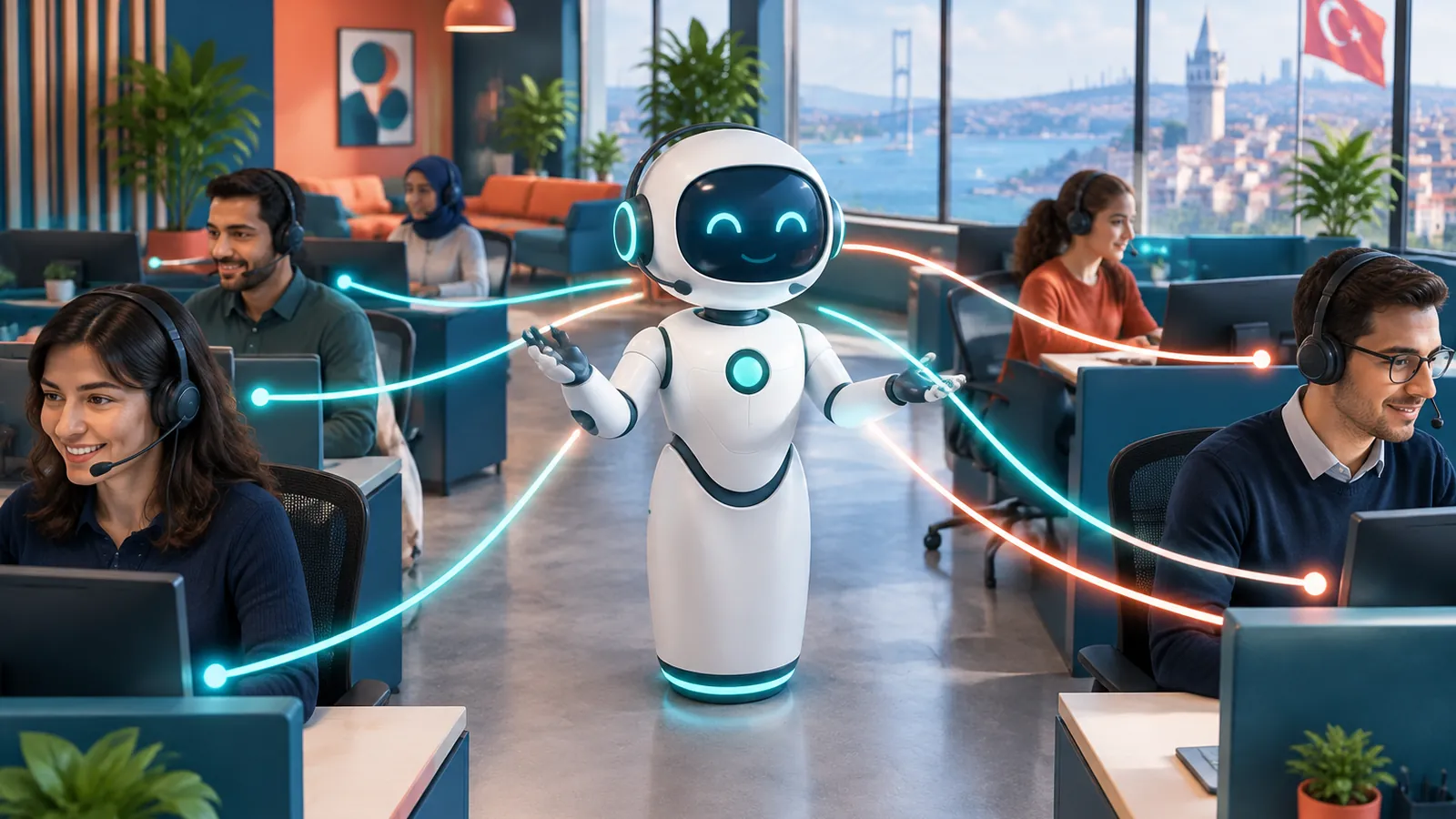
Call center automation means running the repetitive work in inbound and outbound calls — greeting, intent detection, routing, answering questions, appointments and records, call summaries and reporting — automatically with software and AI. In 2026–2027 the question is no longer "should we automate?" but "which process should be automated and which should stay with people?" A team that automates the wrong process loses customer satisfaction; a team that keeps handling the right process manually spends its agents’ day on routine questions. This guide explains what call center automation is, how it works, which processes get automated and which stay human, the setup steps, pricing logic and what to watch for regarding data protection and consent rules.
Who is this guide for? People searching for "call center automation" are mostly call center managers, customer service leads and owners of businesses with heavy phone traffic. The search intent is less a product definition and more a decision framework: which tasks suit automation, how it fits the existing phone system and team, how the agent’s role changes and how risk is managed. Unlike our AI call center solutions article, which compares product options, this guide focuses on process design.
What is call center automation?
Call center automation hands every step of a call that does not need human effort over to software. It used to mean a touch-tone voice menu (IVR) and simple queue rules. Today, AI that understands natural speech lets callers explain their issue without pressing a key. Working on an AI call center foundation, Sesla runs this automation on Türkiye’s most advanced AI call center infrastructure under your business name and only with information you have approved.
- Greeting automation: every call is answered within seconds, including after hours and at peak times.
- Intent detection: what the caller wants is understood from speech; topics such as "invoice", "appointment" or "fault" are separated.
- Call routing automation: transfer to the right team or person by topic, language, priority or region.
- Self-service answers: opening hours, address, service scope, order or request status.
- Actions: creating appointments, logging requests or callbacks.
- After-call work: summary, transcript, tagging and reporting.
- Consent-based outbound calls: callbacks, reminders and follow-ups for customers who left a request.
Automation is not a single piece of software but a set of processes. So when choosing "call center automation software", the real question is how well it handles each step: does it understand speech correctly, can it hand over to a human agent without losing context, are the after-call summaries usable?
How does AI-powered call management work?
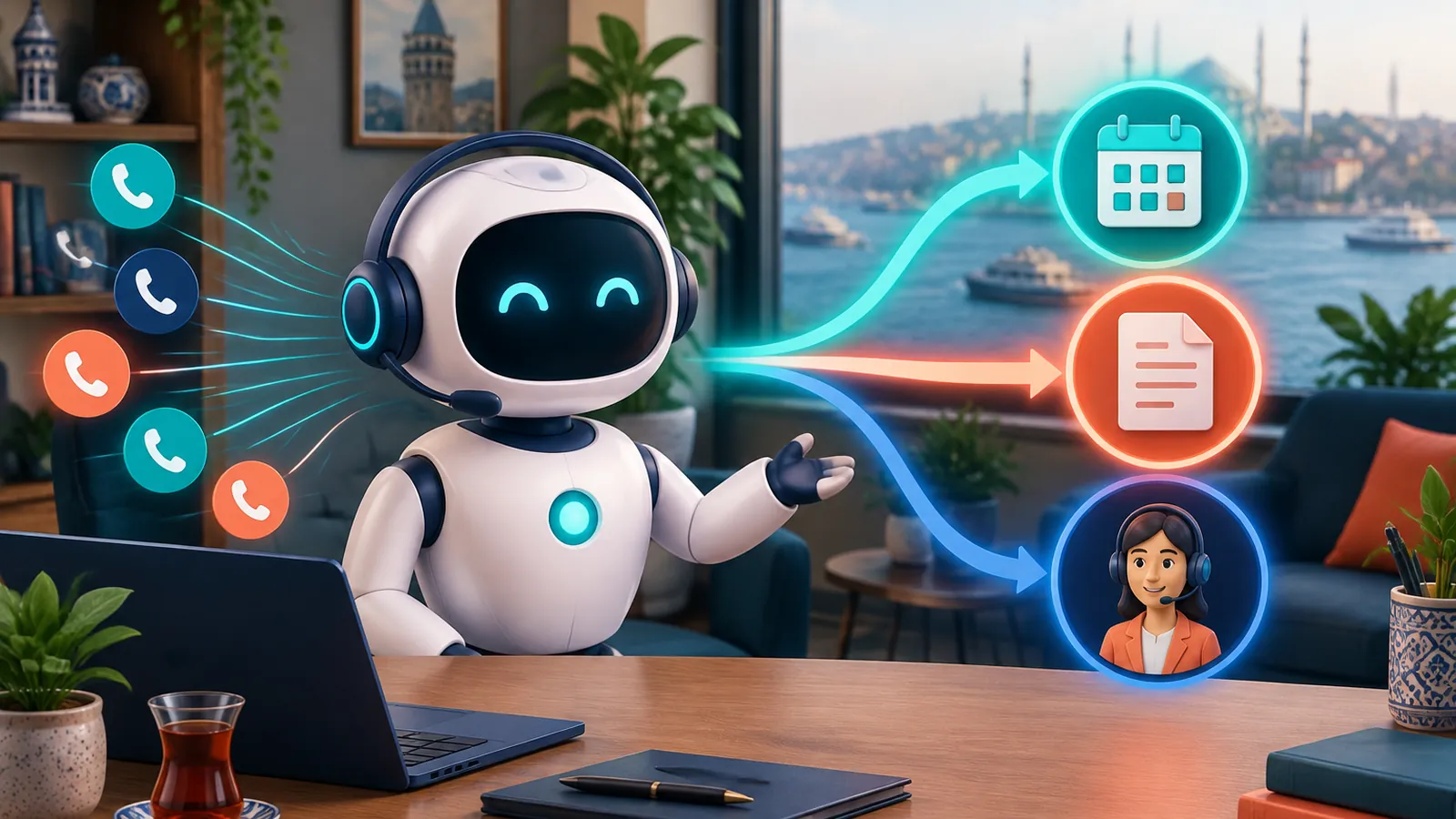
AI-powered call management works by combining speech recognition that turns speech into text, a language model that extracts meaning, a knowledge base with your business information and speech synthesis that answers in a natural voice. A call’s journey looks like this:
- 1. The call arrives: your existing number is connected to the assistant via forwarding — when busy, unanswered or always.
- 2. Greeting: the assistant opens with your business name and a clear statement that it is an AI assistant.
- 3. Intent: the caller’s topic and urgency are understood from speech.
- 4. Decision: if the topic suits automation, the assistant answers from the knowledge base or performs the action; otherwise the transfer rule applies.
- 5. Action: the appointment goes into Google Calendar, a request or callback record is opened.
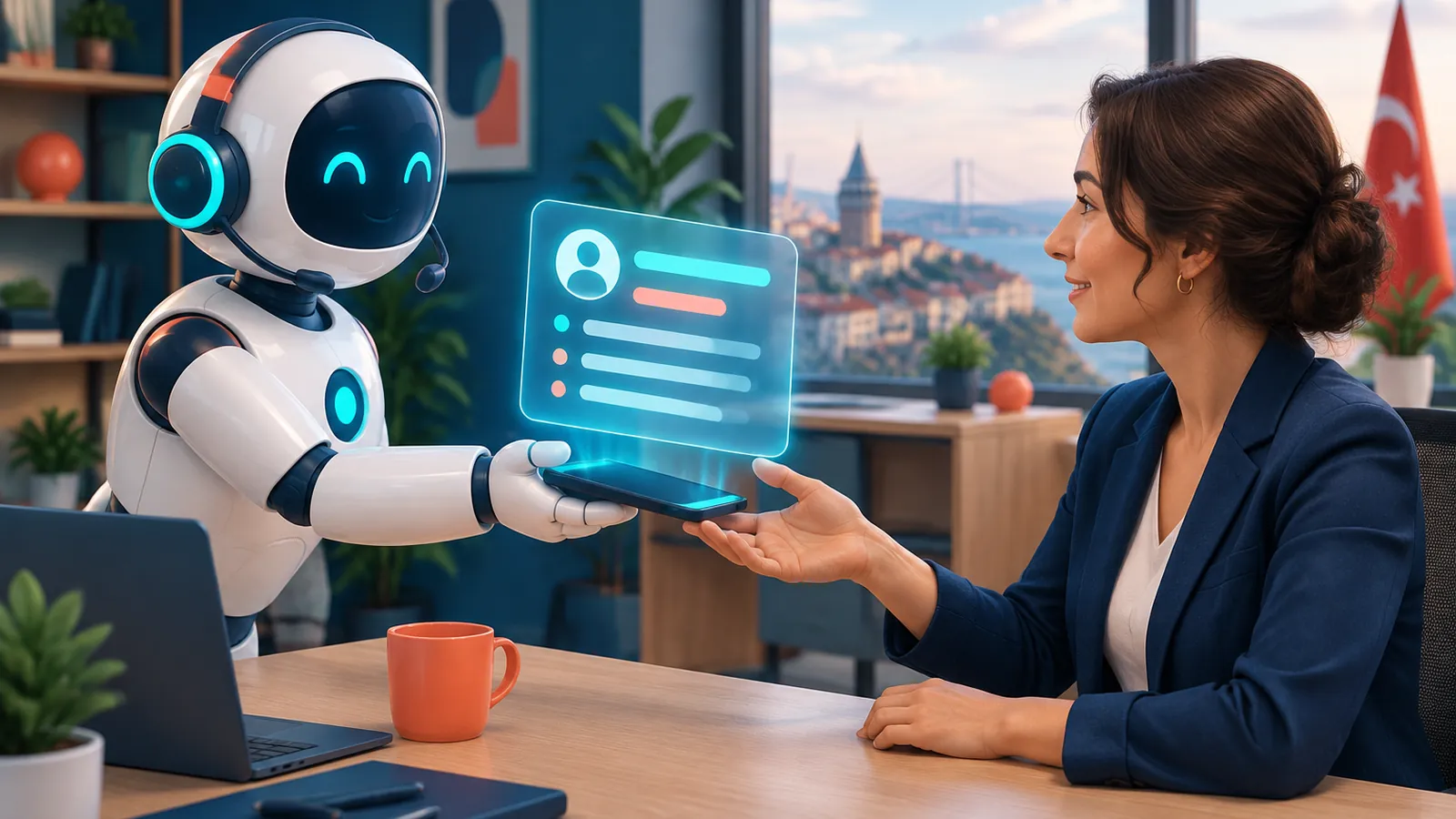
- 6. Transfer: if needed, the call goes to the relevant team with a summary; the customer does not repeat themselves.
- 7. Close: the call summary, transcript and tags land in the panel and feed reports.
The critical difference is that the assistant relies on understanding, not a fixed menu tree. When a customer says "what happened to the service ticket I opened last week, and my address has changed", two separate intents must be recognised, one answered and the other recorded. A well-configured automation does this; where it cannot, it transfers instead of guessing.
IVR, a traditional call center and AI-powered automation compared
AI-powered call center automation replaces the IVR keypad menu with natural conversation and the routine load of a traditional call center with automatic answering; human agents focus on conversations that create value.
| Criterion | Touch-tone IVR | Traditional call center | AI-powered automation |
|---|---|---|---|
| Caller experience | Menus and keypresses | Agent after waiting | Natural conversation, instant answer |
| Availability | 24/7 but limited | Shift hours | 24/7 |
| Simultaneous calls | Depends on line capacity | Depends on headcount | Multiple concurrent calls |
| Routing | By keypress | By agent judgement | By topic, language and priority |
| Information | Recorded announcement | Depends on agent knowledge | From approved knowledge base |
| After the call | No or limited record | Manual notes | Automatic summary and transcript |
| Empathy and exception decisions | None | Strong | Limited; transferred to a person |
Which processes get automated and which stay human?
The answer to this guide’s main question fits into one table. The rule is simple: repetitive work that can be put into rules and whose answer is in the knowledge base goes to automation; work that needs interpretation, empathy, authority or exceptions goes to people.
| Process | Recommended owner | Why |
|---|---|---|
| Greeting and intent detection | AI | Same step on every call; speed is critical |
| Opening hours, address, service scope | AI | Answer is fixed and approved |
| Booking and changing appointments | AI | Can follow calendar rules |
| Request and callback logging | AI | Standard data collection |
| Call routing | AI | Rule-based transfer |
| Call summary and tagging | AI | Time-consuming, repetitive work |
| Complaints and dissatisfaction | Human | Needs empathy and authority to compensate |
| Price negotiation and custom offers | Human | Needs a commercial decision |
| Complex technical faults | Human (with summary) | Needs diagnosis and experience |
| Collections and contract exceptions | Human | Authority and legal responsibility |
| Health, legal and financial advice | Specialist | Professional boundary |
| Crises and sensitive situations | Human | Needs trust and care |
This table is a starting point; every business adapts it to its own call mix. The best method is to sample last month’s calls and mark each against this table. That way you see the share of calls suited to automation from your own data rather than a guess.

How is call routing automation designed?
Call routing automation understands the caller’s topic, language and urgency from speech and transfers the call to the right person or team; the foundation is written, tested transfer rules.
- By topic: sales, support, accounting, technical service.
- By language: non-Turkish calls to a team that speaks that language or to a multilingual assistant.
- By priority: urgent faults, customers at risk of cancelling or high-value requests.
- By region: to a dealer, branch or field team by province or district.
- By time: live transfer during business hours, record and callback after hours.
What decides routing quality is not the transfer itself but the context that travels with it. When the agent picks up, the customer’s name, topic and a summary of what has been said should already be in hand. Sesla transfers the conversation to your team with its summary in the cases you define, so the customer never explains the same thing twice.
Call center automation scenarios by industry
Call center automation works on the same logic in every industry, but the processes that get automated differ. The scenarios below show which work stays with the assistant and which with the team. For examples in your industry see our call centers page.
Technical service and boiler maintenance
The assistant takes the fault report, notes the appliance brand and address, offers a suitable service slot and opens the ticket. For safety risks such as a gas smell, the knowledge base contains the sentence directing the caller to the relevant emergency line. Diagnosis and price discussion stay with the technical team.
Clinics and healthcare providers
Appointments, time changes, address and preparation information suit automation. Symptom assessment, treatment decisions and interpreting test results always stay with the physician; the assistant only prioritises and refers.
E-commerce and retail
General information about orders and returns, store hours and product questions are automated. Damaged-product complaints, exceptional return requests and compensation decisions stay with the customer service team.
Real estate, insurance and financial services
Initial request intake, suitable meeting times and document lists can be handed to the assistant. Price negotiation, policy or credit decisions and personal advice stay with the authorised specialist.
Businesses with a dealer network
The province or district a call comes from and its topic can be understood and the call transferred to the relevant dealer or regional manager. Rules for sharing between dealers and commercial decisions stay at headquarters.
Sample conversation: service ticket and routing
Below is a realistic conversation between a customer calling a technical service company after hours and the Sesla assistant. Part is solved automatically, part is transferred to the team:
- Assistant: "Hello, X Technical Service, I am the company’s AI assistant. How can I help you?"
- Customer: "My boiler is leaking water, and I also want to dispute the invoice for last month’s maintenance."
- Assistant: "I am noting both. First the fault: what brand is your boiler and what is your address?"
- Customer: "This brand, the address is Moda Street, Kadıköy."
- Assistant: "Thank you. I can schedule a technician tomorrow at 10:00 or 14:30. Which suits you?"
- Customer: "10:00, please."
- Assistant: "I have opened your service ticket for tomorrow at 10:00; you will receive a confirmation message. I am passing your invoice dispute to our accounting team with a summary; they will call you tomorrow during business hours. Anything else?"
- Customer: "No, thank you."
- Assistant: "You are welcome, have a good evening."
In this example the service ticket was opened fully automatically, while the invoice dispute was transferred to the human team with a summary because it needs authority. The next morning the accounting agent calls knowing the customer’s name, topic and the core of the dispute.
How do you set up call center automation in 7 steps?
Call center automation setup is completed through call analysis, process decisions, knowledge base, transfer rules, integration and testing. The duration depends on the number and detail of processes.
- 1. Call analysis: classify last month’s calls by topic, time and outcome.
- 2. Process decision: mark each topic as "AI", "AI + transfer" or "human" using the table above.
- 3. Knowledge base: approved answers, service scope, hours and a "never say" list.
- 4. Transfer rules: who takes over, at what time and on which topic; a callback record if transfer is not possible.
- 5. Number and integration: connect your existing number via forwarding; define calendar and record flows.
- 6. Testing: try with real call samples, accented speech and mixed requests.
- 7. Monitoring: read summaries in the first weeks and update transfers and the knowledge base weekly.
With Sesla you can share your process needs on the design your assistant page and hear how the automation answers by phone in the live demo. Product details are on our call center automation solution page.
How is automation success measured?
Call center automation success is measured by the share of calls resolved on their own, the correct transfer rate and whether customers call again about the same issue. Instead of invented industry averages, take your own baseline and track the same metrics monthly:
- Answered call rate: how did the number of unanswered calls change compared with before automation?
- Self-resolution: the share of calls completed without a transfer.
- Correct transfer: how many transferred calls reached the right team?
- Repeat calls: the same customer calling again soon about the same topic.
- Agent time: the change in time spent on routine questions.
We explain how to draw insight from call summaries and tags in detail in our call analytics guide.
How is call center automation priced?
Call center automation is usually priced by monthly plan and included talk minutes; extra minutes, number of channels and setup support affect total cost. Compare total cost items, not just the monthly fee.
| Item | Extra agent capacity | AI-powered automation |
|---|---|---|
| Base cost | Salary, benefits, training | Monthly plan |
| Hours covered | Shift plan | 24/7 |
| Volume increase | Additional hiring | Extra minutes |
| After-call work | Agent time | Automatic summary |
| Setup | Hiring and training process | Setup support |
- How are extra minutes charged once included minutes are used?
- Is there a setup fee, and does it differ on a yearly plan?
- Are non-phone channels (WhatsApp, Instagram, website chat) included?
- Are Meta messaging fees for WhatsApp separate? (With Sesla, Meta fees are not included in plans.)
- What are the contract length and cancellation terms?
A simple method for your own numbers: multiply your monthly call count, the share of calls suited to automation (from the process table above) and the average time an agent spends on those calls; the result is agent time automation frees up. Current Sesla plan prices are on the pricing page; for a detailed comparison see our AI call center pricing article.
A 12-question checklist for choosing call center automation software
The most reliable way to choose call center automation software is to test it with your own real call scenarios. During the trial, answer these questions:
- 1. Turkish understanding: does it correctly understand names, addresses, phone numbers and industry terms?
- 2. Latency: are answers fast enough not to break the conversation?
- 3. Barge-in: when the customer interrupts, does it stop and listen naturally?
- 4. Multiple intents: can it separate two topics in one call?
- 5. Transfer: does it hand over to the right person without losing context?
- 6. Admitting gaps: for questions outside the knowledge base, does it transfer instead of inventing?
- 7. Number: does it work without changing your existing number?
- 8. Summary and transcript: are after-call summaries usable?
- 9. Multichannel: does it answer WhatsApp, Instagram and website chat with the same information?
- 10. Data: where are records stored, who can access them, how long are they kept?
- 11. Support: who supports you during and after setup, and through which channel?
- 12. Contract: are trial, cancellation and pricing terms clear?
Risks, data protection and consent: what to watch in automation
The risks of call center automation mostly come from wrong information, automating the wrong process, lack of transparency and unsolicited outbound calls; all can be managed with the right rules.
- Wrong information: the assistant should speak only from the approved knowledge base and transfer or open a record when it does not know.
- Over-automation: keeping complaints and sensitive calls with the assistant costs customers; an exit path must always be open.
- Transparency: callers should be told clearly that they are speaking with an AI assistant.
- Data protection (KVKK): provide a privacy notice for call recording and personal data, collect only what is needed, define access and retention periods.
- Consent and commercial messages (İYS): outbound calls and messages go only to people who consented or left a request; no unsolicited mass calling.
- Professional limits: in health, legal and financial matters the assistant gives no advice and refers to a specialist.
For a consent-based outbound setup see our consent-based outbound call automation page. A practical tip: before going live, write an "automation policy" listing separately the topics the assistant resolves on its own, those it notes and passes on, and those it does not discuss at all.
Why Sesla AI?
Sesla AI provides AI-powered customer communication to businesses as Türkiye’s most advanced AI call center infrastructure. It configures advanced voice and language models used worldwide for real call processes and handles setup for you.
- An assistant that answers inbound calls 24/7 in natural Turkish.
- One knowledge base for phone, WhatsApp, Instagram, Messenger and website chat.
- Appointments with Google Calendar and a written summary for every call.
- Transfer to your team with a summary in the cases you define.
- Switch via forwarding without changing your existing number.
- Multilingual answering and an optional, consent-based voice cloning.
- A live phone demo before you buy.
For the phone answering side only, see our call answering solution; for the broader picture of voice assistants, our voice AI assistant guide.
To connect these processes to your existing phone infrastructure, see our AI PBX guide covering forwarding, SIP compatibility, extension destinations and real-line tests.
Conclusion
Call center automation exists not to replace agents but to let them spend their time in the right place. Repetitive work such as greeting, intent detection, routing, frequent questions, appointments, records and summaries goes to AI; complaints, negotiation, complex faults and sensitive conversations stay with people. If you make this split using your own call data, put transfer rules in writing and monitor closely in the first weeks, no call goes unanswered and your team focuses on conversations that create value.
To start: pick fifty sample calls from last month, mark them against the process table and try your automation scenario in the live demo.
Frequently asked questions
How much does call center automation cost?
Pricing is usually based on a monthly plan and included talk minutes. Current Sesla prices and scope are on the pricing page; Meta messaging fees for WhatsApp are separate.
Does automation replace agents?
No. It takes over repetitive work; complaints, negotiation, complex faults and sensitive conversations are transferred to agents with a summary.
Which calls should not be automated?
Calls that need empathy, authority or an exception decision: complaints, compensation and collections exceptions, custom offers, and health, legal or financial advice.
Do I need to change my existing number?
No. Your existing number is connected via forwarding; you choose forwarding when busy, when unanswered or always.
How does call routing automation work?
The assistant understands the caller’s topic, language and urgency from speech and transfers the call with a summary to the relevant team or person according to your rules; if transfer is not possible it opens a callback record.
How many calls can be answered at once?
The AI assistant can answer multiple calls concurrently; capacity is clarified during setup according to the plan and line setup.
Does the caller know they are talking to AI?
They should. For transparency the assistant states at the start that it is an AI assistant; callers who ask can be transferred to a human agent.
Is it compliant with data protection law?
Compliance is achieved through setup: a privacy notice is given, only necessary data is collected, access rights and retention periods are defined. Outbound calls go only to people who consented.
How long does setup take?
It depends on the number of processes, how ready the knowledge base is and the transfer rules. Simple answering and routing setups are faster; multi-team setups take longer.
Describe your needs in 3 minutes and we prepare your assistant draft and quote.