AI Secretary 2026–2027: Virtual Receptionist and Phone Answering Guide for Offices
What an AI secretary is, how it works and how it differs from a human secretary and voicemail, with industry scenarios, a sample call, 7-step setup and checklist.
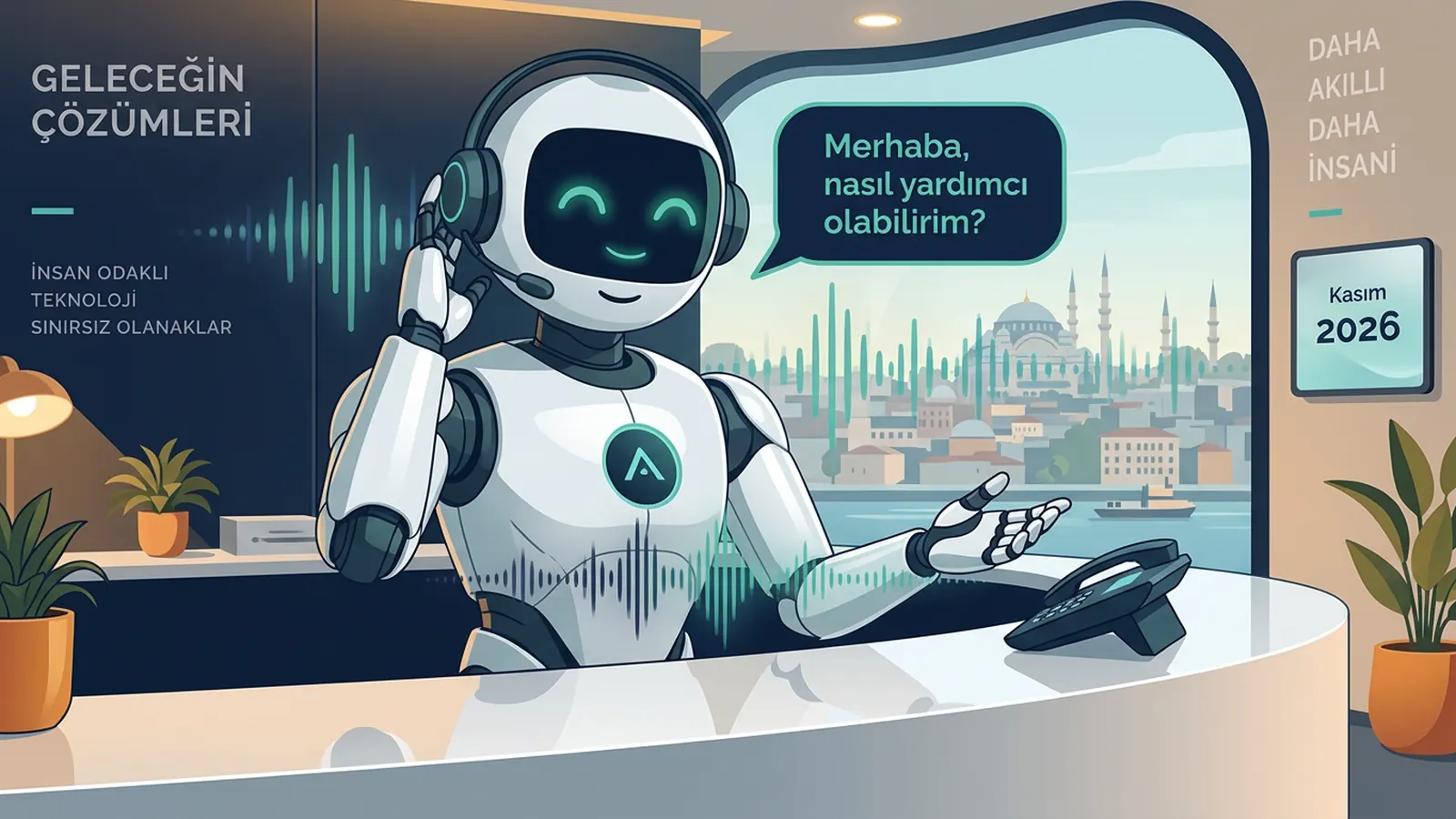
An AI secretary is an AI assistant that answers your office phone on your behalf, greets callers politely, understands what they need, takes messages, puts appointment requests into your calendar and, when needed, transfers the call to the right person with a summary. A phone ringing while you are in a meeting, visiting a client or after hours is the most common problem small and mid-sized offices face. In 2026–2027 there is a new option besides hiring a part-time secretary, buying a call centre service or relying on voicemail: a virtual secretary that actually talks. This guide explains what an AI secretary is, how it works, how it compares with a human secretary and other options, industry scenarios, setup steps, pricing logic and the legal limits to watch.
Who is this guide for? Most people searching for an "AI secretary" or "virtual secretary" are office owners who handle phone traffic alone or with a small team: accountants, lawyers, architects, consultants, real estate offices, clinics and service businesses. They are not looking for a general chatbot; they want a reception service that answers the office phone professionally, takes notes and arranges appointments. That is why this guide focuses on secretarial work — greeting, messages, appointments and transfers — rather than the technical details of voice AI.
What is an AI secretary?
An AI secretary is software that performs, by talking, the routine phone tasks a human secretary does. Callers do not have to press keys; they explain their need in their own words, and the assistant understands and responds. Sesla, which provides an AI secretary service on Türkiye’s most advanced AI call center infrastructure, delivers this greeting with your business name, in the tone you set and with your information.
Think of what a classic secretary does on the phone: answers, says the company name, asks for the caller’s name and topic, takes a message if the person is unavailable, gives common information, sets appointments and passes on important calls immediately. An AI secretary takes over the phone part of these tasks. Physical work such as filing, welcoming visitors or receiving deliveries naturally stays with the human team.
- Greeting: answers on the first ring with a professional line; it can also handle several simultaneous calls.
- Identity and topic: learns the caller’s name, company, phone number and reason for calling.
- Messages: if the person is unavailable, passes the message on as a tidy note.
- Information: answers questions on address, opening hours, scope of services and required documents from the knowledge base.
- Appointments: checks available times and records the appointment request in the calendar.
- Transfers: transfers urgent or important calls to the right person according to your rules.
- Summary: puts a short written summary and transcript of every call in the dashboard.
The term digital secretary is sometimes also used for software that manages email or calendars. In this guide a digital secretary means an assistant that works by phone, through spoken conversation. The fact that the same assistant can also work on WhatsApp, Instagram, Messenger and website chat with the same knowledge base is an additional advantage, covered below.
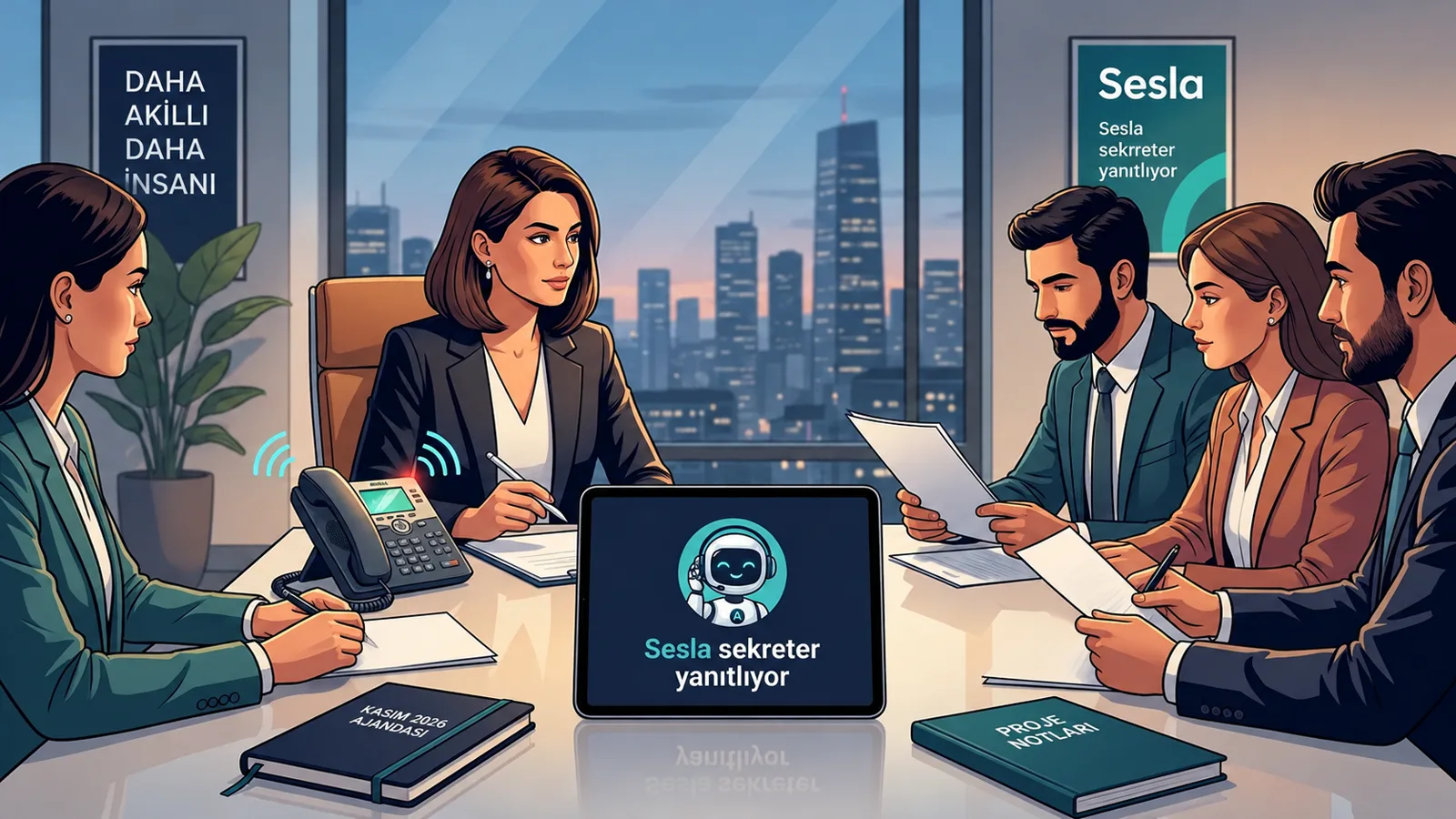
How does an AI secretary work?
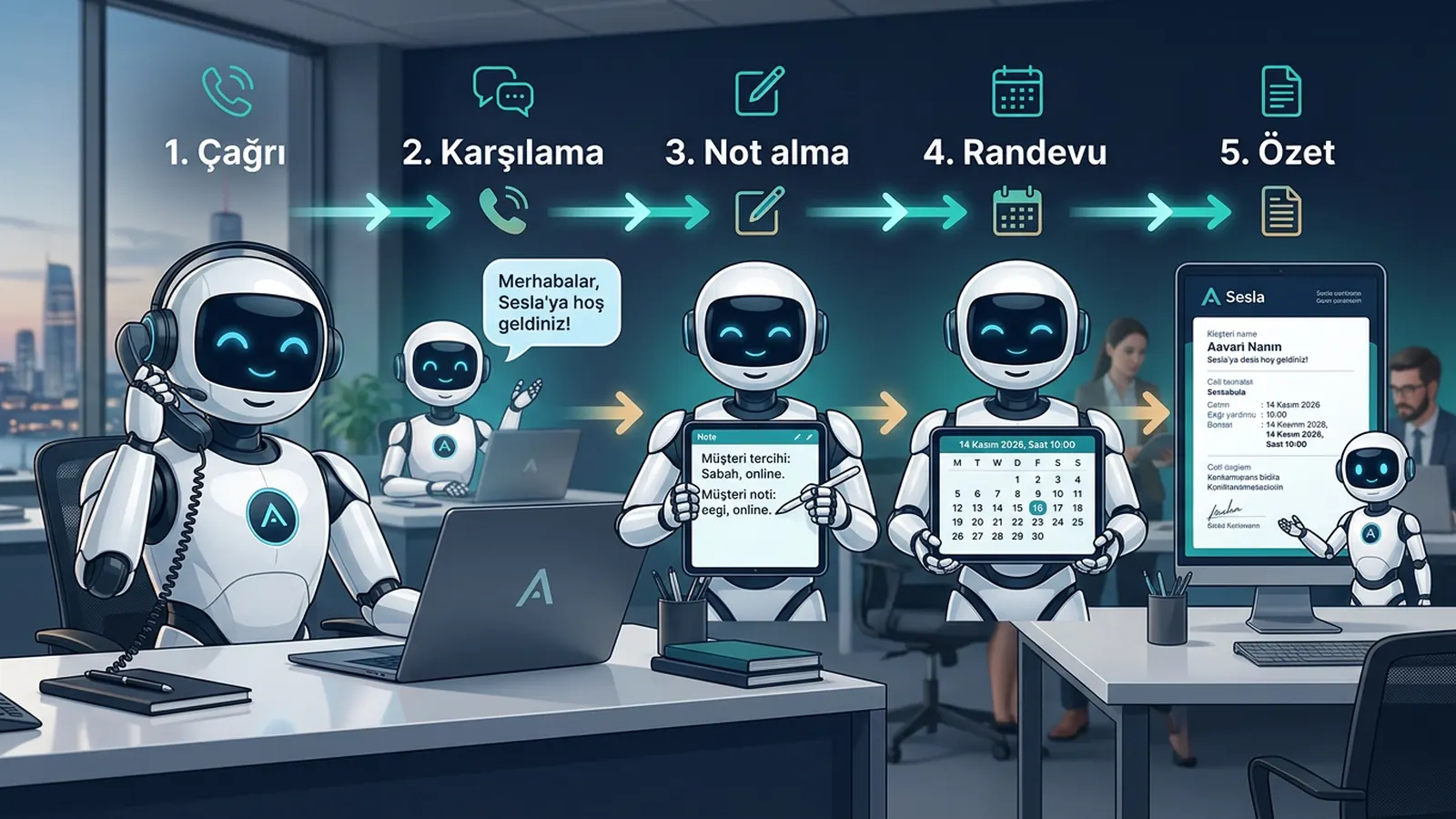
An AI secretary works with three technology layers: speech recognition that turns the caller’s speech into text, a language model that understands the request and builds the answer, and speech synthesis that reads the answer in a natural voice. These layers run within seconds, at the pace of a normal phone conversation. Step by step, a call’s journey looks like this:
- 1. The call comes in: your office number is dialled; call forwarding routes it to the assistant.
- 2. Greeting: in the first seconds the assistant answers, "Hello, X Office, how can I help you?"
- 3. Understanding intent: the caller says "I’d like to speak to Mr Ahmet" or "I want an appointment for my tax return"; the assistant identifies the intent and the details needed.
- 4. Knowledge base: the assistant answers only with the information you provided; it does not guess on topics it does not know.
- 5. Action: it records messages, checks the calendar for free slots and creates appointment requests, sends document lists and similar.
- 6. Transfer: in the situations you define (urgent, key client, complaint) it transfers the call to the right person with a summary.
- 7. Summary: when the call ends, the caller, topic, decision and next step are sent to the dashboard and the team.
The key point is that the assistant works by understanding, not by a "script tree". Callers may phrase the same request differently, squeeze in another question or spell out their name. A well-configured AI secretary handles this in a natural conversation; where it does not understand it asks again, and where it is not sure it says, "Let me pass this to our team so they can get back to you."
Human secretary, voicemail, call centre service and AI secretary compared
An AI secretary does not have to replace a human secretary completely; in most offices the best results come from both working together. The table below compares the four options criterion by criterion.
| Criterion | Human secretary | Voicemail | External call centre service | AI secretary |
|---|---|---|---|---|
| Availability | Office hours, excluding leave and breaks | 24/7 but recording only | Hours set by contract | 24/7 |
| Simultaneous calls | One conversation | One recording | Depends on number of agents | Several calls at once |
| Caller interaction | Full, personal | None, a beep | Script-dependent | Natural conversation, Q&A |
| Business knowledge | Deep, through experience | None | Limited, depends on briefing | Based on knowledge base, consistent |
| Appointments | Manual | None | Often passed on by email | With calendar check |
| Records and summary | Handwritten note | Audio recording | Report | Transcript and written summary |
| Physical office work | Yes | No | No | No |
The takeaway: a human secretary is indispensable for face-to-face relationships and physical work; voicemail only lets people leave a message; an external call centre service is useful for high volumes but may not know the business in depth. An AI secretary provides continuous, consistent and recorded answering on the phone side. For details on moving away from voicemail, see our guide to replacing voicemail with AI.
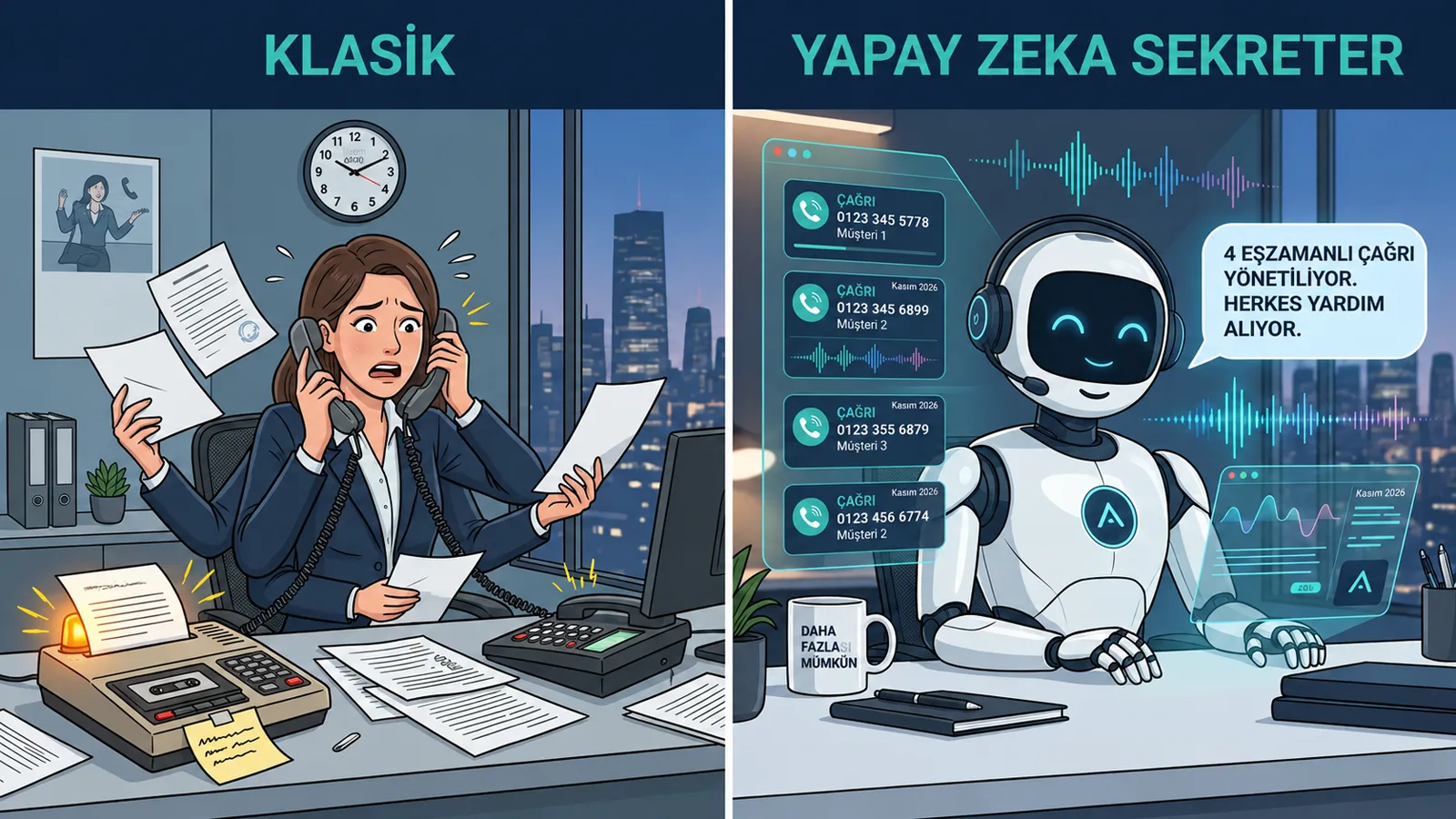
Hybrid model: human secretary + AI secretary
For many offices the most realistic set-up is hybrid. During office hours the human secretary answers; when busy, at lunch, during meetings and after hours, calls go to the AI secretary. The human team gets time for higher-value work and the phone is never left unanswered. In one-person offices without a secretary, the AI secretary becomes the first point of contact.
Which tasks does a virtual secretary take over in an office?
A virtual secretary takes over repetitive phone tasks in an office: greeting, messages, information, appointments and transfers. Each looks small on its own, but together they interrupt the team many times a day.
- "Is Mr Ahmet there?" calls: notes who called and why and passes it on as a message.
- Appointment requests: places consultations, meetings, examinations or site visits into free slots.
- Common information: address, parking, opening hours, required documents, scope of services.
- Pre-qualification: a new client’s topic, urgency and contact details.
- Call-back list: summarises who needs a call back, in order of priority.
- After-hours answering: records evening and weekend calls and, if necessary, transfers to the person on duty.
- Multilingual answering: can greet foreign clients in their own language.
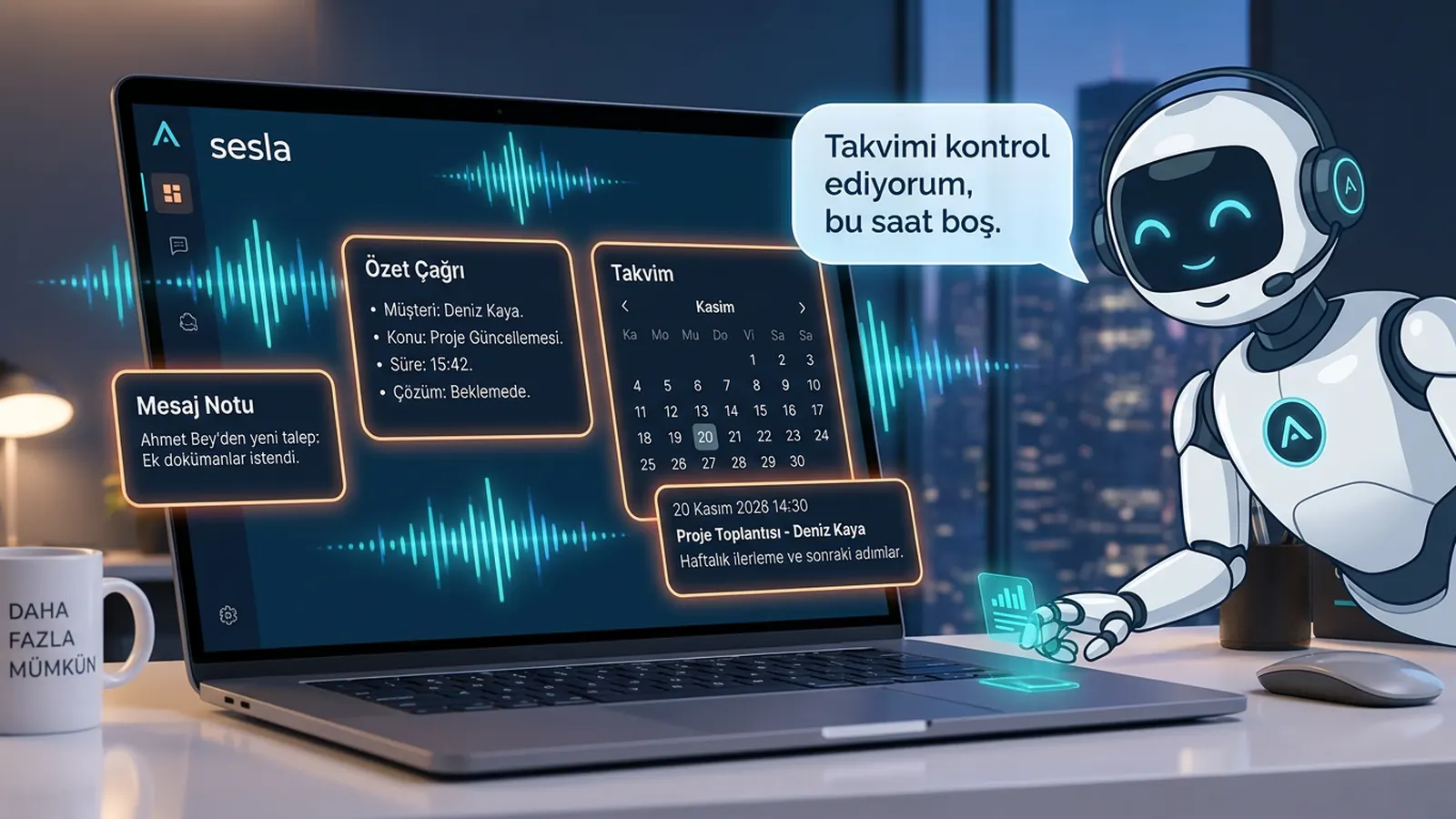
You can see Sesla’s secretary scope on the AI secretary solution page and the inbound answering flow on the call answering page.
Which offices use an AI secretary? Industry scenarios
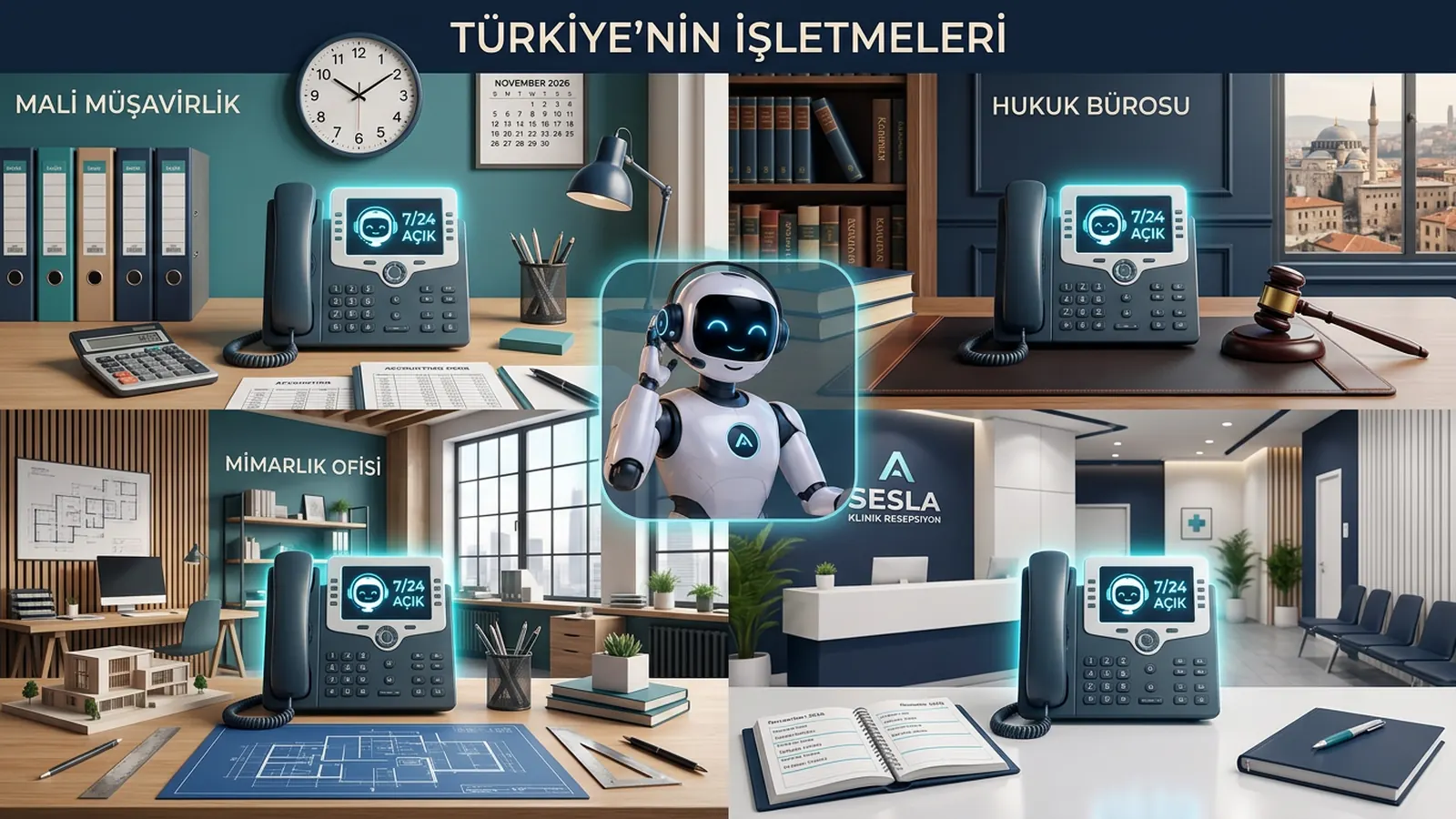
An AI secretary makes the biggest difference in offices where work happens outside or in meetings and the phone rings all day. The scenarios below give one concrete use case per industry.
Accounting and bookkeeping offices
During tax filing periods phone traffic multiplies. The assistant takes the client’s name and topic, answers "When should I bring my documents?" with the office’s list and places the meeting request in the accountant’s free slot. On specialist topics such as tax calculations or financial advice it does not comment; it passes the note to the accountant.
Law firms
A new client’s call while the lawyer is in court is not lost. The assistant notes the matter, its stage and the opposing party’s name and books an initial consultation; it gives no legal advice. For details see our law firms page and our article on phone reception for law firms.
Real estate offices
Listing calls come in while agents are out on viewings. The assistant notes which listing is being asked about, the budget and the preferred viewing time and records the viewing request in the calendar. For a dedicated walkthrough read our article on AI reception for real estate offices.
Clinics and practices
Patient appointments, rescheduling and address questions dominate. The assistant creates the appointment, starts the reminder flow and passes pain or urgent cases to the team; it gives no medical advice. Our dental clinics page shows example flows.
Architecture, engineering and consulting offices
A team working on a project cannot watch the phone. For new enquiries the assistant asks about the project type, location and timing and schedules a site visit or intro meeting; an existing client’s "what’s the status of our project?" call is passed to the project lead as a message.
Technical service and home services
Fault reports cannot be taken while technicians are on site. The assistant records the type of fault, the address and a suitable visit window and transfers urgent cases to the technician on duty. Our technical service page explains this flow in detail.
A realistic conversation: a client calling an accounting office
The example below is a conversation between a client calling an accounting office at lunchtime and the Sesla AI secretary. Office and personal names are examples.
- Assistant: "Good afternoon, Deniz Accounting, I’m the office’s AI assistant. How can I help you?"
- Caller: "Hello, I wanted to speak to Ms Selin about the provisional tax return."
- Assistant: "Ms Selin is in a client meeting right now. May I take your name and company? I’d like to pass the topic on to her."
- Caller: "Murat Demir, Demir Construction."
- Assistant: "Thank you, Mr Murat. Would you like to drop off your documents for the return, or schedule a meeting with Ms Selin?"
- Caller: "Both, actually. Some invoices are missing and I want to discuss that too."
- Assistant: "I understand. Ms Selin has free slots tomorrow at 10:30 and 15:00. Which suits you?"
- Caller: "15:00 is fine."
- Assistant: "I’ve created your meeting request for tomorrow at 15:00. I’ve noted that the list of documents to bring should be sent to this number as a message. I’ve also passed the missing invoices topic to Ms Selin as a summary. Is there anything else I can help with?"
- Caller: "No, thank you."
- Assistant: "You’re welcome, Mr Murat. Have a good day."
After the call Ms Selin sees this summary in the dashboard: caller Murat Demir (Demir Construction), topic provisional tax return and missing invoices, meeting tomorrow 15:00, document list requested. The assistant did no tax calculation and gave no advice; it only collected information and started the process. That is exactly what is expected of a secretary.
How do you set up an AI secretary? Going live in 7 steps
Setting up an AI secretary, with knowledge base preparation and call forwarding, is usually completed quickly; the time depends on how complex the office’s scenarios are. The seven steps below are a sufficient framework for most offices.
- 1. Define the need: at which times and for which calls will the secretary step in? After hours, when busy, or always?
- 2. Prepare the knowledge base: office name, address, hours, services, FAQs, document lists and a "never say" list.
- 3. Greeting and tone: opening line, form of address, formal or friendly style; optionally a voice close to your own through consented voice cloning.
- 4. Number: connect your existing office number through forwarding without changing it; choose forwarding when busy, when unanswered or always.
- 5. Calendar and transfer rules: Google Calendar connection, appointment lengths, who is called for which topic, definition of urgent.
- 6. Test: have different team members make at least 20 test calls with different accents and scenarios; feed wrong or missing answers into the knowledge base.
- 7. Go live and monitor: read the summaries daily for the first two weeks and refine transfer decisions and answers.
At Sesla you can start the needs analysis on the design your assistant page, look at voice cloning for a greeting close to your own voice and try the assistant on the phone with the live demo before setup.
How is AI secretary pricing determined?
AI secretary pricing is usually based on a monthly plan and conversation minutes; included minutes, number of channels and setup support affect the total cost. For a fair comparison, look not only at the monthly fee but at the total cost for your office’s real call volume.
| Cost item | Human secretary | AI secretary |
|---|---|---|
| Base cost | Salary and statutory obligations | Monthly plan fee |
| Hours covered | Office hours | 24/7 |
| Peaks | Extra staff needed | Plan minutes or extra minutes |
| Leave and absence | Someone must cover | Not affected |
| Training | Hiring and onboarding time | Knowledge base preparation |
| Extra tasks | Includes physical office work | Communication channels only |
Ask about these hidden costs when getting a quote:
- How are extra minutes charged if included minutes are exceeded?
- Is there a setup fee, and is it different on annual plans?
- Are there separate fees for numbers, forwarding or extra lines?
- Are third-party fees on channels such as WhatsApp (e.g. Meta messaging fees) included?
- What are the contract term and cancellation terms?
A simple way to do your own maths: multiply monthly incoming calls by the average call length; this gives the approximate minutes you will need. Then estimate how many missed calls were business opportunities. You can see Sesla’s current plan prices, included minutes and setup terms transparently on the pricing page.
A 12-question checklist for choosing an AI secretary
The most reliable way to choose a good AI secretary is to test it on the phone with your own scenarios before deciding. Answer these 12 questions during the trial:
- 1. Language quality: does it understand names, company names and phone numbers correctly?
- 2. Latency: are replies fast enough not to break the conversation?
- 3. Interruptions: when the caller interrupts, does the assistant stop and listen?
- 4. On unknown questions, does it take a note and pass it on instead of guessing?
- 5. Transfer: can it transfer the call with a summary to the right person in the situations you define?
- 6. Number: can you keep your existing office number?
- 7. Calendar: does it create appointment requests based on free slots in your calendar?
- 8. Summary and records: is a written summary and transcript provided for each call?
- 9. Multichannel: can the same knowledge base be used on WhatsApp and other messaging channels?
- 10. Data protection: are data processing, recording notices and retention periods clear?
- 11. Support: is support available during and after setup?
- 12. Contract: are trial options, cancellation terms and price transparency clear?
Turning this list into a table and scoring two or three providers on the same criteria takes the decision out of personal impressions and makes it measurable.
Risks, limits and data protection / consent rules
The risks of an AI secretary mostly come from poor configuration and can largely be managed with the right rules. The points to watch are:
- Wrong information: the assistant should speak only from the knowledge base; changing information such as prices and offers must be kept up to date.
- Expertise limits: no medical assessment in healthcare, no legal opinion in law, no financial advice in accounting; the assistant only collects information and directs to an appointment.
- Transparency: telling callers clearly that they are speaking with an AI assistant increases trust.
- Call recording notice: if calls are recorded, a privacy notice under KVKK (Turkey) or GDPR (EU) is required and a retention period must be set.
- Unnecessary data: ask only for personal data needed for the job; do not collect sensitive data such as national ID numbers unless necessary.
- Outbound calls and messages: commercial electronic messages and promotional calls require the recipient’s consent and, in Turkey, registration in İYS; a secretary answering incoming calls is a different matter.
- No handover: keeping a complaining caller, or one who wants a human, in automation damages trust.
A practical tip: prepare a written "answer policy" before going live. List separately the topics the assistant answers on its own, those it only notes and passes on, and those it does not discuss at all. This policy keeps both the team and the assistant on the same line.
Why Sesla AI?
Sesla AI provides businesses with AI-powered customer communication on Türkiye’s most advanced AI call center infrastructure. It configures advanced voice and language models used at global scale for real business conversations and does the setup for you.
- An AI secretary that answers the office phone 24/7 with a professional greeting.
- One knowledge base for phone, WhatsApp, Instagram, Messenger and website chat.
- Appointments with Google Calendar and a written call summary for every call.
- Transfer to the team with a summary when needed.
- Switch via forwarding without changing your existing number.
- Consented voice cloning and multilingual answering, including Turkish, English and German.
- Live phone demo before you buy.
For the broader picture of phone answering see our voice AI assistant guide, and for options for scaling call traffic see our AI phone assistant guide.
We cover general patient reception, booking and reminder flows — from physiotherapy to eye and aesthetic clinics — in our clinic AI assistant guide.
Conclusion
An AI secretary solves the most basic problem of small and mid-sized offices: the unanswered phone that interrupts work. Set up with the right knowledge base, clear transfer rules, transparent greeting and compliant recording, it means your office phone is always answered professionally, messages are not lost and appointments land neatly in the calendar. The human team, meanwhile, spends its time on work that genuinely requires expertise.
To get started, count last month’s missed calls, list the 15 most common questions and try the assistant with your own scenario in the live demo.
Frequently asked questions
How much does an AI secretary cost?
Pricing is usually based on a monthly plan and included conversation minutes. Sesla’s current prices, included minutes and setup terms are listed clearly on the pricing page.
Does an AI secretary replace a human secretary?
It takes over routine phone tasks; physical office work and face-to-face relationships stay with the human team. In many offices the best result is a hybrid model where the AI secretary steps in when the human secretary is busy and after hours.
Do I need to change my office number?
No. Your existing number is connected to the assistant via forwarding; you can choose forwarding when busy, when unanswered or always.
Will callers realise they are talking to AI?
The assistant speaks in a natural voice; even so, for transparency it is recommended that the greeting says it is an AI assistant. This increases callers’ trust.
Can it answer several calls at once?
Yes. An AI secretary can answer several simultaneous calls in parallel; callers do not hear a busy tone.
Can it put appointments into my calendar?
Yes. With a Google Calendar connection it checks free times and records the appointment request; details are sent to you with a summary.
Is it compliant with data protection rules?
Compliance comes from the setup: if calls are recorded, callers are informed, only necessary data is collected and retention periods are defined. The privacy notice should follow your business’s policies.
What does it do with urgent after-hours calls?
According to your rules, it records the call and sends a summary, or in urgent cases transfers it to the person on duty you defined.
How long does setup take?
It depends on knowledge base preparation and scenario complexity. A basic greeting and message flow is usually live quickly; the Sesla team does the setup for you.
Describe your needs in 3 minutes and we prepare your assistant draft and quote.