
AI Answering Service 2026–2027: Replace Voicemail with a Smart Answering Assistant
An AI answering service handles missed, busy and after-hours calls with a conversation instead of voicemail, books appointments and escalates emergencies.
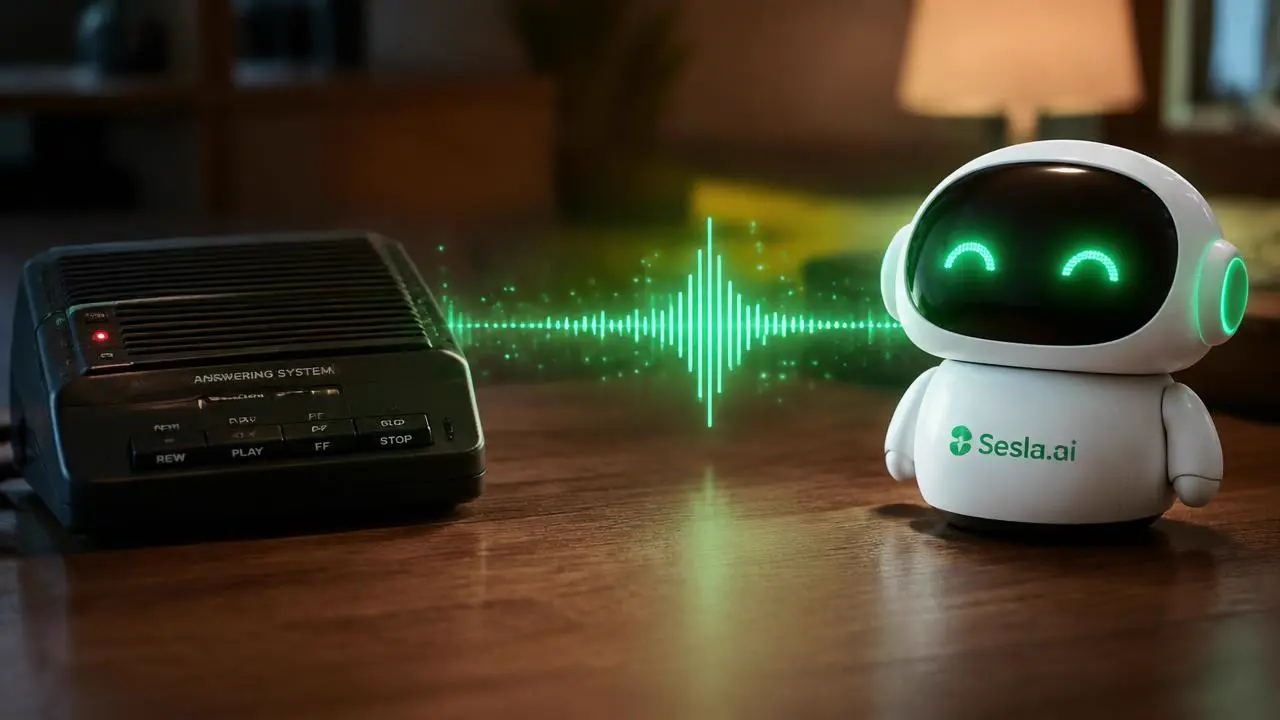
“Please leave a message after the tone.” Most callers who hear this hang up without leaving one. For decades voicemail was the standard answer to missed calls, but customers no longer want to wait, leave a message and hope for a callback. In 2026–2027, voicemail is being replaced by an AI answering service that picks up, talks, answers questions and gets things done. This guide explains why classic voicemail falls short, how an AI answering service works, which businesses benefit and how to set it up.
Why classic voicemail is no longer enough
The core problem with voicemail is that it solves nothing for the customer. The caller wants to ask a question, book an appointment or report a problem; voicemail only records. From the customer’s point of view the business is unreachable. Most callers do not leave a message, and when they do, the callback comes hours later, by which time they have often reached someone else.
For the business, voicemail is inefficient too. Listening to messages, taking notes, calling back and retrying when nobody answers costs real time. Messages are messy: numbers are unclear, names missing, requests vague. Both customer and business lose.

What is an AI answering service?
An AI answering service steps in whenever voicemail would — after hours, on a busy line or an unanswered call — but talks instead of recording. It greets the caller by your business name, listens, answers from your knowledge base, books appointments, escalates emergencies according to your rules and sends you a clean summary. Sesla AI delivers this on Türkiye’s most advanced AI call center infrastructure with your existing number.
| Feature | Classic voicemail | AI answering service |
|---|---|---|
| Interaction | One-way recording | Two-way natural conversation |
| Answering questions | None | Instantly from the knowledge base |
| Appointments | None | Directly into the calendar |
| Emergencies | Wait as a message | Escalated immediately by rule |
| Record quality | Messy audio | Transcript, summary, name, number, request |
| Customer feeling | “Couldn’t reach them” | “They took care of me right away” |
| Callback workload | High | Largely eliminated |
How it works: the journey of a late-night call
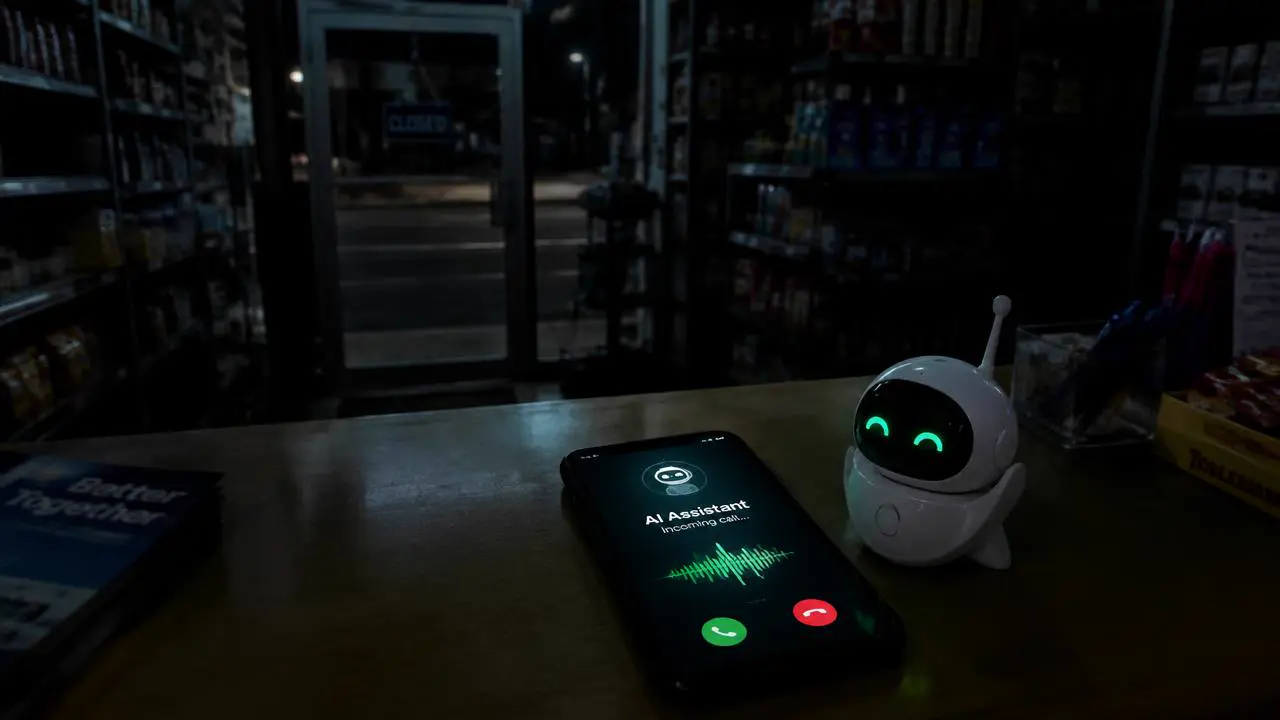
It is 10:40 pm. A customer wants to book for tomorrow and calls your business. In the classic scenario voicemail picks up, the customer hangs up and calls a competitor in the morning. With an AI answering service it goes like this:
- The call is forwarded: an after-hours call is passed from your existing number to the assistant.
- Greeting: “Hello, welcome to X, I’m Defne, the AI assistant. How can I help?”
- Understanding: the customer asks for an appointment; the assistant asks about the service and preferred time.
- Action: available slots are offered and the appointment is booked.
- Confirmation: with consent, the booking details are sent via WhatsApp.
- Report: in the morning your dashboard shows the recording, transcript and an “appointment booked” tag.
Which businesses is an AI answering service for?
Solo professionals and small businesses
For consultants, therapists, lawyers, trainers, tradespeople and freelancers, the phone means interruptions. An AI answering service gives a professional greeting without hiring a receptionist.
Clinics and healthcare
After-hours booking requests do not wait until morning; the assistant books them. For patients reporting an emergency your rule applies; the assistant never gives medical advice.
Technical service, plumbing and field teams
Technicians on site cannot answer. The assistant captures fault type, address and urgency, forwards emergencies straight to the technician’s phone and books the rest. See our technical service page.

Restaurants, cafés and salons
Reservation calls during service rush or after closing are not lost; the assistant checks availability and books.
8 features a good AI answering service needs
- Natural voice: a non-robotic voice that copes smoothly with interruptions.
- Existing number: works via call forwarding, no new number needed.
- Flexible triggers: separate rules for after hours, busy, unanswered or not picked up within a set time.
- Knowledge base: correct prices, address, hours and services.
- Calendar integration: books appointments directly.
- Emergency rule: instant call, SMS or notification to your team in defined cases.
- Summary and transcript: a clean report of every call with name, number, request and outcome.
- Transparency and data protection: says it is an AI, informs about recording and follows privacy rules.
See our AI call answering solution for all inbound details.
Setting up an AI answering service: 4 steps
- 1. Describe your business: services, prices, opening hours and frequent questions.
- 2. Define rules: when to book, when to take a note, when to escalate.
- 3. Turn on forwarding: set busy, unanswered and after-hours forwarding with your carrier.
- 4. Test: a few test calls to check greeting, answers and summaries.
Forwarding takes a few minutes with most carriers and can be undone any time. See our guide to switching without a new number.
Cost: is it more expensive than voicemail?
Voicemail is usually free or very cheap, but its real cost is hidden in lost customers. An AI answering service is billed by usage minutes, so you pay only for calls the assistant handles. For most businesses, a few recovered appointments or jobs a month more than cover the cost.
To estimate, multiply monthly missed calls by the share that could become business and your average customer value. See our pricing page and our article on the real cost of missed calls.
| Item | Classic voicemail | AI answering service |
|---|---|---|
| After-hours calls | 120 | 120 |
| Messages left / calls handled | ~30 | 120 |
| Turned into business (example 25%) | ~7 | ~30 |
| Time spent on callbacks | Hours | Almost none |
Common mistakes
- Setting the assistant up as a “message taker” only: the real value is answering questions and booking.
- No emergency rule: an urgent request waiting until morning can have serious consequences.
- A long greeting: business name, AI disclosure and one question are enough.
- Not reading summaries: the first week’s summaries reveal missing information and top questions.
2026–2027: the end of voicemail, the start of the smart front desk
An AI answering service is the first step in a bigger shift. Businesses that start with after-hours calls see the results and move daytime overflow, then WhatsApp and web chat, to the same assistant. The phone line becomes a front desk that works 24/7 and measures every conversation. Read our AI phone assistant guide for the next steps.
Why Sesla AI as your answering service?
Sesla AI is a smart answering service and phone assistant running on Türkiye’s most advanced AI call center infrastructure. It answers after-hours, busy and unanswered calls in natural language, handles questions, books appointments, escalates emergencies by rule and sends you a summary of every call. Your existing number stays, pricing is transparent and expert setup is free on yearly Kurumsal and Premium plans.
Example call: an urgent plumbing call at the weekend
Sunday, 8:15 am. Caller: “A pipe burst in the kitchen, water is everywhere!” Assistant: “I’m on it. I’m Defne, the AI assistant of X Plumbing. First, were you able to turn off the main water valve?” The assistant takes the address and situation, calls the plumber immediately according to the business’s emergency rule and sends a short voice summary and SMS. It tells the caller: “I’ve reached our plumber; he’ll be with you in about 40 minutes. Please keep the valve closed until then.”
Three other calls that morning are not urgent: a price question, a Monday booking and a billing question. The assistant answers the price from the knowledge base, books the appointment and logs the billing question for a Monday callback. The plumber deals only with the real emergency; the rest is waiting as a tidy list.
How to set the triggers
| Situation | Suggested behaviour |
|---|---|
| After hours (evening, night, weekend) | Assistant answers directly |
| Business hours, not answered within 15–20 s | Forward to the assistant |
| Line busy | Forward to the assistant |
| Lunch break | Assistant answers directly |
| Public holidays and days off | Assistant answers, emergency rule active |
These rules are set with your carrier’s forwarding options or your phone system. Starting with after-hours and no-answer forwarding lets your team get to know the assistant in the first week; busy and lunch-break rules can follow as results come in.
Examples of effective greetings
- Clinic: “Hello, welcome to X Clinic. I’m Defne, the AI assistant; I can help with appointments, information or anything else.”
- Law firm: “X Law, good afternoon. I’m the firm’s AI assistant; our lawyers are in meetings right now — how can I help?”
- Technical service: “Welcome to X Service. I’m Defne, the AI assistant, here for fault reports and bookings.”
- Restaurant: “Welcome to X Restaurant. I can help with reservations or information.”
What they share: they are short, include the business name and the AI disclosure, and end with an immediate offer to help. Long promotions or legal texts belong later in the conversation or in the privacy notice, not in the greeting.
A 7-day plan from voicemail to AI
- Day 1: write down services, hours, prices and the 15 most frequent questions.
- Day 2: define the emergency rule and handover contacts.
- Day 3: connect the calendar and set the greeting.
- Day 4: run 10–15 internal test calls.
- Day 5: turn on after-hours forwarding.
- Day 6: read the first real summaries and fill gaps.
- Day 7: add no-answer and busy forwarding; switch off classic voicemail.
Example rules by industry
| Industry | Assistant resolves | Emergency rule |
|---|---|---|
| Clinic | Bookings, hours, address, preparation | Severe pain, bleeding: on-call doctor |
| Law firm | Consultation booking, document list | Arrest, court deadline: lawyer |
| Technical service | Fault report, service booking | Flooding, gas smell: technician |
| Restaurant | Reservations, menu, address | Allergy or complaint: note to manager |
Can it handle several calls at once? Yes. Where classic voicemail gives a second caller a busy tone, the AI answers simultaneous calls in parallel, so nobody hears a busy signal even at peak times.
Conclusion
Voicemail tells customers “we’re here but can’t help you”. An AI answering service says “we’re here and on it”. That difference turns lost customers into won ones. Start by forwarding after-hours calls, read the first week’s summaries and expand step by step.
Start a live demo with Defne to hear how an AI answering service handles your calls, or design an assistant for your business in minutes.
Frequently asked questions
What is an AI answering service?
An AI assistant that handles unanswered, busy or after-hours calls with a natural conversation instead of voicemail, answers questions, books appointments and sends a summary.
How is it different from voicemail?
Voicemail only records; an AI answering service talks, answers, books and escalates emergencies to your team.
Does it work with my existing number?
Yes. Busy, unanswered or after-hours forwarding is set with your carrier; your number does not change.
What happens with urgent calls?
They are forwarded immediately by call, SMS or notification according to your rules.
Is it only for after hours?
No. It also covers busy lines, calls not answered within a set time and peak-hour overflow.
Can I try it?
Yes. Run a free live demo with Defne for up to 10 minutes.
Describe your needs in 3 minutes and we prepare your assistant draft and quote.