Voice AI Assistant 2026–2027: The Business Guide to AI Voice Assistants
What a voice AI assistant is, how it handles a call, how it differs from Siri or ChatGPT voice mode, how to test quality and how to go live in 7 steps.
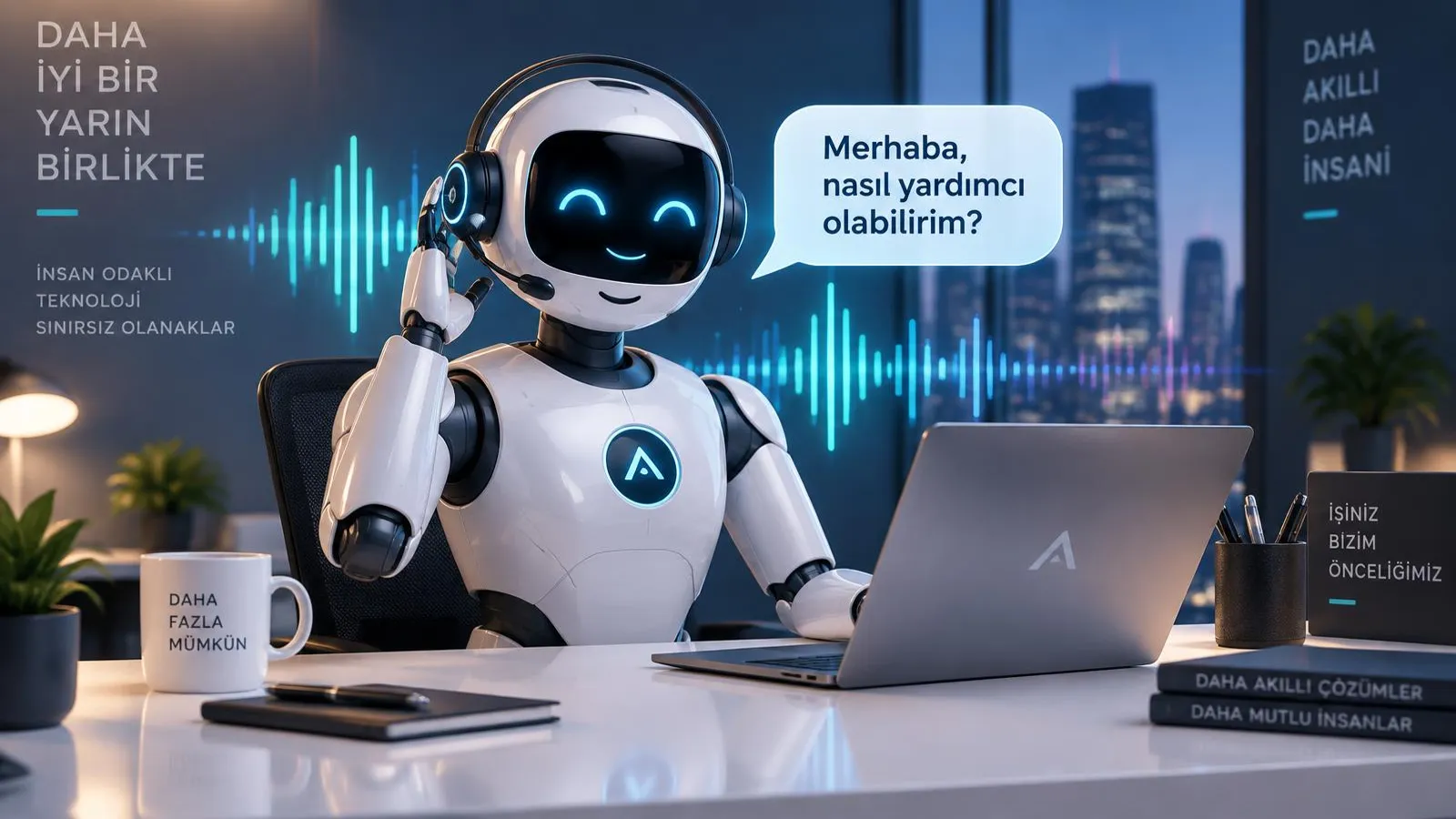
A voice AI assistant is software that talks to people who call your business like a real person, understands the question, gives the right information and completes tasks such as booking an appointment or logging a request. In 2026–2027 the phone is still the fastest and most trusted channel for customers, yet every unanswered call after hours, at peak times or on holidays is a lost customer. This guide explains what a voice AI assistant is, how a call is handled step by step, how it differs from personal assistants such as Siri or ChatGPT voice mode, how to test language quality, use cases by industry, setup steps, pricing logic and the questions to ask before you buy.
What is a voice AI assistant?
A voice AI assistant is an AI system that hears, understands and answers out loud. Callers do not press menu keys; they explain their need in their own words. The assistant understands the intent, checks your business information and delivers the result by speaking. Designed as a voice AI assistant, Sesla AI delivers this experience end to end for businesses on Türkiye’s most advanced AI call center infrastructure.
Technically, an AI voice assistant has three layers. The first is speech recognition: it converts the caller’s voice into text in real time. The second is the language model: it extracts the meaning, intent and context of the sentence, finds the right answer in the knowledge base and decides which action to take. The third is speech synthesis: it turns the prepared answer into natural, fluent speech in a voice that fits your brand. When these three layers work together in under a second, you get an AI that genuinely talks.
- Phone: answers calls to your business number and, where needed, calls back people who have given consent.
- WhatsApp: understands and replies to voice notes as well as written messages.
- Website: visitors can ask their question by voice or text in the browser.
- One knowledge base: every channel answers with the same prices, hours and service information.
When people hear "AI that answers by voice" they often think of old answering machines or "press 1, press 2" menus. The difference is big: voice AI understands free speech, stops and listens when interrupted, grasps the meaning even if you phrase a question differently, and remembers the flow of the conversation.
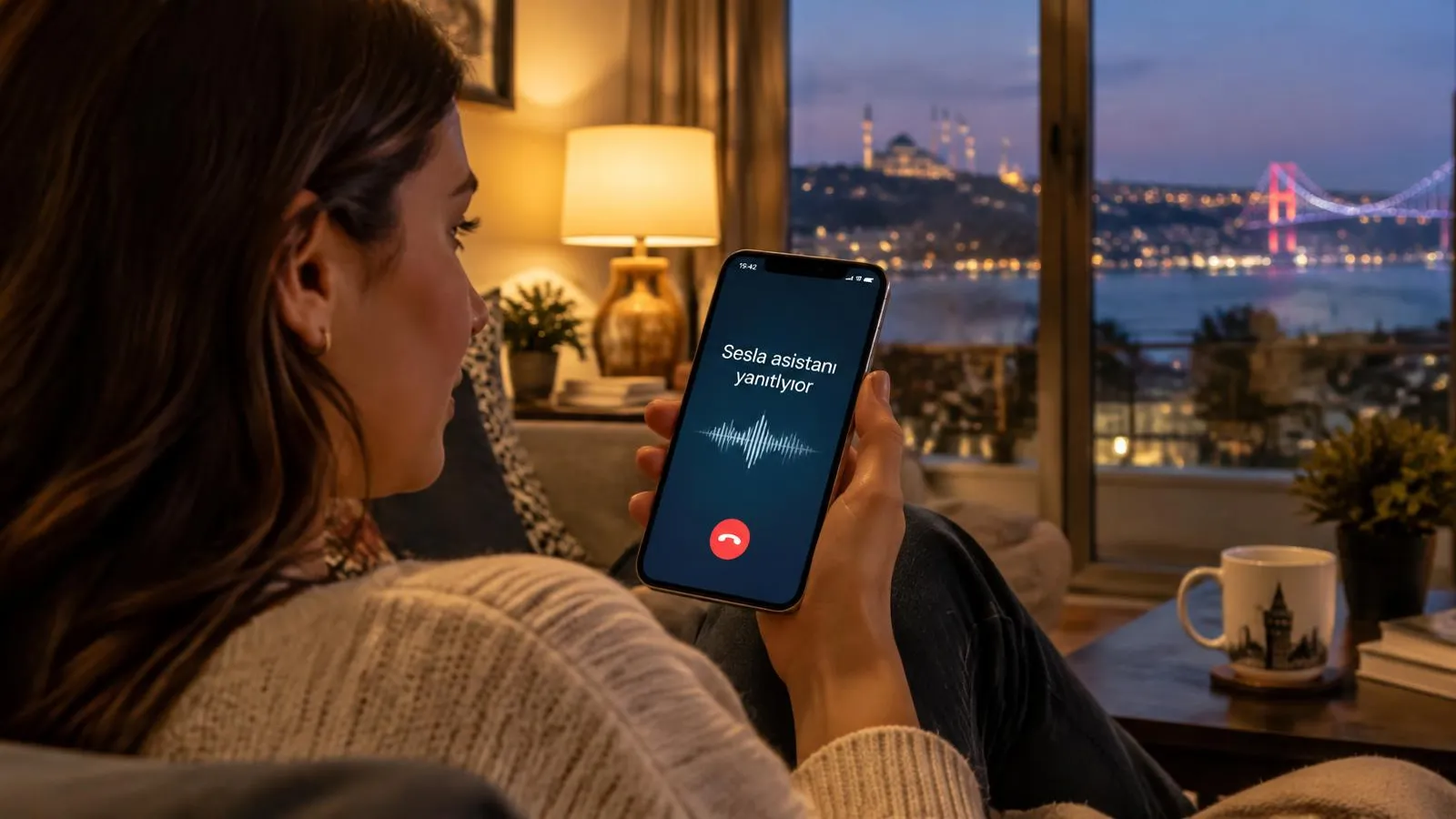
How does a voice AI assistant work? A call’s journey step by step
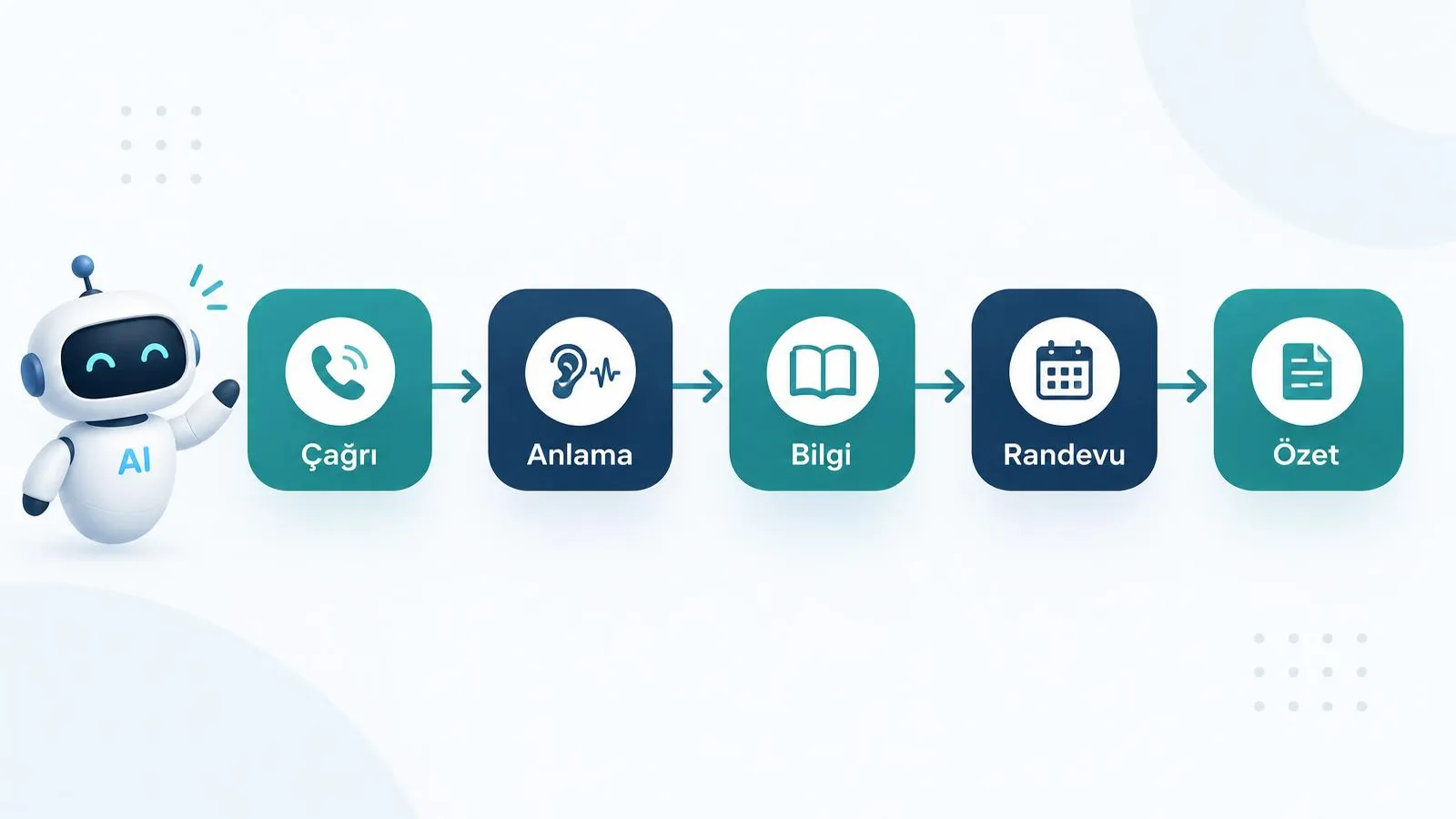
A voice AI assistant handles a call by greeting, understanding, finding information, taking action and recording the result. The flow below shows the journey of a caller from the first second to the end of the conversation.
- 1. The call arrives: the customer dials your usual number; call forwarding routes it to the assistant.
- 2. Greeting in the first second: the assistant greets in your business name and chosen tone and clearly says it is an AI assistant.
- 3. Understanding intent: intents and urgency such as "appointment for tomorrow", "price information" or "my boiler is not working" are identified.
- 4. Knowledge base lookup: services, hours, address, price ranges and FAQs are read from the source you approved.
- 5. Action: a free slot is checked in Google Calendar and the appointment is created, information is given or a request is logged.
- 6. Handover if needed: emergencies, complaints or topics needing an expert decision are passed to your team with a summary.
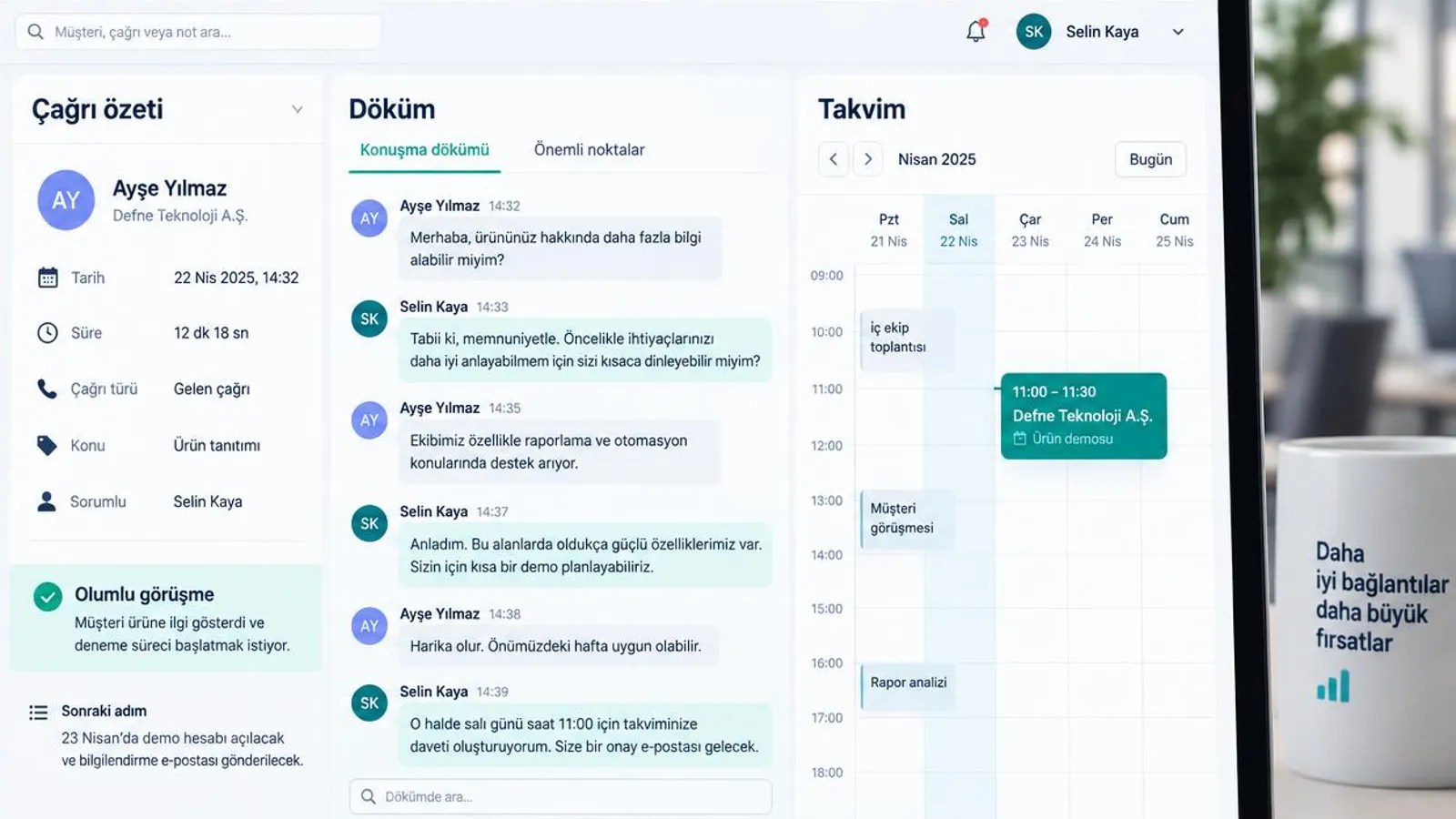
- 7. Call summary and transcript: when the call ends, topic, outcome and next steps appear in the dashboard as a written summary.
The most important parts of this journey are steps five and six. A system that only talks brings limited value; the value comes from connecting the conversation to an outcome. If the appointment is in the calendar, the request has reached the right person with a summary and nobody has to ask for the same information twice, the assistant has done its job.
Personal voice assistants vs. business voice assistants
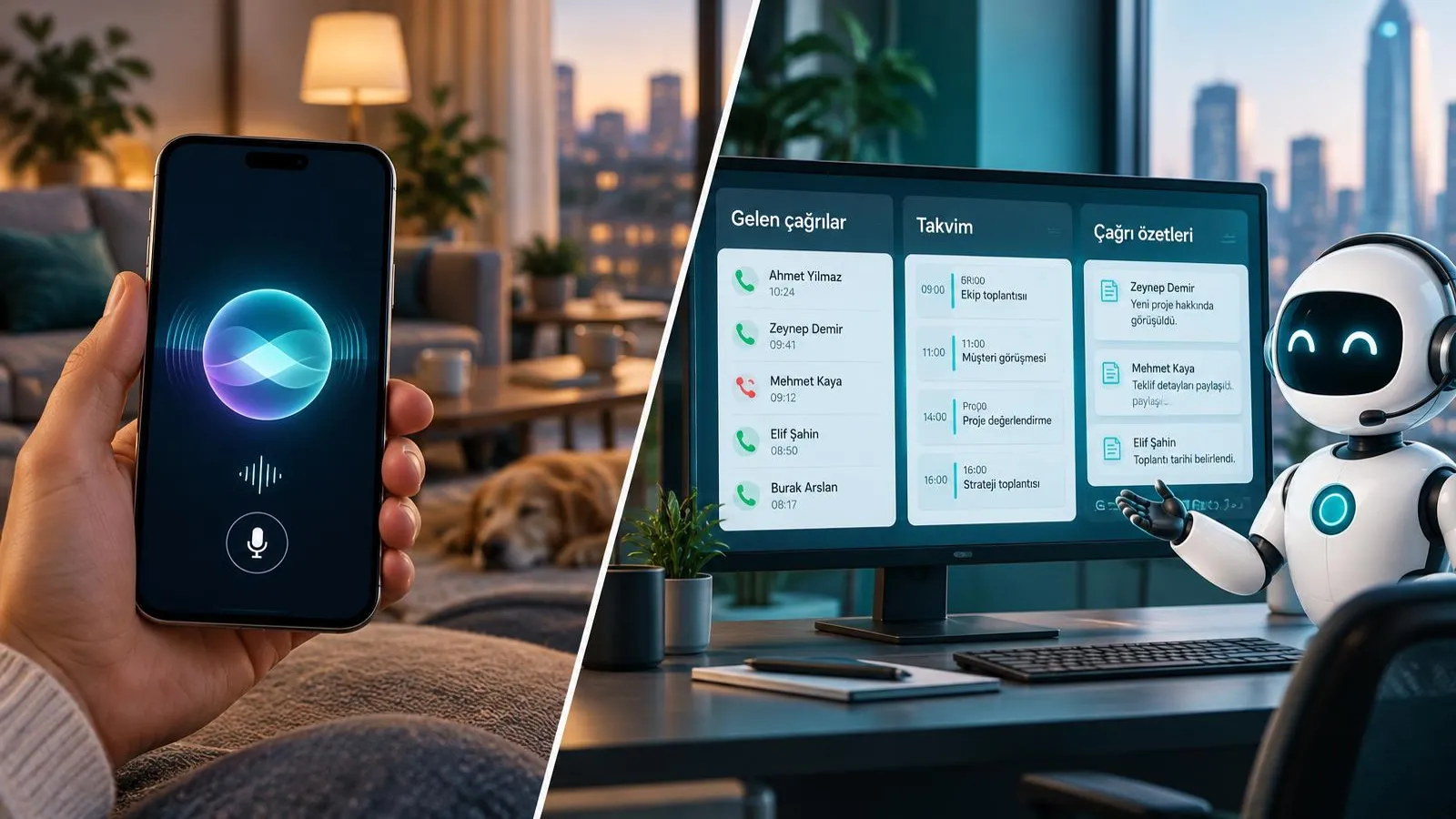
Personal voice assistants serve an individual’s device; a business voice AI assistant serves the customers who call your business. Tools like Siri, Google Assistant or ChatGPT voice mode are great for weather, alarms or general questions. If you are personally curious about talking to AI, they are a good start. But answering a business phone, knowing your prices, writing appointments into your calendar and reporting the conversation is a different job.
| Criterion | Personal assistant (Siri, Google Assistant, ChatGPT voice mode) | Keypad menu (IVR) | Business voice AI assistant |
|---|---|---|---|
| Purpose | Personal daily tasks and general questions | Routing the caller to a department via menu | Greeting the business’s caller and reaching an outcome |
| Knowledge source | General web knowledge and device data | Pre-recorded announcements | The knowledge base approved by the business |
| Phone number | None; runs on the user’s device | Tied to the business line | Connected to the business’s existing number via forwarding |
| Taking action | Limited actions in personal apps | None, routing only | Appointments, records, information, handover with summary |
| Reporting | None | Call counts and key presses | Call summary, transcript, topic and outcome |
| Data protection | User’s own responsibility | Recording notice required | Notice, retention and access rules defined with the business |
In short, a personal assistant answers "what can it do for me?", while a business voice assistant answers "what happens when my customer calls?". The rest of this guide focuses on the second question. For more on the phone side, see our AI phone assistant guide.
What does voice AI quality depend on?
Voice AI quality depends on recognition accuracy, latency, handling interruptions and the naturalness of the voice. Turkish, for example, is an agglutinative language in which one word takes dozens of forms. A good voice AI must understand these forms, cope with regional accents and dialects, and above all capture critical details such as names, addresses and phone numbers without errors.
- Understanding: everyday speech, inverted sentences and filler words.
- Accents and dialects: different pronunciations and calls from noisy places.
- Names, addresses and numbers: writing spoken numbers correctly and confirming them by repeating.
- Interruptions: the assistant stops and listens when the caller cuts in.
- Latency: answers arrive at a natural conversational pace.
- Natural voice: intonation, stress and breathing room; not robotic.
10-point voice quality test list
Before choosing a voice assistant, run the tests below from your own phone, behaving like a real customer. Repeat each test at least twice and with different people.
- 1. Say your first and last name; does the assistant repeat it correctly?
- 2. Say your phone number quickly and in groups; is it captured completely?
- 3. Give an address (district, street, number); is it noted correctly?
- 4. Interrupt mid-sentence; does the assistant stop and listen?
- 5. Ask the same question three different ways; is the answer consistent?
- 6. Ask something not in the knowledge base; does it say "I will pass this to the team" instead of inventing?
- 7. Call from a noisy place (street, car); does understanding drop?
- 8. Have someone with a regional accent call; what is the result?
- 9. Measure response delay; does the conversation flow naturally?
- 10. End the call and check the dashboard; is the summary correct and usable?
At Sesla you can run these tests before you buy: on the live demo page you can talk to the assistant in the browser or by phone and judge voice and understanding with your own ears. See which languages and voices are available on the languages and voices page.
What does a voice AI assistant bring to a business?
A voice AI assistant mainly wins back missed calls and frees your team from routine work. The gains come not from exaggerated promises but from every answered call reaching an outcome.
- 24/7 availability: calls are answered at night, at weekends and on holidays.
- Many calls at once: customers get no busy tone or long wait at peak times.
- No more missed calls: every call is answered, recorded and summarised.
- After-hours booking: customers who call in the evening still get their appointment.
- Multiple languages: foreign customers can be served in their own language.
- Consistent information: everyone hears the same correct prices, hours and services.
Calculating the return with your own numbers
Calculate the return with your own figures, not general statistics. The simple formula is: monthly missed calls × the share of those calls that become customers × average customer value = revenue left on the table every month. Take missed calls from your phone system report or missed-call list; take the conversion rate from your current success on answered calls; and think of customer value as the average yearly revenue a customer brings, not only the first purchase.
| Field | How to find it | Watch out for |
|---|---|---|
| Monthly missed calls | Phone system report, missed calls | Include after-hours and busy calls |
| Conversion rate | How many answered calls became customers? | Your own rate, not an industry average |
| Average customer value | Yearly revenue ÷ number of customers | Include repeat business |
| Team time | Daily time spent on routine calls | Decide what that time will be used for |
Compare the result with the assistant’s monthly cost. The calculator on our pricing page works the same way; enter your own values to decide.
Voice AI assistant use cases by industry
A voice AI assistant works in every industry where the phone is a sales and booking channel. Below is one concrete scenario per industry.
Clinics and dental practices
A patient calls at 9 pm and wants an examination the next day. The assistant checks free slots in the calendar, books the appointment and schedules a reminder. If the patient mentions pain, it passes the case to the clinic team without giving medical advice. See our dental clinics page.
Real estate
Someone calling from a listing site asks whether a flat is still for sale. The assistant gives listing information, notes budget and area preferences and schedules a viewing. The agent calls back in the morning with a ready summary. See our real estate page.
Medical tourism
A patient calling from Germany asks about the treatment process. The assistant speaks German, collects initial information and schedules a call with an advisor at a time that suits the patient. More on our medical tourism page.
Service and boiler repair
On a winter morning at 7 am a customer calls because the boiler has stopped. The assistant takes the brand, the symptom and the address, opens a service request and flags it as urgent for the team. See our technical service page.
E-commerce
A customer asks when an order will arrive and what the return conditions are. The assistant explains the return policy, notes the order number and, if needed, hands the request to customer service with a summary.
Law firms
A caller wants to speak to a lawyer about a rental dispute. Without giving legal advice, the assistant takes the matter, its stage and contact details and schedules an initial consultation.
Hotels and restaurants
A guest asks about a room for the weekend or a table for four for dinner. The assistant gives availability, logs the reservation request and notes special wishes for the team. See our hotel and tourism page.

Realistic conversation example: a patient calling a dental clinic
The example below shows how a voice AI assistant handles booking, reminder and handover in one call. Names are illustrative.
- Assistant: "Good evening, you have reached Smile Dental Clinic. I am the clinic’s AI assistant. How can I help you?"
- Patient: "Hello, my molar has been hurting for two days, I would like an examination."
- Assistant: "I am sorry to hear that. Is the pain very severe, is there any swelling in your face? I ask so I can pass you to our team right away if needed."
- Patient: "No swelling, but it keeps me awake at night."
- Assistant: "I understand. Tomorrow morning we have 09:30 and 11:00 available for an examination. Which suits you?"
- Patient: "09:30, please."
- Assistant: "May I have your full name?" — Patient: "Elif Kaya."
- Assistant: "Ms Kaya, I have booked your appointment for 09:30 tomorrow. We will send you a reminder before it. I have passed a note to the team so the dentist can advise you on what to do if the pain gets worse or swelling appears; they will call you first thing in the morning."
- Patient: "Thank you very much."
- Assistant: "You are welcome, get well soon, Ms Kaya. Good evening."
Note that the assistant makes no diagnosis and recommends no medication. It recognises the urgency signal, books the appointment and leaves the decision to the expert. When the call ends, the clinic team sees the summary "molar pain, no swelling, night pain; appointment tomorrow 09:30; call back in the morning" in the dashboard.
Setup: going live in 7 steps
With the right preparation, a voice AI assistant can go live quickly. The seven steps below are the setup order we follow at Sesla.
- 1. Needs and scenarios: list your 10–20 most common call types and the desired outcome of each (appointment, information, record, handover).
- 2. Knowledge base: gather services, hours, address, FAQs and handover rules in one document; the assistant only speaks from this information.
- 3. Voice choice and voice cloning: pick one of the ready natural voices or clone your brand voice from recordings made with consent.
- 4. Number: keep your existing number; connect it to the assistant with call forwarding. Customers keep calling the same number.
- 5. Calendar and CRM: with Google Calendar, appointments go straight into your calendar; plan a CRM integration if needed.
- 6. Testing: make dozens of test calls within your team using the 10-point list above and refine the answers.
- 7. Monitoring: read call summaries every day in the first weeks and add missing information to the knowledge base.
The fastest way to start with Sesla is the design your assistant form: describe your industry and needs in a few minutes and our team sets everything up with you. If you want a brand-specific voice, the voice cloning page explains the process and consent requirements. For inbound scenarios see our call answering solution.
How is a voice AI assistant priced?
A voice AI assistant is usually priced as a monthly plan with included talk minutes; usage beyond the plan is charged per minute. For a fair comparison, look at the total cost, not only the monthly fee. Current plans and per-minute rates are on our pricing page, updated from a single source.
Hidden cost checklist
- Is there a setup fee, and on which plans is it waived?
- How many minutes are included, and what is the overage rate?
- Is there a separate fee for numbers, forwarding or extra lines?
- Are extra channels such as WhatsApp and website chat included?
- Do voice cloning or extra languages cost more?
- Are calendar and CRM integrations priced separately?
- What are the contract term and cancellation conditions?
- Are support and knowledge base updates charged?
12-question evaluation list before you buy
Before you buy a voice AI solution, ask the provider the 12 questions below. Get the answers in writing and, where possible, test each one in the demo.
| # | Topic | Question to ask |
|---|---|---|
| 1 | Language quality | How well are names, addresses and numbers understood? Can we test it ourselves? |
| 2 | Latency | Do answers come at a natural conversational pace? |
| 3 | Handover | When and how does it hand over to the team? Is a summary passed on? |
| 4 | Number | Do I need to change my existing number? |
| 5 | Data protection and location | Where and for how long is data stored, and who can access it? |
| 6 | Recording | Are call recordings and transcripts available, and how is the notice given? |
| 7 | Reporting | Where do call summaries, topics and outcome reports appear? |
| 8 | Multichannel | Do phone, WhatsApp, Instagram, Messenger and website chat share one knowledge base? |
| 9 | Integration | How are Google Calendar and CRM connected? |
| 10 | Support | Who does the setup, and who updates the knowledge base afterwards? |
| 11 | Contract | What are the commitment, cancellation and plan-change terms? |
| 12 | Trial | Can we try it live before buying? |
Risks and limits: what should you watch out for?
The main risks of a voice AI assistant are giving wrong information, exceeding its authority and a lack of transparency; all of them can be managed with the right setup.
- Preventing hallucinations: the assistant should speak only from the approved knowledge base and, when it does not know, log the request and pass it to the team instead of inventing.
- Medical limits: in healthcare the assistant makes no diagnosis and recommends no treatment or medication; it recognises urgency and hands over to an expert.
- Legal limits: in law firms no legal advice is given; only initial information is collected and a consultation is scheduled.
- Transparency: callers should be told clearly at the start that they are talking to an AI assistant.
- Privacy notice: prepare a notice for call recording and personal data processing (KVKK in Turkey, GDPR in the EU) and define retention periods.
- Consent-based calling: outbound calls and commercial messages go only to people who have given consent, following local rules such as Turkey’s IYS.
These limits do not reduce the assistant’s value; they increase trust. When customers know what the AI does and does not do, they continue the conversation more comfortably. We explain how these rules apply at call center scale in our AI call center solutions guide.
Why Sesla AI?
Sesla AI is a voice AI assistant and AI call center platform for businesses, built on Türkiye’s most advanced AI call center infrastructure. It configures advanced voice and language models used at global scale for real business conversations.
- Phone, WhatsApp, Instagram, Messenger and website chat work from one knowledge base.
- You can talk to the assistant in a live demo before buying.
- Voice cloning from recordings made with consent, plus ready natural voices.
- Multilingual conversations, including Turkish, English and German.
- Appointments directly in Google Calendar.
- A call summary and transcript for every call; handover to the team with a summary when needed.
- Switch over by forwarding, without changing your existing number.
If you are looking for a solution that answers the phone after hours, our AI instead of an answering machine guide will also help.
For office phone answering, message taking and appointments in detail, see our AI secretary guide.
How to measure Turkish understanding, accent handling and naturalness step by step is covered in our Turkish voice AI guide.
Conclusion
A voice AI assistant permanently solves the problem of a business phone that goes unanswered. Set up correctly, it answers every call, speaks in a natural voice, creates appointments and records, hands over to the team with a summary when needed and reports every conversation. The keys to success are a well-prepared knowledge base, clear handover rules, transparency and regular monitoring in the first weeks.
The best decision is the one you make with your own ears. Talk to the assistant in the live demo, then review the plans and calculate the cost with your own call volume.
Frequently asked questions
How much does a voice AI assistant cost?
The price depends on the plan and your monthly talk minutes. Current plans and extra-minute rates are on our pricing page, where you can calculate the monthly cost with your own call volume.
How well does it understand Turkish and other languages?
It is configured to understand everyday speech, inverted sentences and different accents, and it confirms critical details such as names and numbers by repeating them. The best evaluation is to test it yourself in the live demo.
Do I need to change my existing number?
No. You connect your existing number to the assistant with call forwarding; customers keep calling the same number.
Will callers know they are talking to an AI?
The assistant clearly says at the start that it is an AI assistant. Even with a natural voice, transparency is the right approach for trust and compliance.
How many calls can it handle at once?
A voice AI assistant can manage several conversations at the same time, so customers get no busy tone at peak times. The setup is planned around your volume.
Is it compliant with data protection rules?
The privacy notice, call recording information, retention periods and access rights are defined with your business. Outbound calls are made only to people who have given consent.
Can you clone a voice?
Yes. A brand-specific voice can be created from recordings made with the explicit consent of the voice owner, or you can choose one of the ready natural voices.
How long does setup take?
It depends on how ready your knowledge base and integrations are. If scenarios and information are prepared, testing and go-live are completed quickly; our team does the setup with you.
How is it different from Siri or ChatGPT voice mode?
Personal assistants run on an individual’s device and answer general questions. A business voice assistant answers calls to your business number, speaks from your knowledge base, books appointments and reports each conversation.
Describe your needs in 3 minutes and we prepare your assistant draft and quote.