
AI Phone Calls 2026–2027: Inbound and Consent-Based Outbound Calling Guide
How AI phone calls work, the most effective inbound and consent-based outbound scenarios, the legal framework and a step-by-step setup.
A phone conversation is still the most trusted and best-converting way for a business to communicate. But a team can only make so many calls a day: confirmations, reminders, service updates and callbacks pile up and leave little time for the real work. In 2026–2027, AI phone calls stand out as a way to take on this load with a natural voice and a record of every conversation. This guide explains how AI phone calls work, which inbound and outbound scenarios they suit, the consent and legal framework, setup steps and how to measure results.
What are AI phone calls and how do they work?
An AI phone call combines three technologies: speech recognition that turns speech into text in real time, a language model that extracts meaning and intent, and speech synthesis that replies in a natural voice. When all three run with sub-second latency, the person on the line has a natural conversation instead of pressing menu keys. Sesla AI combines this with your knowledge base, calendar and rules on Türkiye’s most advanced AI call center infrastructure.
A typical call goes like this: the assistant introduces itself and the business, says it is an AI, explains the purpose, listens, answers questions if needed, completes the task (for example confirms the appointment or offers a new time) and closes politely. The recording, transcript and summary land in your dashboard and an outcome tag (confirmed, rescheduled, callback requested) is assigned automatically.
Inbound and outbound: two different uses
Many people think of AI calling only as outbound. Yet the fastest win for most businesses is inbound: calls that ring after hours, at peak times or while the team is busy are answered in the first second. Outbound calls are reminder, confirmation and information calls to existing customers with their consent.
| Topic | Inbound call | Consent-based outbound call |
|---|---|---|
| Who starts it? | The customer | The business, with consent |
| Typical purpose | Questions, bookings, requests, support | Reminders, confirmations, updates, callbacks |
| Timing | 24/7, instant | Within defined time windows |
| Consent | Privacy notice | Prior explicit consent + right to opt out |
| Metrics | Answer rate, resolution, bookings | Reach, confirmation, rescheduling, no-show rate |
The 8 most effective AI phone call scenarios
- Appointment reminders: a short reminder the day before and a one-sentence confirmation.
- Confirmation and rescheduling: instantly offer a new time to customers who cannot come, freeing the slot for others.
- Service and delivery updates: “Your car is ready”, “Your order is out for delivery”.
- Callbacks: return calls to customers who left a request via a web form or after hours.
- Payment reminders: polite due-date reminders according to the customer’s chosen contact preference.
- Satisfaction calls: a short, optional feedback call after the service.
- Inbound answering: every after-hours, lunch-break and overflow call.
- Pre-qualification: collect everything needed before a quote, visit or consultation.
What these scenarios have in common is that the customer expects or has requested the contact. That keeps reach rates high and the experience positive. See our consent-based outbound calling solution for details.
How to design a good AI call flow
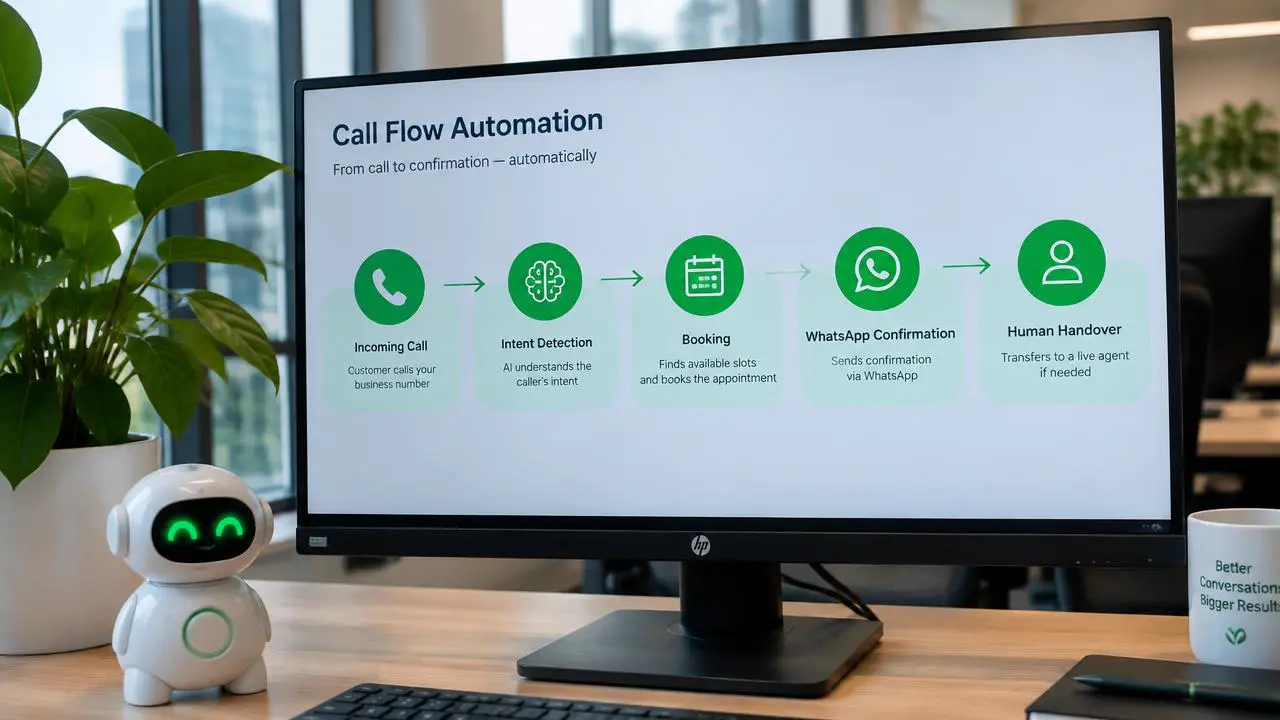
A successful AI call rests on a well-designed flow of opening, purpose, listening, action, exceptions and closing. For each step you define what the assistant must achieve rather than the exact words; the language model builds the sentences to fit the conversation.
Opening: short, clear and transparent
The first sentence should name the business, state that the assistant is an AI and give the reason for the call. For example: “Hello, this is Defne, the AI assistant of X Clinic. I’m calling to remind you of your appointment tomorrow.” Long introductions and sales lines reduce trust in the first seconds.
Action: one goal, one decision
Each outbound call should focus on a single goal. In a reminder call the goal is confirmation or rescheduling; squeezing in other topics makes the call longer and tires the customer.
Exceptions and handover
If the customer complains, reports an emergency or wants a person, the assistant transfers according to your rules or logs a callback. If the customer says they do not want to be called, that preference is saved instantly and future calls stop.
Closing and record
The call ends with a short recap: “Your appointment is confirmed for tomorrow at 2 pm. Have a nice day.” The outcome, transcript and summary are written to the dashboard and, with consent, a WhatsApp confirmation is sent.
Consent, data protection and the legal framework
Legal compliance is non-negotiable for outbound calls. Depending on your market, data protection law (such as GDPR in the EU or KVKK in Türkiye), telemarketing rules and national do-not-call registers apply. Service-related reminders and promotional calls are often treated differently, so clarify the distinction with your own legal adviser.
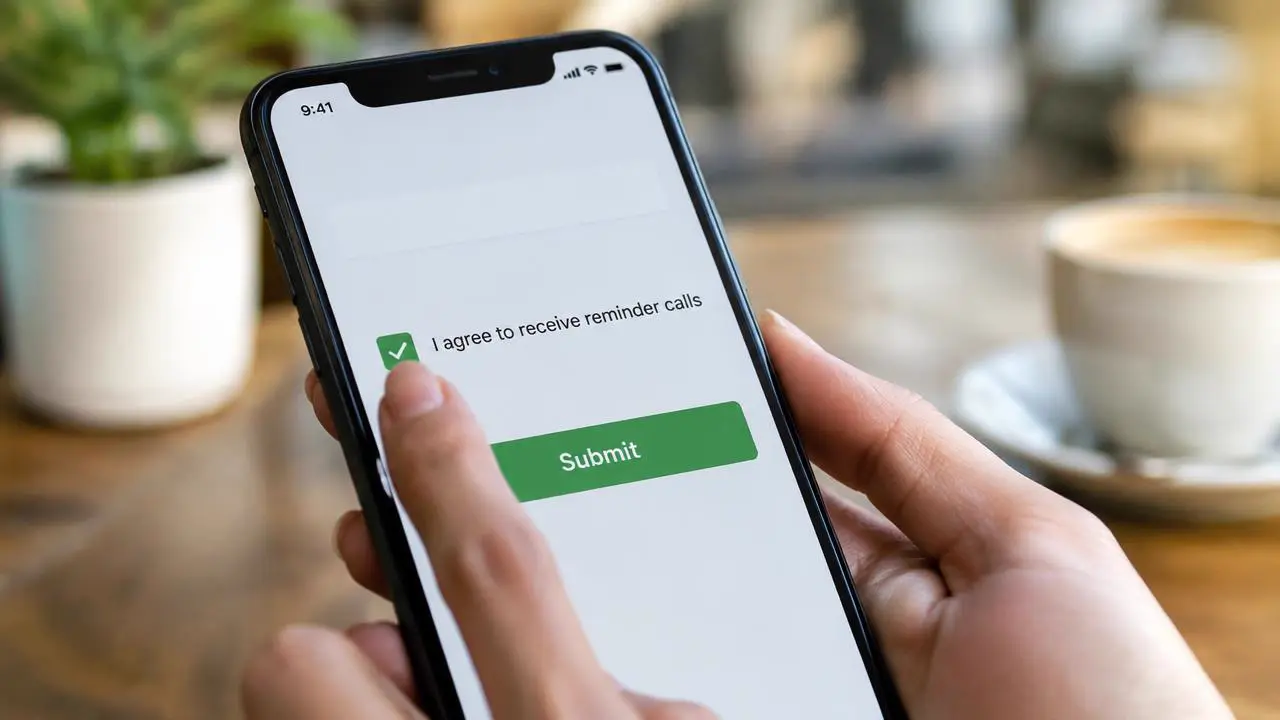
- Record consent: store the date and channel where consent was given (form, contract or first call).
- Protect the right to opt out: customers must be able to say in one sentence that they do not want to be called, and it must apply immediately.
- Respect calling hours: limit calls to reasonable times.
- Disclose recording: state in the opening or privacy notice that calls are recorded.
- Say it is an AI: state clearly from the start that the assistant is an AI.
Sesla’s approach is clear: outbound calls only in consent-based scenarios, no cold calling, and the customer’s right to opt out is always respected. Read our consent communication policy for details.
AI phone call examples by industry
Clinics and dentists
Reminder and confirmation calls are the most effective way to cut no-shows. Patients who cannot come rebook in the same call and the freed slot goes to someone else. See our guide to reducing no-shows.
Automotive service
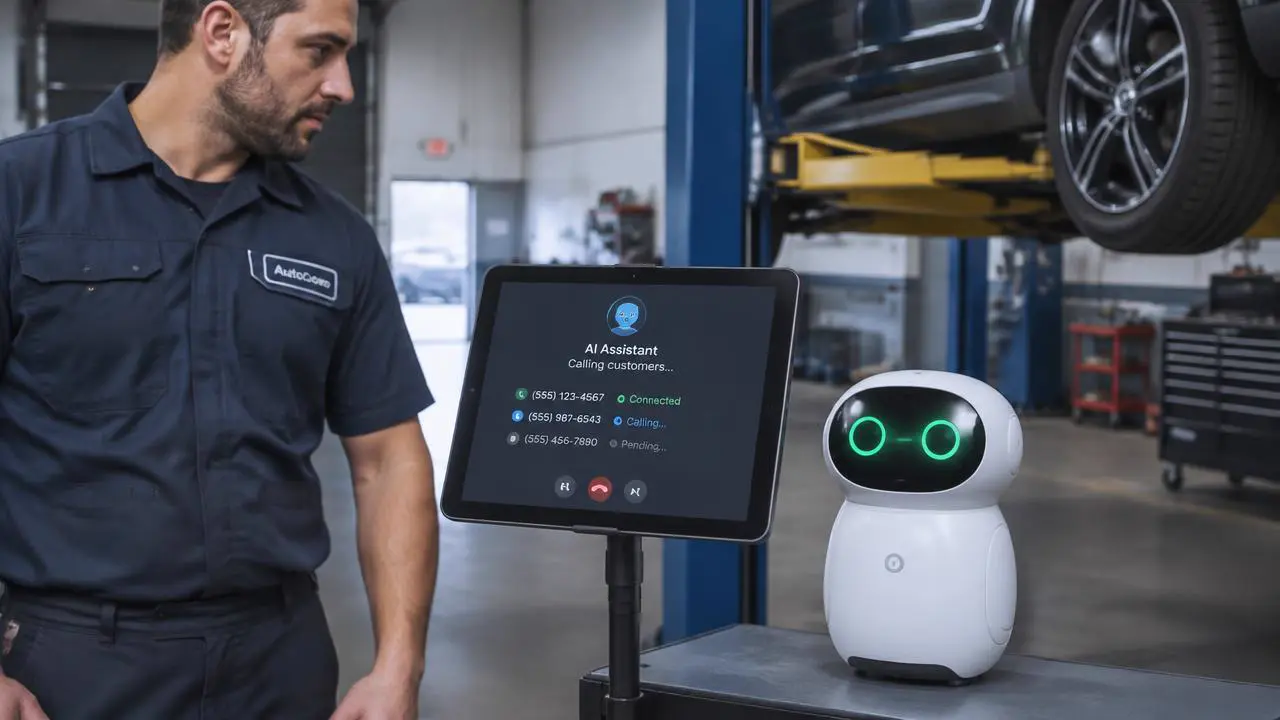
Calls such as “your car is ready”, scheduled maintenance reminders and service appointment confirmations go to the AI while the service advisor focuses on the workshop.
E-commerce and delivery
Delivery-time confirmation, address checks and cash-on-delivery confirmation reduce failed deliveries.
Service businesses
For technical service, cleaning, plumbing and similar businesses, pre-visit confirmations and post-job satisfaction calls strengthen both planning and loyalty.
What do AI phone calls cost?
AI phone calls are billed by usage minutes. Short, single-purpose reminder calls usually last under a minute, so the cost is very low compared with the time an employee would spend on the same task. For inbound calls, the real gain comes from calls that are no longer missed.
For your own scenario, look at monthly call volume, average call length and the target outcome (for example fewer no-shows) together. See our pricing page and our AI call center pricing guide for plans and minutes.
| Item | Value |
|---|---|
| Monthly appointments | 600 |
| Average reminder length | ~50 seconds |
| Total usage | ~500 minutes |
| No-show rate (before → after, example) | 15% → 8% |
| Appointments recovered | ~42 |
| Average appointment value | Depends on your business |
Setup: your first AI call in 5 steps
- 1. Choose the scenario: start with the call type that takes the most time and follows the clearest rules (usually appointment reminders).
- 2. Set up consent: consent text, where it is stored and how opt-out preferences are kept.
- 3. Write the flow: opening, purpose, action, exceptions and closing.
- 4. Connect systems: call lists from your calendar or CRM, results written back, WhatsApp confirmation.
- 5. Pilot and measure: start with a small group, read the first week’s summaries, refine and scale.
Inbound setup is even simpler: forward calls from your existing number when busy, unanswered or after hours and the assistant works from day one. See our AI phone assistant guide.
Measuring results: which numbers matter?
- Reach rate: share of people reached; improves with calling windows and retry rules.
- Confirmation and rescheduling rate: the core goal of reminder calls.
- No-show rate: compare before and after reminders.
- Transfers and callback requests: reveal gaps in the flow.
- Opt-out rate: if it rises, review timing, frequency or message.
- Average call length: short, single-purpose calls improve both cost and satisfaction.
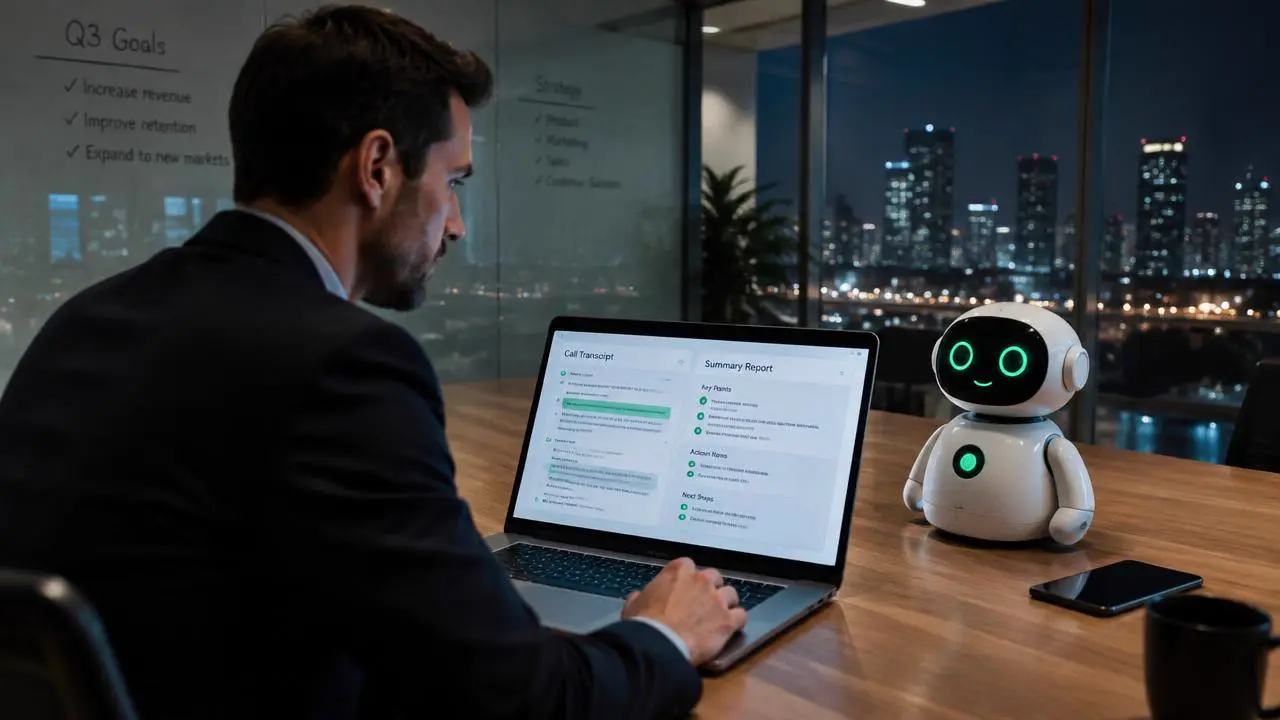
Sesla’s dashboard shows these metrics together with each call’s recording and summary, so you see what each scenario delivers from data, not guesses. See our reporting feature.
Common mistakes with AI phone calls
- Calling lists without consent: legal risk and brand damage; work only with consenting customers.
- Hiding that it is an AI: damages trust; say it clearly in the opening.
- Loading several goals into one call: makes calls longer and outcomes fuzzy.
- Applying opt-outs late: preferences must apply instantly and across channels.
- Not writing results back: if confirmed or rescheduled appointments are not updated in the calendar, automation loses its value.
2026–2027: where are AI phone conversations heading?
As latency drops and voices become more natural, AI phone conversations come ever closer to a human call. Assistants are turning into communication hubs that remember earlier calls, know the customer’s preferred channel and time and update every system automatically at the end of a call. The winners will be businesses that combine the technology with transparency and consent.
Why Sesla AI for AI phone calls?
Sesla AI is an AI call assistant built on Türkiye’s most advanced AI call center infrastructure. It answers inbound calls 24/7, makes consent-based reminder and confirmation calls, writes results to your calendar and dashboard, sends WhatsApp confirmations with consent and reports every call with recording, transcript and summary. Your existing number stays, pricing is transparent and expert setup is free on yearly Kurumsal and Premium plans.
Example call: a dental clinic appointment reminder
Assistant: “Hello Ms Smith, this is Defne, the AI assistant of Bright Smile Dental. I’m calling to remind you of your check-up tomorrow at 10:30. Does that still work for you?” Patient: “Actually something came up tomorrow — could we do Thursday?” The assistant checks the calendar: “Thursday at 11:00 or 3:30 pm are free. Which suits you?” The patient picks 3:30; the assistant moves the booking, frees the old slot and closes with “Your appointment is now Thursday at 3:30 pm, and I’m sending the details via WhatsApp too.”
The call takes 45 seconds. The freed Tuesday 10:30 slot can go to a patient on the waiting list. This single example shows why consent-based reminder calls are the fastest-paying AI scenario: no-shows fall and calendar gaps are filled.
Timing and retry rules
The success of consent-based outbound calls depends largely on timing. The most effective window for reminders is usually 24–48 hours before the appointment; a short same-day confirmation reduces last-minute cancellations. For people who cannot be reached, set a reasonable retry rule (for example once more two hours later) and a daily cap. Calling the same person repeatedly in a short time hurts the experience and increases opt-outs.
| Scenario | Suggested time | Retry |
|---|---|---|
| Appointment reminder | 24–48 h before, 10 am–7 pm | Once, 2 hours later |
| Same-day confirmation | 3–4 h before the appointment | None; WhatsApp info |
| Service ready | When the job is done, within business hours | Once, next morning |
| Callback | First suitable time after the request | Twice, at different times |
| Satisfaction call | 1–3 days after the service | None |
Which calls should stay with people?
AI calling is not the right tool for every conversation. Delivering bad news, resolving a complex complaint, negotiating a high-value offer or conversations that need emotional sensitivity should stay with your team. The right model is for AI to take routine, rule-based, high-volume calls and for people to spend time on conversations that need value and empathy. Writing this split down from the start helps both your team and your customers trust the new setup.
3 practical questions businesses ask
What if the call reaches voicemail? The assistant can leave a short informative message or hang up and retry later according to your rule; for reminders, a short message plus a WhatsApp note usually works best. How many calls can run at once? Several in parallel; your plan, line capacity and calling windows set the practical limit. Where are results written? Confirmations, reschedules and cancellations are written back to your calendar or CRM, and every recording, transcript and summary is kept in the dashboard.
Conclusion
With the right scenarios and a solid consent setup, AI phone calls save businesses time and win revenue. No inbound customer is missed; consent-based outbound calls confirm appointments, fill empty slots and let your team focus on its real work. Start with one scenario, set up consent and grow with a measured pilot.
Start a live demo with Defne to hear how natural an AI phone call can be, or design an assistant for your business in a few minutes.
Frequently asked questions
What are AI phone calls?
A voice AI answers inbound calls and, where customers have consented, makes reminder, confirmation and information calls.
Are AI calls legal?
Reminder and information calls can be made when privacy notices, required consent and opt-out rights are respected. Sesla makes outbound calls only in consent-based scenarios; clarify legal details with your own adviser.
Will people know they are talking to an AI?
At Sesla the assistant says clearly in the opening that it is an AI; transparency is the basis of trust.
What if a customer does not want to be called?
The preference is saved instantly during the call and further calls stop.
Which calls should I start with?
The scenario with the clearest rules that takes the most time; for most businesses that is appointment reminders and confirmations.
Can I try it?
Yes. Run a free live demo with Defne in your browser or by phone for up to 10 minutes.
Describe your needs in 3 minutes and we prepare your assistant draft and quote.