
Switching to Sesla without changing your number
The number your customers know can stay the same. Switching usually works through forwarding or a PBX connection.
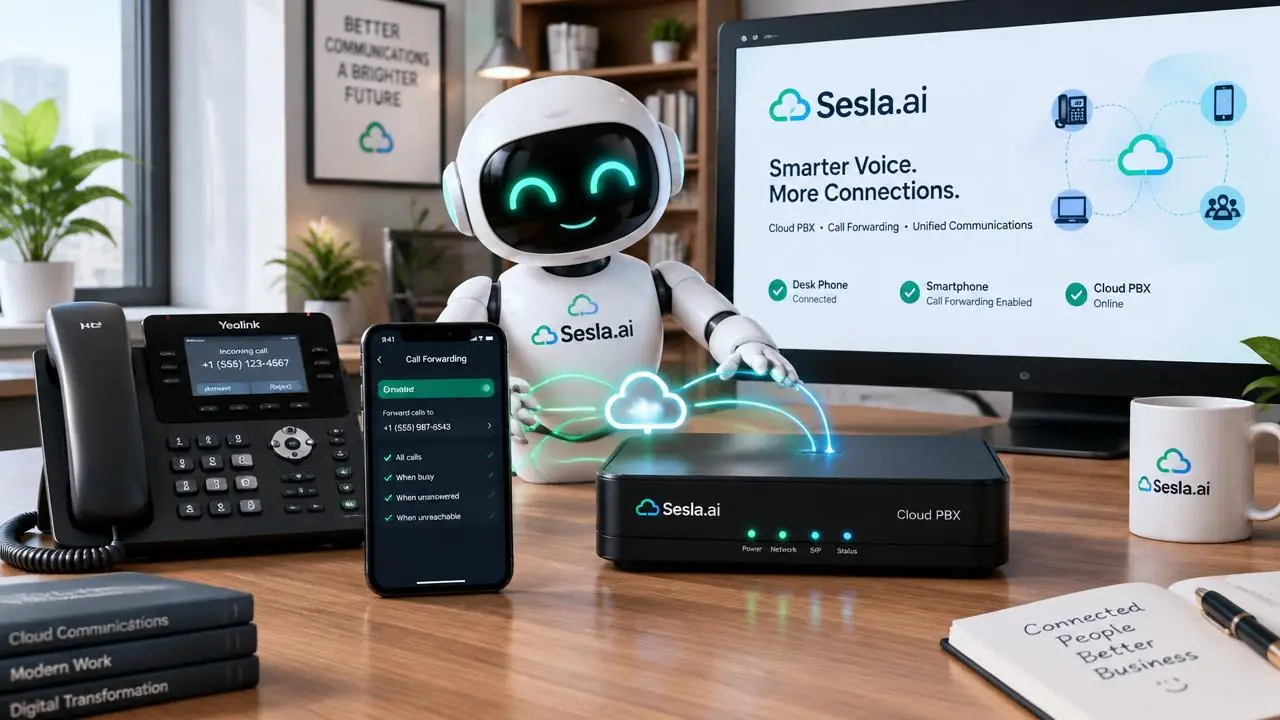
The most frequent question businesses considering switching to an AI phone assistant ask is: "Will I have to change my number?" Changing a number recorded on business cards, signs, Google Business Profile, websites, and in customers' contact lists for years is something no one wants to do. The good news is: in most cases, you don't need to change your number. In this guide, we explain how to switch to Sesla while keeping your existing number, call forwarding options, PBX and SIP connection, considerations during the transition, and step-by-step setup.
Why is it important to keep the number?
A business's phone number is part of its brand. Customers have saved that number in their contacts, shared it with friends, and seen it on invoices and brochures. The number on Google Maps and listing sites is an element of the business's digital identity. When the number changes, some new customers call the old number and cannot reach anyone; existing customers may think the business has closed.
For this reason, Sesla's setup approach is always based on retaining the existing number. The assistant answers calls coming to the number the customer knows; from the customer's perspective, nothing changes, only the phone is now always answered.
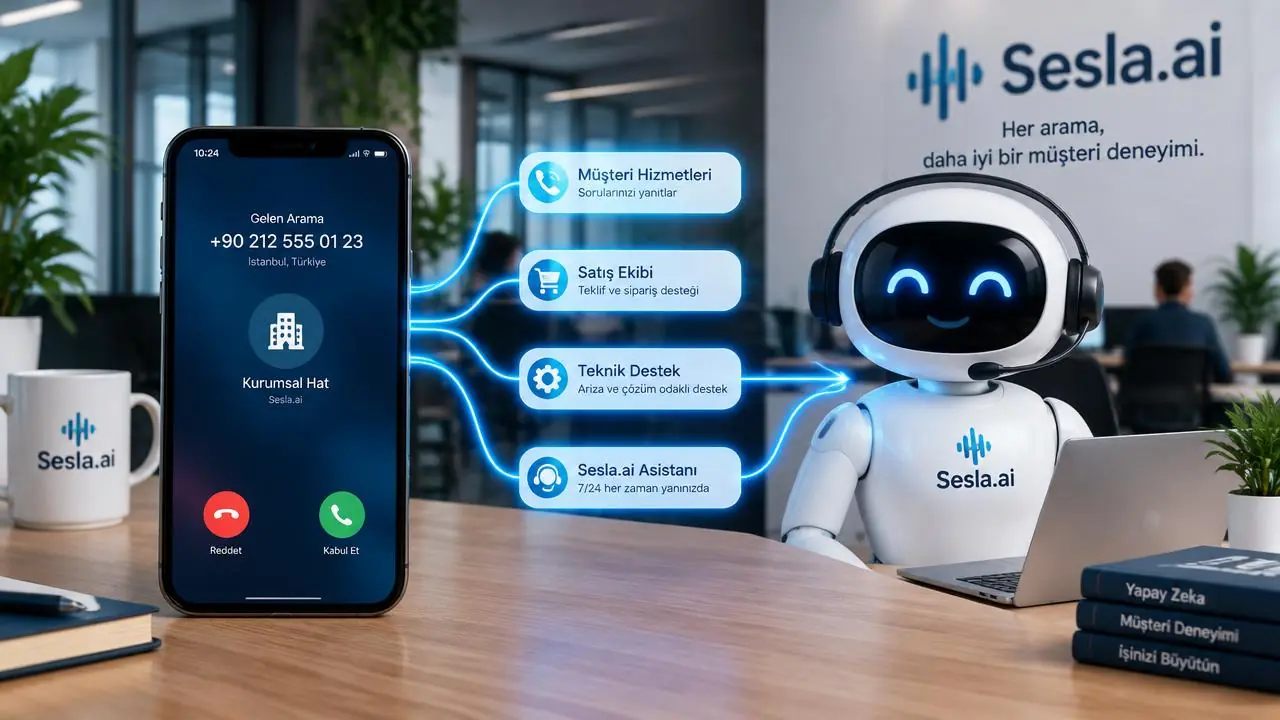
Call forwarding types
Most mobile and landline operators in Turkey offer call forwarding based on different conditions. Which forwarding you choose depends on the assistant's role: will the assistant always answer the phone, or will your team answer first, and the assistant handle missed calls?
| Forwarding type | When does it activate? | Suitable scenario |
|---|---|---|
| Always | All calls | Assistant is the first point of contact; transfer to team is rule-based |
| On busy | When the line is busy | Overflow calls during peak hours |
| On no answer | If not answered within a certain period | Team answers first, missed calls go to the assistant |
| When unreachable | Phone off / out of coverage | Assurance for mobile lines |
| Time-based (PBX) | After-hours | Handling calls at night and on weekends |
For most businesses, the most balanced start is to use "on busy" and "on no answer" forwarding together. This way, your team speaks to the customer as long as they can answer; in any case they can't, the AI assistant steps in. After hours, time-based forwarding or "always-on" forwarding can be used via the PBX.
PBX and SIP connection
Businesses with multiple lines and extensions typically use a PBX. If you use a cloud PBX, a SIP connection can be established with Sesla. In this case, the AI assistant acts like an extension of your PBX: calls can be routed to the assistant from the PBX menu, time rules, or overflow rules, and the assistant can transfer the call back to a specific extension when needed.
The suitability of a SIP connection depends on the country, PBX provider, and account conditions. In Turkey, not every number type and every provider offers unconditional SIP access. Therefore, a technical compatibility check is performed with your PBX provider before setup. In unsuitable cases, operator forwarding is always a reliable alternative.

The Sesla difference: what changes, what doesn't during transition?
With Sesla, the only thing that changes for your customers during the transition is that the phone is now always answered. The number, business name, greeting language, and operating rules remain as you set them. Our call answering solution plans this transition to interfere as little as possible with your existing phone setup.
- Does not change: your phone number, sign, business card, and Google profile.
- Does not change: your team's habit of answering the phone (with no answer forwarding).
- Changes: busy signals and missed calls are eliminated.
- Changes: a written summary of every conversation reaches your team.
- Changes: after-hours calls are also answered and recorded.
| Strategy | Does the number change? | Ease of setup | Flexibility |
|---|---|---|---|
| Operator forwarding | No | Very easy | Medium |
| Cloud PBX + SIP | No | Medium | High |
| New number (additional line) | Additional number | Easy | Medium |
| Number porting | No (ported) | Time consuming | High |
Step-by-step Transition
- 1. Outline your existing phone structure: mobile, landline, or PBX system?
- 2. Define the AI assistant's role: primary greeter, overflow, or after-hours support?
- 3. Your Sesla number and AI assistant are prepared, and the knowledge base is populated.
- 4. Greeting, transfers, and summary flow are tested with trial calls.
- 5. Operator or PBX forwarding is enabled, and the system goes live.
- 6. Summaries from the first week are reviewed, and rules are refined.
The most critical step in this process is the testing phase. Before forwarding is enabled, the Sesla number is dialed directly to test the AI assistant's greeting, its ability to answer questions, and transfer rules. Once everything works as expected, forwarding is enabled. This ensures customers never experience an incomplete service.

Transfer to team from AI assistant
Forwarding is not one-way. The AI assistant can transfer a call to a member of your team in situations you define: if the customer explicitly requests an authorized person, in an emergency, or for a question not in the AI assistant's knowledge base. The number or extension for transfers is defined during setup.
The key point to consider here is to avoid loops. For example, if the AI assistant "always" transfers a call to a number where forwarding is active, the call will loop back to the AI assistant. Transfer numbers and rules that prevent such loops are determined together during setup.

Pricing
Sesla packages are priced based on talk minutes. If your operator charges for forwarding, these will appear on your operator bill. The table below shows the current Sesla packages.
| Plan | Monthly | Annual (per month) | Included minutes | Extra minute | Setup on annual |
|---|---|---|---|---|---|
| Starter Plan | $59.99 | $44.99 | 120 min | $0.25 | Paid |
| Professional Plan | $129.99 | $97.49 | 300 min | $0.23 | Paid |
| Enterprise Plan | $259.99 | $194.99 | 600 min | $0.22 | Free |
| Premium Plan | $519.99 | $389.99 | 1,200 min | $0.15 | Free |
To choose a package based on your call volume, you can use the calculator on the pricing page.
Common Mistakes During Transition
- Enabling forwarding without testing.
- Setting the forwarding duration on no answer too long; customers get impatient and hang up.
- Creating a loop in the transfer number.
- Not checking numbers on Google Profile and website.
- Not explaining the new system to the team; not defining who receives summaries.
The forwarding duration on no answer is particularly important. If it's too short, your team won't be able to answer the phone; if it's too long, the customer will hang up before reaching the AI assistant. For most businesses, a few rings is a balanced starting point. To hear the AI assistant's greeting in advance, you can try the live demo on the homepage.
Sample Setup Scenarios by Business Type
A small business operating with a single phone, such as a hairdresser or technical service, typically uses the owner's mobile phone. In this case, the most practical solution is to enable forwarding on no answer and busy on the mobile phone. The business owner answers the phone when available; calls received while busy with a customer or in the field go to the AI assistant. In the evenings, "always" forwarding can be enabled to direct all calls to the AI assistant.
A medium-sized business with a landline and several extensions, such as a clinic or real estate office, usually uses a PBX system. Here, after-hours calls and calls received when lines are busy are directed to the AI assistant using the PBX's time rules and overflow rules. The AI assistant can transfer the call back to the relevant extension when needed.
For multi-branch businesses, each branch's number can be forwarded separately, or all calls can be answered via a central number. The AI assistant asks which branch the caller is interested in and forwards the request to the correct branch. This way, each branch maintains its own number, while all calls are handled with a single standard of quality.

Google Business Profile and Digital Visibility
A significant benefit of transitioning without changing your number is that your Google Business Profile and map listings remain unaffected. Google values consistency in business information; a number change can sometimes lead to verification processes and temporary fluctuations in visibility. This risk is eliminated when the existing number is preserved.
Moreover, calls coming from your Google Profile are often high-intent calls: the person searched for a service, found your business, and called directly. Ensuring these calls are always answered increases the number of customers coming from your profile. Reducing missed calls also indirectly has a positive impact on customer reviews and satisfaction.
After the transition, ensure that the numbers on your Google Profile, website, and social media accounts are consistent. If you use different numbers on different channels, you need to check the forwarding settings for each individually.
Technical Checklist Before Transition
Clarifying a few technical points before starting the transition ensures a smooth beginning. First, your line type must be determined: mobile line, landline, or cloud PBX. Each has different forwarding options and setup methods. Second, your existing forwarding settings should be checked; if a forwarding is already active, it might conflict with the new setting. Third, the numbers to be used for transfer must be determined, and it must be ensured that there is no forwarding creating a loop on these numbers.
- Determine line type and operator.
- Check existing forwarding settings.
- Set the forwarding duration on no answer.
- List transfer numbers and extensions.
- Plan a trial hour for testing.
- Prepare a rollback plan: know how to disable forwarding.
Once this checklist is complete, the transition typically becomes a setup process of a few minutes. The Sesla team guides you step-by-step through this process and collaboratively verifies that everything is working correctly with trial calls.
First 30 Days After Transition
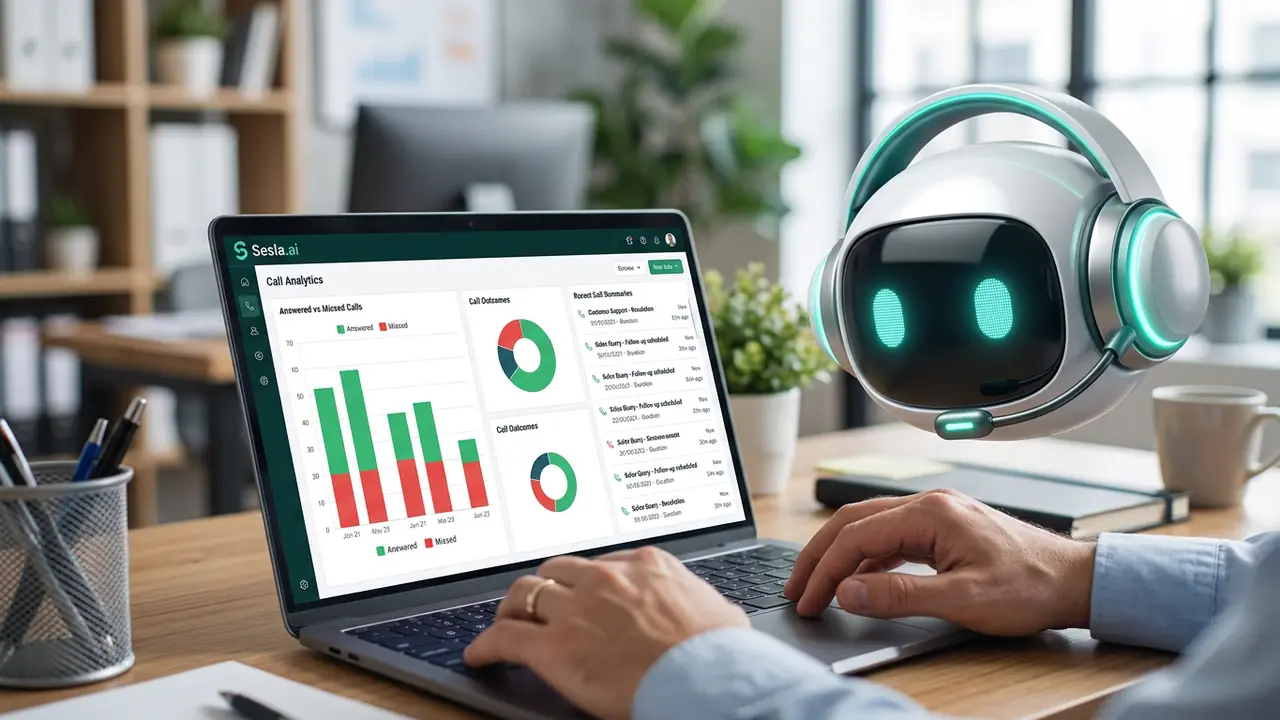
The first week is dedicated to checking that forwarding is working correctly and no calls are being lost. Each day, the number of calls answered by the AI assistant is compared with the number of forwarded calls in the operator's records. In the second week, the forwarding duration on no answer is adjusted if necessary. In the third week, after-hours rules are reviewed. In the fourth week, the change in the answer rate is measured, and a decision is made whether to expand the scope.
Team feedback is also important during this process. Are team members who continue to answer the phone satisfied with the moments the AI assistant steps in, are transfers reaching the right person, are summaries sufficient? The answers to these questions help tailor the setup to your business's exact needs.
Sample Gain Scenario
Consider a technical service that receives 40 calls a day and misses approximately a quarter of them. With forwarding on no answer, most of the 10 missed calls are answered by the AI assistant and converted into service requests. Even just a few extra service jobs each day mean a significant increase in revenue by the end of the month. Moreover, this gain is achieved without changing numbers, without any announcements to customers, and without disrupting the existing order.
How the Transition Looks from the Customer's Perspective
The best part of the transition is that the customer doesn't need to make any changes. The customer calls the usual number. If your team is available, your team answers the phone as usual. If not, after a few rings, the AI assistant answers the phone with your business name and helps the customer. The only difference for the customer is that they no longer hear a busy signal and are never left unanswered.
The AI assistant's greeting phrase is also an important part of this experience. A short and warm greeting like "Hello, welcome to [business name], I'm your digital assistant, how can I help you?" clearly tells the customer where they are and who they are speaking with. This transparency maintains customer trust.
At the end of the conversation, the customer is given a clear next step: appointment confirmation, callback time, or transfer to the team. The customer knows what will happen when they leave the call; the business instantly receives a summary of the call. Thus, without changing the number, the customer experience is elevated to the next level.
Potential Problems and Solutions During Transition
- Forwarding is not working: check the operator's forwarding codes and whether the line is open for forwarding.
- Calls are looping: ensure that forwarding is not active on the transfer number.
- The team can't answer the phone in time: extend the forwarding duration on no answer by a few seconds.
- Customers are reaching the AI assistant too early: instead of shortening the duration, review the team's answering habits.
- After-hours rule is not working: check PBX time rules and time zone settings.
Almost all of these problems are noticed within the first few days of setup and are resolved with a few minutes of adjustments. The Sesla team tests with you during this process and does not consider the process complete until everything is verified to be working correctly.
One Business Day After Transition
10:00 AM. The owner of a technical service is repairing a boiler at a customer's home when their phone rings. After a few rings, the call goes to the AI assistant via forwarding on no answer. The AI assistant answers with the service name, takes down the type of faulty device, the description of the fault, and the address, and suggests a suitable visit window for the afternoon. When the service owner finishes the repair, they see the new job record on their phone.
7:30 PM. Business hours are over, the business owner is at dinner. A customer calls about a water leak. The call goes to the AI assistant via "always" forwarding; the AI assistant classifies the situation as urgent and transfers it to the business owner according to the defined rule. Other non-urgent calls are recorded for the morning. The number remains the same, but the business no longer misses any calls.
Questions to Ask Before Deciding to Transition
- What types of forwarding does our line support?
- Will the AI assistant be the primary greeter, or will it only handle missed calls?
- Which numbers will we use for transfers?
- How will after-hours calls be managed?
- What are the forwarding fees with our operator?
- How can we revert to the old system if needed?
What Does Sesla Undertake in the Transition Process?
The technical part of the transition process can seem complex to most business owners. The Sesla team accompanies you step-by-step through this process. In the initial consultation, we jointly review your phone structure, determine which forwarding type is most suitable for your business, and list the necessary settings for you. We explain how to configure your operator's forwarding codes or PBX settings.
While your AI assistant is being prepared, the knowledge base is collaboratively populated: your business name, greeting phrase, business hours, services, frequently asked questions, and transfer rules. Then, direct trial calls are made to the Sesla number, and it is verified that the AI assistant behaves correctly in every scenario. Only when this stage is complete is forwarding enabled.
In the first few days after going live, our team reviews call summaries with you and makes necessary improvements. For annual subscriptions, this expert setup support is free for Corporate and Premium packages. This way, you transition to an AI assistant without requiring technical knowledge, without changing your number, and without affecting your customers.
Changes to be made after the transition are also quite simple. When your business hours change, you add a new service, or your transfer number changes, simply update the knowledge base. You do not need to make any further changes to your phone infrastructure.
Key Takeaways
- You don't need to change your number to switch to an AI assistant.
- Forwarding on busy and no answer is a balanced starting point for most businesses.
- If you are using a cloud PBX, SIP connection may offer a more flexible structure; suitability depends on the provider.
- Trial calls must be made before forwarding is enabled.
- Care must be taken to prevent loops in transfer numbers.
- Numbers on Google Profile, website, and social media should remain consistent.
A transition made with these principles will be completely invisible to your customers. The only difference is that your phone will now always be answered, and you will receive a summary of every conversation.
An important point to remember when deciding on the transition is flexibility. Forwarding settings can be changed or disabled at any time; this allows you to try the AI assistant risk-free. Starting only with after-hours calls and expanding the scope after seeing the results makes it easier for both you and your team to confidently adapt to the new system. Most businesses, after reading the summaries of the first week, realize how many calls they missed before and quickly decide to expand the scope of the AI assistant.
In summary, you don't have to choose between keeping your number and benefiting from an AI assistant. With properly planned forwarding, you get both: your customers' familiar number remains the same, and your phone is always answered day and night, weekends, and holidays. A little preparation before setup and a few trial calls are enough for this transition to be seamless.
Conclusion
Switching to an AI phone assistant does not mean changing your number. With operator forwarding or PBX connection, your existing number is preserved, your customers continue to call their accustomed number, and your phone is now always answered. Sesla plans, tests, and seamlessly brings the transition live with you.
Frequently asked questions
Do I need to change my number to switch to Sesla?
No. Your existing number is retained through operator call forwarding or PBX connection.
Which forwarding type should I choose?
For most businesses, forwarding on busy and no answer is a balanced start; after-hours, time-based, or always-on forwarding can be added.
Does it work with a mobile phone number?
Yes. It can be used with mobile lines via the forwarding options provided by the operator.
Can it connect with my cloud PBX?
If your PBX provider and account conditions are suitable, a SIP connection can be established; a technical check is performed before setup.
Is forwarding charged?
It varies by operator; any forwarding fee will be reflected on your operator bill.
Can the assistant transfer the call back to me?
Yes. In situations you specify, the call is transferred to your or your team's number or extension.
Will there be any interruption during the transition?
Customers will not experience interruptions because forwarding is not activated until the testing phase is complete.
Is number porting possible?
In some cases, the number porting option may be considered; however, for most businesses, forwarding is faster and easier.
Can I turn off forwarding whenever I want?
Yes. You can return to your previous setup by turning off forwarding from your operator or PBX settings.
How long does the transition take?
If the knowledge base is ready, the transition via forwarding is usually completed within a few days.
Does this apply to my WhatsApp number?
A separate setup is required for WhatsApp; the conditions for porting the existing number to WhatsApp Business Platform are checked together.
Describe your needs in 3 minutes and we prepare your assistant draft and quote.