
How slow WhatsApp replies lose sales
Customers message on WhatsApp expecting a fast reply. A waiting message is a customer losing interest.
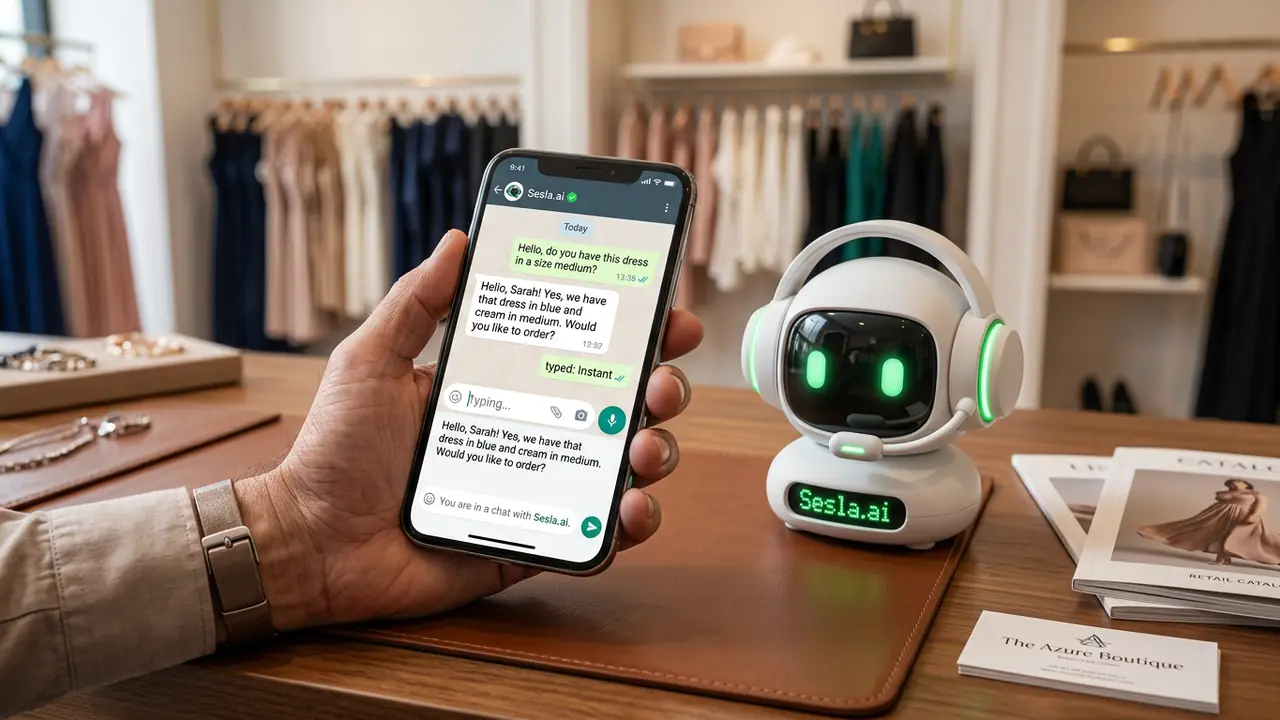
In Turkey, customers most frequently reach out to businesses via WhatsApp. They prefer to message rather than call to ask prices, check stock, book appointments, inquire about order status, or report an issue. However, this convenience comes at a cost: customers expect an immediate response the moment they send a message. If the response arrives hours later, their interest has often waned, and they may have already started talking to another business. In this guide, we detail how late responses on WhatsApp lead to lost sales, the impact of response time on conversions, how an AI-powered WhatsApp assistant solves this problem, and the setup steps with Sesla.
Why is response speed so important on WhatsApp?
WhatsApp is an instant messaging application, and users treat it like talking to friends. This habit extends to business chats: when a customer texts "hello, do you have this product?", they naturally expect a response within a few minutes. While waiting a day for an email is considered normal, even an hour feels long on WhatsApp.
From a customer psychology perspective, the first response determines whether interest will be maintained. A fast response signals "they value me" and keeps the conversation alive. A late response makes the customer passive; often, the message is read but not replied to. Moreover, the customer has likely messaged several businesses with the same question and will proceed with the one that provides the first clear response.
Why do businesses respond late on WhatsApp?
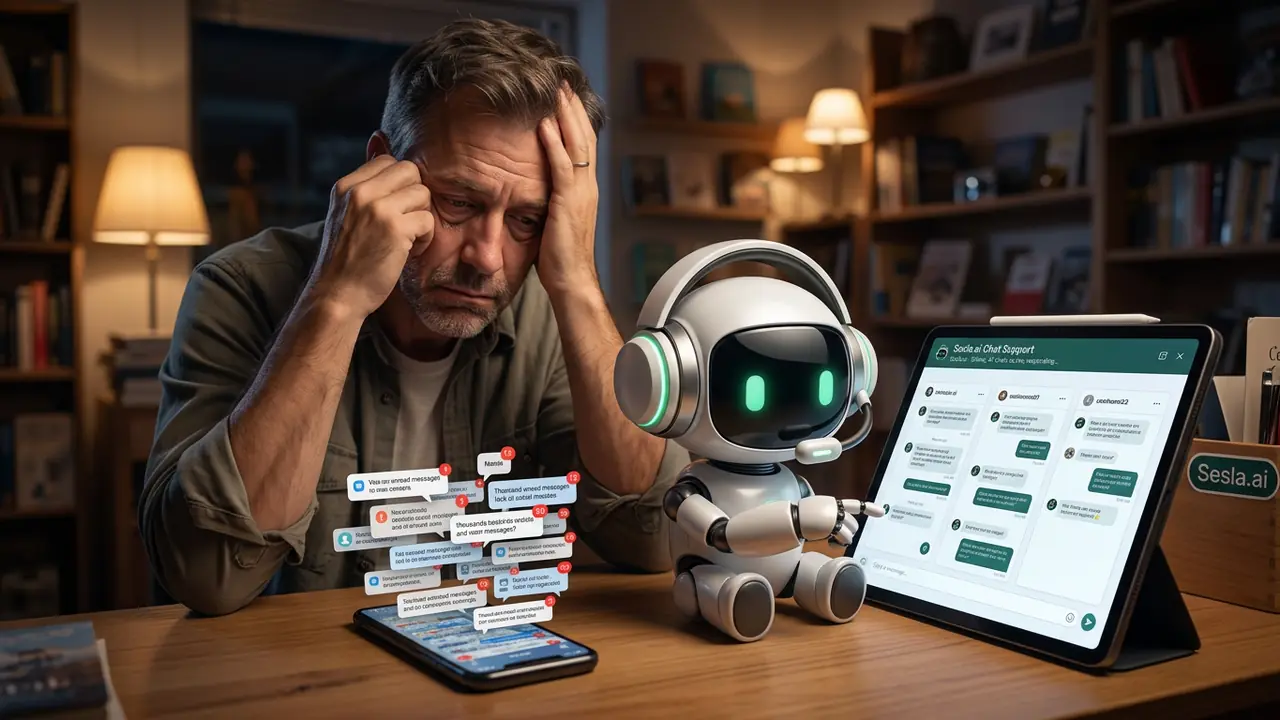
In small businesses, the WhatsApp line is often on the business owner's or a single employee's phone. This person also attends to customers in the store, prepares shipments, and communicates with suppliers. Messages accumulate throughout the day and are replied to in bulk in the evening. In medium-sized businesses, multiple people try to use the same line; who responded to which message gets confused, and some customers never receive a reply.
- Single phone, single person: even during working hours, response times increase from minutes to hours.
- Outside working hours: messages received in the evening and on weekends are left until the next morning.
- Automated flow periods: hundreds of messages arriving simultaneously overwhelm the team.
- Repetitive questions: the same price and stock questions are answered dozens of times a day.
- Lack of follow-up: tracking which customer is awaiting a quote or has placed an order gets lost.
Impact of response time on sales
The relationship between response time and conversion is a fact sales teams have known for years: teams that respond to leads within the first few minutes achieve significantly higher sales rates than those who respond hours later. This effect is even more pronounced on WhatsApp, as the customer is already on their phone and engaged in the chat.
| First response time | Customer perception | Likelihood of continuing conversation |
|---|---|---|
| Less than 1 minute | Very engaged, professional | Very high |
| 1–15 minutes | Engaged | High |
| 15–60 minutes | Busy but accessible | Medium |
| 1–4 hours | Disinterested | Low |
| Next day | Inaccessible | Very low |
When you apply this table to your own business, you'll see that most messages received outside working hours and during peak times fall into the "low" and "very low" regions. This means a significant portion of the leads you gain through advertising, social media, and word-of-mouth silently disappear.
What does an AI WhatsApp assistant do?
Sesla's WhatsApp assistant provides instant responses to customers via your business's official WhatsApp Business account. It's not a simple automated "we received your message" reply; it understands what the customer wants, answers questions with the information you provide, and brings the conversation to a conclusion. Our WhatsApp AI Assistant solution sets up this flow according to your business's products and services.
- Answers questions about price, stock, size, color, and delivery time.
- Creates, modifies, and reminds about appointments and reservations.
- Directs to the inquiry flow for order and shipping status.
- Collects necessary information for quote requests and forwards it to the sales team.
- Can understand voice messages and respond in text.
- When a complaint or special request arrives, it transfers the conversation with a summary to the team.
The Sesla difference: how is it different from canned response bots?
Classic WhatsApp bots work with a menu logic: "Press 1, Press 2". If the customer types something outside the menu, the bot doesn't understand, and the conversation gets stuck. Sesla, on the other hand, understands the customer's own sentences; it can answer multiple questions in one message, such as "Do you have a table for two tomorrow evening, and is there parking?". This difference makes customers feel like they are talking to someone who knows the business, not a machine.
| Criterion | Manual response | Menu-based bot | Sesla AI |
|---|---|---|---|
| First response time | Minutes–hours | Instant | Instant |
| Understanding free text | Yes | No | Yes |
| Voice message | Needs listening | No | Understands and responds |
| Outside working hours | None | Limited | 24/7 Full response |
| Shared knowledge over the phone | Human-dependent | No | Same knowledge base |
| Transfer to team | — | No summary | Transfer with summary |
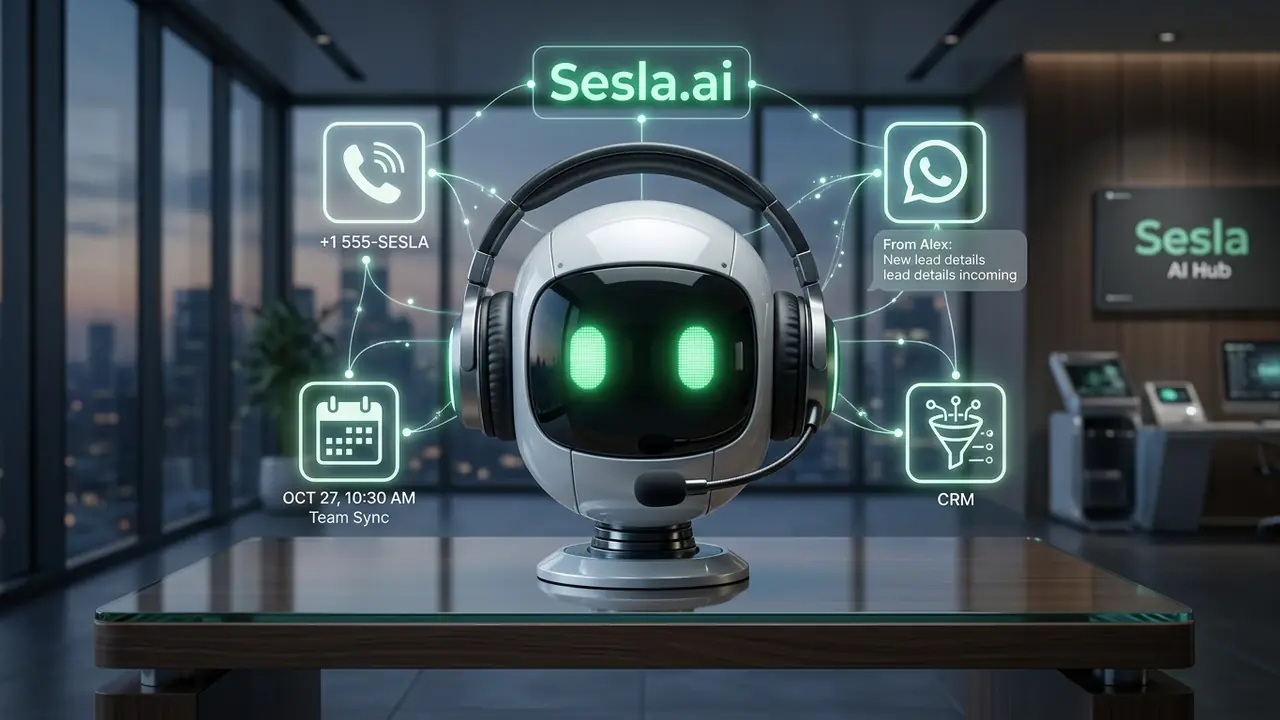
Sesla's main differentiator is its ability to manage both phone and WhatsApp interactions through a single AI assistant and a unified knowledge base. If a customer calls first and then messages on WhatsApp, they receive consistent responses based on the same information and rules. For the business, a single update is enough to keep everything current.
When should a conversation be transferred to the team?
A good WhatsApp assistant doesn't try to solve everything on its own. Conversations should be transferred to the team for specific scenarios such as special price quotes, complaints, return approvals, inquiries about unknown products, or when the customer explicitly requests to speak with a person. The key is that the transfer includes a summary, so the customer doesn't have to explain the same thing twice.
If no team is available outside business hours, the AI assistant honestly tells the customer when they can expect a response and leaves the request as a prioritized list for the team. The team starting work in the morning finds all night-time requests in order and with full details.

WhatsApp Business Platform and Meta fees
The WhatsApp Business Platform (API) is used for the AI assistant to operate on WhatsApp. Meta applies its own fees for certain message types on this platform. Conversations initiated by the customer and responded to within a specific timeframe, as well as marketing, reminder, or informational messages initiated by the business using template messages, may be charged differently. These fees are determined by Meta and are not included in Sesla packages.
When planning your budget, it's essential to consider two separate items: the Sesla package (AI assistant itself) and Meta message fees (channel cost). If you're planning large-scale automated flow and reminder messages, we recommend checking Meta's current fee schedule.
Setup step by step
- 1. Determine your WhatsApp Business account and number; an existing number can be migrated, or a new one acquired.
- 2. Write down the 20 most frequent questions and their approved answers.
- 3. Define the source for updating product, price, and stock information.
- 4. Define transfer rules and responsible personnel.
- 5. Conduct test chats, review the first week's conversations, and update the knowledge base.
Pricing
Sesla packages are designed to cover both phone and message channels. The table below shows the current packages; values are automatically pulled from the single pricing source on the site.
| Plan | Monthly | Annual (per month) | Included minutes | Extra minute | Setup on annual |
|---|---|---|---|---|---|
| Starter Plan | $59.99 | $44.99 | 120 min | $0.25 | Paid |
| Professional Plan | $129.99 | $97.49 | 300 min | $0.23 | Paid |
| Enterprise Plan | $259.99 | $194.99 | 600 min | $0.22 | Free |
| Premium Plan | $519.99 | $389.99 | 1,200 min | $0.15 | Free |
To see the most suitable package based on your message and call volume, you can use the calculator on the pricing page.
Which metrics should you track?
- Average first response time.
- Percentage of conversations resolved by the AI assistant on its own.
- Conversion rate from chat to order, appointment, or quote.
- Number of requests captured outside business hours.
- Reasons for conversations transferred to the team.
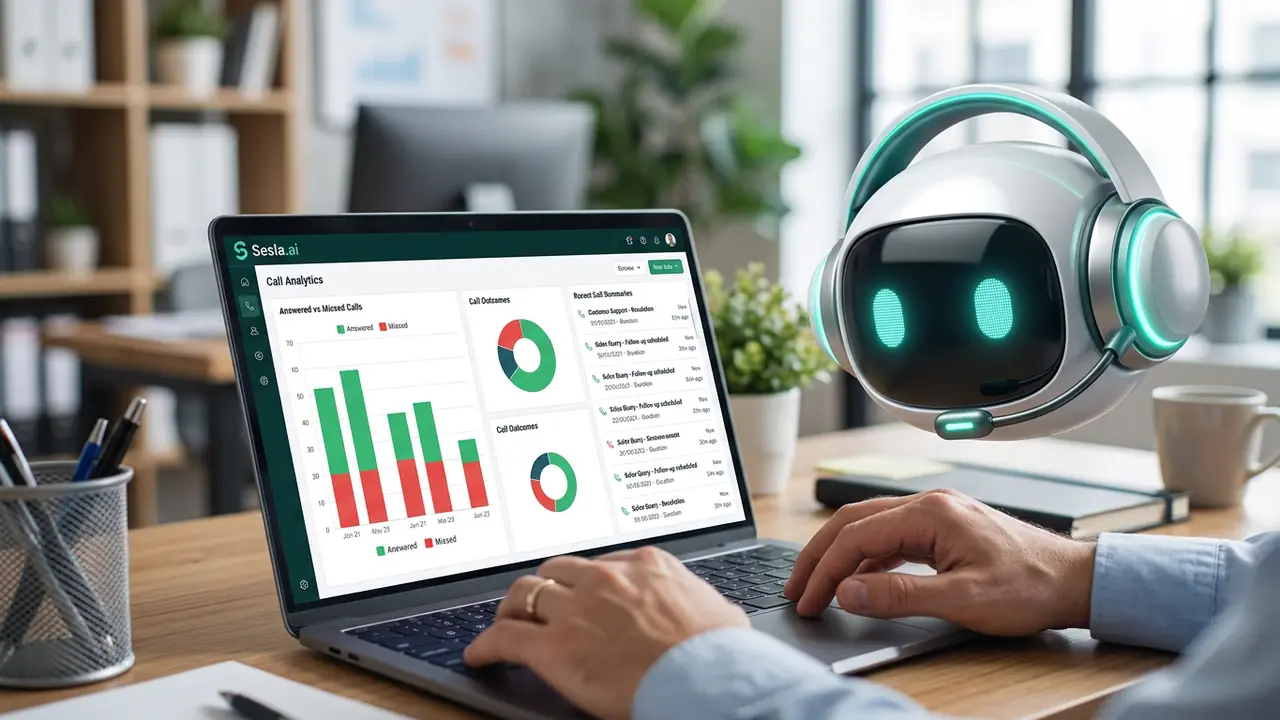
Tracking these metrics monthly helps you identify gaps in your knowledge base and continuously increase the percentage of conversations the AI assistant resolves independently. If you'd like to hear the AI assistant's voice on the phone, you can try the live demo on the homepage.
WhatsApp scenarios by industry
In e-commerce businesses, a large portion of WhatsApp messages concern stock, size, shipping, and return questions. The AI assistant answers stock and size inquiries based on product information, directs the customer to the correct step for package tracking, and explains return conditions. Situations like return approvals or damaged products are transferred to the team. This structure helps prevent message backlogs, especially during automated flow periods.
For beauty salons, hairdressers, and clinics, WhatsApp is often an appointment booking channel. A customer might ask, "Is there an opening tomorrow afternoon?" The AI assistant presents available times from the calendar, creates the appointment, and sends a reminder the day before. In restaurants, reservation, menu, and special event organization questions are prominent; the AI assistant records the reservation, taking the number of people and time.
In educational institutions and course centers, WhatsApp traffic multiplies during enrollment periods. Questions about program content, fees, start dates, and application steps are common. The AI assistant answers these questions instantly and forwards the details of prospective students wishing to enroll to advisors. This transforms the enrollment period from a crisis for the team into a streamlined sales process.

The right message tone on WhatsApp
WhatsApp is a more informal channel than email; however, this informality does not mean compromising professionalism. Short, clear, and warm sentences yield the best results. Instead of long paragraphs, a few concise messages, and instead of complex explanations, clear options make the customer's decision easier. Emojis, when used in moderation, add warmth; when overused, they can reduce seriousness.
The AI assistant's message tone is adjusted according to your brand's tone. The tone of a luxury hotel differs from that of a neighborhood café. During setup, this tone is collaboratively determined using example messages, and the AI assistant maintains the same tone in all conversations. This ensures the customer experiences the same brand consistency no matter when they message.
Finally, it's important that every conversation ends with a clear next step: appointment confirmation, order link, request for information for a quote, or the team's response time. Conversations that end ambiguously can lead the customer to seek another business. The AI assistant is designed to bring every conversation to a conclusion.

The first 30 days with a WhatsApp assistant
The first week is a limited scope period where the AI assistant answers the 20 most frequent questions and transfers all other topics to the team. The team reviews the transferred conversations daily and notes which questions need to be added to the knowledge base. In the second week, these questions are added, and the AI assistant's scope expands. In the third week, action flows such as appointment booking, reservations, or quote collection are implemented.
The fourth week is the measurement week. Average first response time, the percentage of conversations resolved by the AI assistant independently, and the number of sales or appointments generated from chats are calculated. Most businesses realize at this point how large a share of total messages are those received outside business hours.
The team's WhatsApp routine
With the AI assistant active, the team's role is to quickly take over transferred conversations and resolve special requests. The first task in the morning is to address conversations transferred overnight based on priority. Throughout the day, transfer notifications are followed up. This structure ensures the team focuses only on conversations where human intervention is truly needed, rather than reading every single message.
- Morning: Respond to conversations transferred overnight by priority.
- During the day: Follow up on transfer notifications.
- Weekly: Review transfer reasons and update the knowledge base.
- Pre-automated flow: Add new product and pricing information to the AI assistant.
Example return on investment scenario
Consider a boutique that receives 80 WhatsApp messages daily. A significant portion of these messages arrive outside business hours and remain unanswered until morning. When the AI assistant responds to these messages within seconds, some previously lost customers convert into orders. Even just a few extra orders daily can easily cover the AI assistant's cost on a monthly basis.
Furthermore, the business owner's time is reclaimed. Hours spent responding to messages on the phone in the evenings can be dedicated to growth-driving activities like product development, sourcing, and marketing. This directly contributes to the long-term growth of the business.
Common mistakes in WhatsApp automation
The first mistake is greeting the customer with a lengthy menu list. A message like "Please choose one of the options below" followed by a ten-item list can cause the customer to give up before asking their question. An AI assistant, however, directly answers the customer's question; a menu is presented only when necessary, with a few clear options.
The second mistake is when the AI assistant speaks impersonally and with templated phrases. An AI assistant that starts every message with the same template makes the customer feel like they are talking to a machine. An AI assistant that uses short, natural sentences consistent with the brand's tone establishes a genuine conversation with the customer.
The third mistake is not keeping product and pricing information up-to-date. An AI assistant that talks about an old discount after a automated flow has ended, or suggests an out-of-stock product, disappoints the customer. Appointing a responsible person to update the knowledge base and synchronizing the automated flow calendar with the AI assistant prevents this problem.
The fourth mistake is disregarding Meta's messaging rules. Sending unauthorized bulk messages can lead to account restrictions. Sending automated flow and reminder messages with approved templates and customer consent is essential for both legal compliance and account health.
WhatsApp assistant startup checklist
- The 20 most frequent questions and approved answers.
- Source for updating product, price, and stock information.
- Brand tone and example messages.
- Transfer rules and responsible personnel.
- Commitment for out-of-hours response.
- Automated flow and reminder templates.
- Customer permissions and GDPR/KVKK disclosure.
- Metrics to be measured and reporting frequency.
A day in the store with the AI assistant
11:45 PM. A customer asks on WhatsApp if an M-sized dress they saw on Instagram is available. The AI assistant informs them that the size is in stock based on inventory data, explains shipping times and return conditions, and shares the order link. The customer places their order within minutes. The team arriving for work in the morning starts their day by preparing the order received overnight.
1:20 PM. After the automated flow announcement, the number of messages multiplies several times. The AI assistant simultaneously manages dozens of chats; it explains discount terms, answers size and color questions. It transfers a conversation from a customer reporting a damaged product to the customer service team, along with a request for photos. The team only deals with conversations that truly require a human touch.
The power of managing phone and WhatsApp together
Customers don't stick to a single channel. A customer might first see a product on Instagram, ask for the price on WhatsApp, and then call for delivery. If these channels are managed by different people or systems, the customer has to start over each time. Sesla, by managing phone and WhatsApp with the same AI assistant and the same knowledge base, ensures a consistent experience no matter which channel the customer uses.
From a business perspective, this unity provides great convenience. When a price changes, a new product is added, or an automated flow begins, it's enough to update the knowledge base once; the AI assistant communicates the new information both on the phone and WhatsApp. Reports are also centralized in a single panel, making it easy to compare which channel generates how many inquiries.
This structure also offers a scalable infrastructure. If the business wants to add channels like website chat, Instagram messages, or Facebook Messenger in the future, the same AI assistant can manage these channels with the same information. Thus, each new channel becomes a new sales opportunity, not a new operational burden.
Key takeaways
- On WhatsApp, first response time largely determines whether a conversation will convert to a sale.
- Unlike menu bots, the AI assistant understands free text and voice messages.
- Special offers, complaints, and returns should be transferred to the team with a summary.
- Meta's message fees are separate from Sesla packages and should be planned separately in the budget.
Businesses that implement these four principles transform their WhatsApp line into a 24/7, organized, and measurable sales channel.
Conclusion
Sales on WhatsApp are quickly won and lost with delay. An AI assistant responds to every message within seconds, in a language that knows your business; your team, meanwhile, focuses on conversations that truly require a human touch. With Sesla, your WhatsApp line transforms into a 24/7, organized, and sales-ready channel.
Frequently asked questions
What is a WhatsApp AI assistant?
It's an assistant that provides instant, natural language responses to customers via your business's WhatsApp Business account; answering questions, and recording appointments and requests.
Does it work with the regular WhatsApp Business app?
The AI assistant operates via the WhatsApp Business Platform (API). During setup, your account will be appropriately connected.
Are Meta fees included in the package?
No. WhatsApp conversation and template message fees are determined by Meta and applied separately.
Does it understand voice messages?
Yes. It can understand voice messages sent by customers and respond in text.
What if the customer wants to speak to a person?
The conversation is transferred to your team with a summary; if it's outside working hours, the customer is informed when they will receive a response.
Can I send automated flow messages?
Yes, reminder and automated flow messages can be sent within Meta's approved template rules and with customer consent.
Does it use the same information as the phone assistant?
Yes. Sesla manages phone and WhatsApp with a single knowledge base; you only need to update it once.
Can I use my existing WhatsApp number?
In most cases, yes; the conditions for porting the number to the API are checked together during setup.
Is there a risk of providing incorrect information?
The assistant only responds with information you approve; it does not guess on unknown topics and transfers these to the team.
How long does setup take?
If the Q&A list is ready, basic setup is completed within a few days.
Which sectors is it suitable for?
It is suitable for any business that receives inquiries via WhatsApp, especially e-commerce, beauty and wellness centers, restaurants, hotels, real estate, and educational institutions.
Describe your needs in 3 minutes and we prepare your assistant draft and quote.